
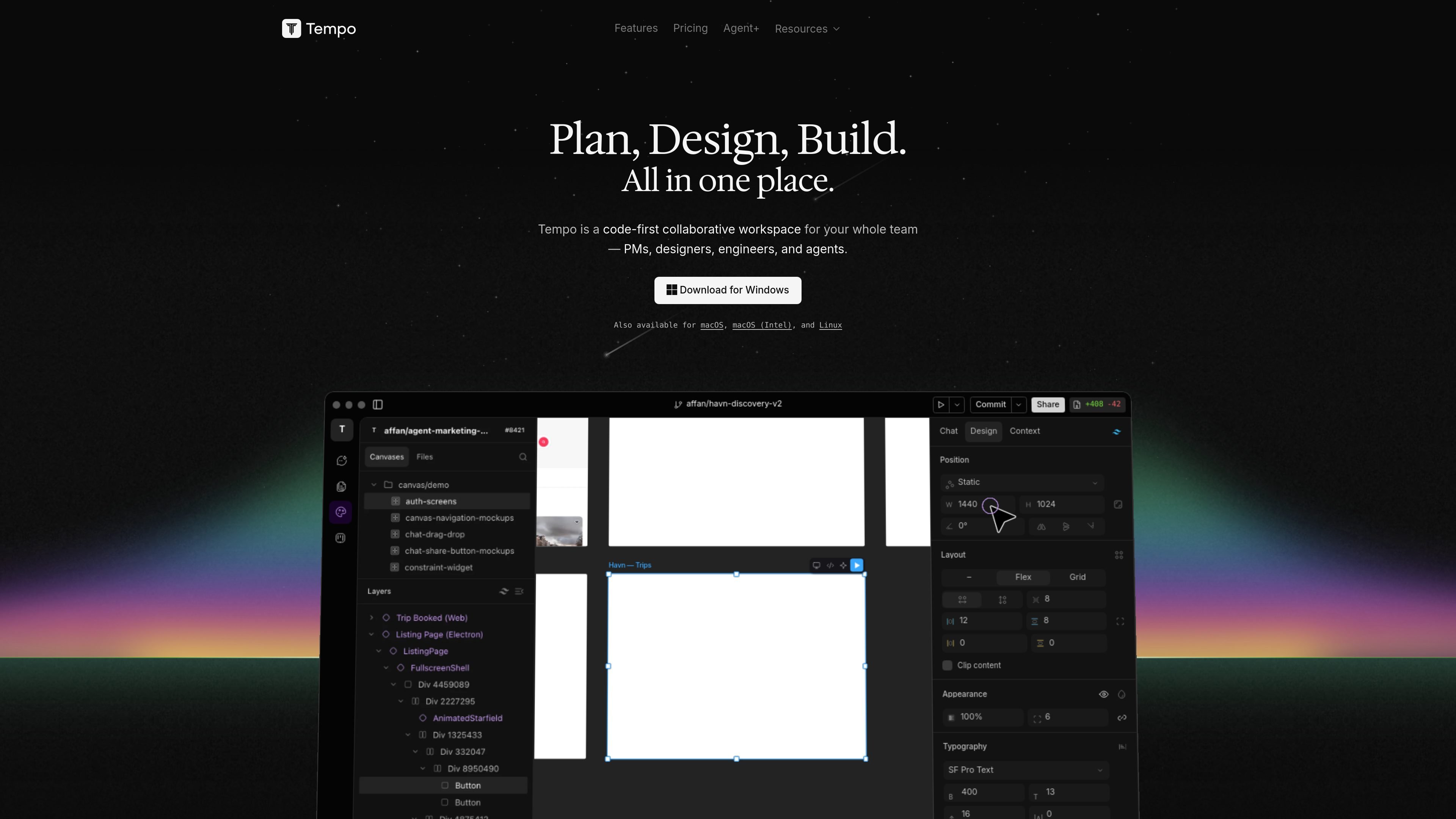
Unified product workspace
Tempo presents itself as a code-first collaborative workspace where product teams can plan, design, and build in one place instead of moving work between separate tools.

Tempo is a code-first collaborative workspace for product teams. Its Agent+ service combines AI agents with human review to plan, design, and ship frontend features for React and React Native teams.
Tempo is a code-first collaborative workspace for product teams that want to plan, design, and build in one place. The site positions it for PMs, designers, engineers, and agents, with the core idea that moving between tools creates friction and slows delivery.
The product family on the site includes the Tempo workspace and an Agent+ service. Agent+ is described as a modern design and development subscription powered by AI and reviewed by humans, with a workflow that takes a feature from definition to design, code, review, and merge into the customer’s codebase.
Tempo presents itself as a code-first collaborative workspace where product teams can plan, design, and build in one place instead of moving work between separate tools.
The Agent+ service combines AI agents with senior human review so designs and code are checked before delivery as production-ready pull requests.
The workflow on the Agent+ page moves from scoping to design, coding, review, and merge, making the delivery process explicit from idea through pull request.
Tempo says it ships responsive React web apps and React Native mobile apps, with support focused on frontend feature work.
The service includes unlimited design and code revisions in Agent+, which gives teams room to iterate before merging.
Tempo says it can work with existing Figma designs and commonly uses Trello for resource planning, while keeping collaboration centered on its own platform.
A product team can use Tempo to keep planning, design, and build work in one place instead of bouncing between multiple apps and handoff steps.
A founder or product lead with a feature backlog can hand scoped work to Agent+ and receive designs, code, and review as part of a managed delivery process.
A team building on React or React Native can use the service for frontend features that need production-ready pull requests rather than just mockups or advice.
A design-led team with existing Figma files can start from those assets and have Tempo build on them without requiring a full redesign from scratch.
A team that wants more involvement than pure outsourcing can use the unlimited revisions and review step to iterate before merging code.
Tempo is optimized for responsive React web apps and React Native mobile apps. The team says it can also integrate with existing Figma designs, and they commonly use Trello for resource planning.
The Agent+ workflow is described as a design and development subscription. Tempo defines the feature scope, agents produce designs, agents code production-ready pull requests, and human engineers and designers review revisions before shipping.
The pricing page lists Agent+ at $4,500 per month, a Hire a Human option at $500 per month, and Apex as a custom plan with contact sales pricing. The page also says billing is applied at the start of each month and the first month is refundable if the product does not meet expectations.
The source says Tempo uses a combination of AI, in-house resources, and top global freelance talent to design and build frontend features end-to-end. It also says the platform keeps design, code, and project management in a single source of truth.
No. The site says Tempo can build on existing design resources, but pre-existing designs or brand guidelines are not required. Clients are encouraged to stay involved in the design process so the result matches their vision.
Traffic data is for reference only.
| Apr | 1175 |
|---|---|
| May | 1486 |
| Jun | 779 |

kilo.ai
Kilo Code is a multi-agent AI coding plugin for JetBrains IDEs. It helps developers run and manage AI coding agents, review changes in isolated worktrees, and choose from a large model catalog without leaving the IDE.

ponytail.dev
ponytail is a ruleset for AI coding agents that guides them toward the smallest code change that works. It helps developers and agent users avoid overengineering, reuse platform features, and keep changes concise.

apps.mergeable.io
Diffsmith is a native macOS app for reviewing local git changes made by AI coding agents such as Claude Code, Cursor, Codex, and Copilot. Add inline comments and send them back to the agent as a prompt or via a local MCP server.

jackalope.dev
Jackalope is a desktop workspace for running AI coding agents in parallel across separate Git worktrees. It helps developers carry project context between tasks, use supported agent tools, and review related changes together.

agentgrid.sh
AgentGrid is a desktop app for managing multiple AI agents on one infinite canvas, with terminals, browsers, notes, and code tools in a shared workspace. Built for developers orchestrating parallel agent work visually on macOS, Windows, and Linux.

www.medley.sh
Medley is a Claude Code plugin that turns prompts into coordinated multi-agent mission plans and displays their structure at a URL. Built for developers running research, outreach, operations, and coding in Claude Code with parallel agents and human checkpoints.