
Visual analytics authoring
Connect to data sources and build visualizations with drag-and-drop actions, which the site presents as a central Tableau workflow.

Tableau is a business intelligence and visual analytics platform that helps people explore data, create visualizations, and share insights. It offers hosted, self-managed, and desktop options for teams that need analytics, governance, and collaboration.
Tableau is a business intelligence and visual analytics platform designed to help people explore data, create visualizations, and share insights. The site describes it as a market-leading choice for modern business intelligence and positions it as a way for organizations to see, understand, and act on data.
The product portfolio includes Tableau Cloud, Tableau Server, Tableau Next, and Tableau Desktop. Across those options, Tableau supports hosted, self-managed, and offline workflows, with governance, data management, collaboration, and AI/ML capabilities available through the platform.
Connect to data sources and build visualizations with drag-and-drop actions, which the site presents as a central Tableau workflow.
Explore, model, and visualize data in Tableau Desktop, including offline work in a governed environment.
Use Tableau Cloud for fully hosted analytics without managing servers or infrastructure.
Run Tableau Server when you need self-hosted analytics on your own infrastructure or in private or public cloud instances.
Use Tableau Next to combine AI, trusted data, modular architecture, and direct workflow integration for insight-to-action workflows.
Share insights securely and collaborate through browser-based web authoring and the broader Tableau platform.(
Use Tableau Cloud when a team wants a fully hosted analytics platform to connect to data, build visual analytics, and share insights without managing servers or infrastructure.
Use Tableau Server when an organization needs control over its analytics deployment on its own infrastructure or in private and public cloud environments.
Use Tableau Desktop for flexible data exploration, modeling, and visualization, including offline work when analysts are away from the network.
Use Tableau Next when the goal is to turn trusted insights into actions faster by combining AI, trusted data, modular architecture, and workflow integration.
Use Tableau for organization-wide reporting and collaboration when different roles need to create, consume, and share visual insights through the same platform.
Tableau is a visual analytics platform for exploring, understanding, and sharing data through interactive visualizations. The pricing page shows deployment options across Tableau Cloud, Tableau Server, and Tableau Next.
The pricing page shows Tableau Cloud as fully hosted, Tableau Server as self-managed, and Tableau Next as an open analytics platform with AI, trusted data, modular architecture, and workflow integration.
Tableau pricing is sold as annual contracts billed annually. Tableau Standard starts at $15 USD per user per month billed annually, Tableau Enterprise starts at $35 USD per user per month billed annually, and some premium editions use contact sales pricing.
Tableau is positioned for analysts, data scientists, students, teachers, executives, business users, and organizations that want to explore data, create visualizations, and share insights.
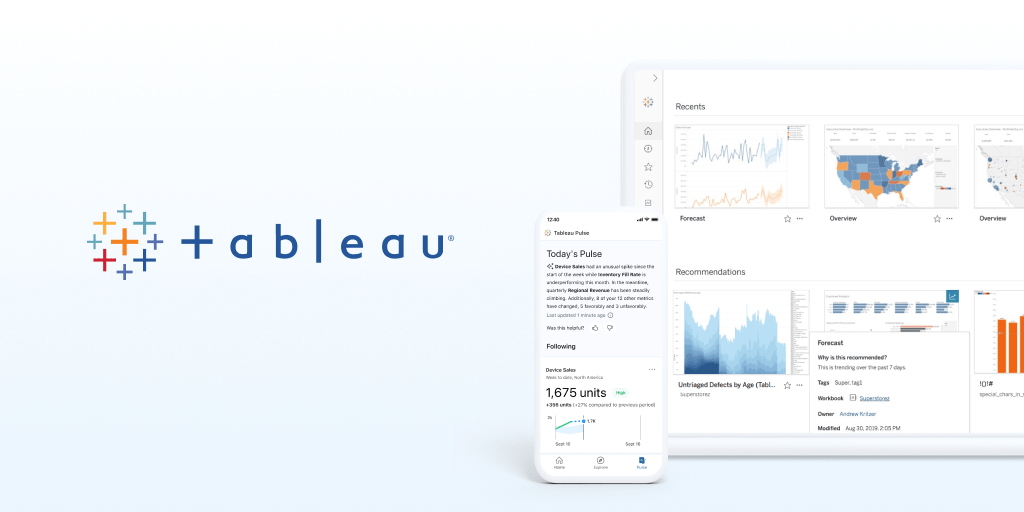
The source pages mention broad data connectivity, drag-and-drop visualization, browser-based web authoring, Tableau Desktop and Prep Builder, Tableau Pulse, governance and data management, collaboration, and AI/ML capabilities.
Traffic data is for reference only.

powerbi.com
Microsoft Power BI is a business intelligence and data visualization platform for interactive reports, dashboards, and analytics, with free, paid, and Desktop options.

whatfix.com
Guide people inside business applications, analyze software usage and train teams in simulated workflows. Whatfix combines DAP guidance, Product Analytics and Mirror training, with product-specific plans and deployment options.

tradeint.com
TradeInt is a global trade intelligence platform for researching import-export data, analyzing shipments, and uncovering market and partner insights to support business expansion.

deepnote.com
Deepnote is a collaborative cloud notebook for Python and SQL that helps data teams explore data, build dashboards, and share work in one workspace.

statable.com
Statable is a privacy-focused web analytics platform for measuring visitors, traffic sources, website behavior, goals, and funnels without cookies. It supports one-line installation, GA4 history import, Google Search Console, and EU-hosted data processing.

splunk.com
Splunk unifies security and observability, helping organizations turn machine data into intelligence, investigate threats, monitor performance, and automate responses.