
Integration manifests
Load the endpoints, schemas, and execution sequences an agent needs through a common CLI, without setting up a separate SDK for each service.

A production runtime for developers connecting AI agents to legacy and SaaS APIs.
Swytchcode is a production runtime that sits between AI agents and legacy or SaaS APIs. It supplies integration manifests containing endpoints, schemas, and operation sequences, then governs API execution. Its core purpose is to help agents handle APIs with multiple versions, incomplete specifications, and undocumented workflows.
Developers can connect through MCP, use the CLI, or call the runtime from an existing SDK. Swytchcode offers public integrations and supports bringing your own OpenAPI specification or manifest.
Load the endpoints, schemas, and execution sequences an agent needs through a common CLI, without setting up a separate SDK for each service.
Resolve credentials at execution time, keeping them out of agent code and model context. Cloud plans support managed OAuth apps, with additional options on paid plans.
Validate API calls and responses against schemas to detect drift and help agents interpret results before taking subsequent actions.
Handle retries with idempotency controls intended to prevent repeated execution of the same real action.
Apply allow and deny rules to API actions. Business adds approval workflows and team roles; Enterprise supports custom policies.
Record what was requested, allowed, and executed. The CLI provides local audit history, while Cloud log retention varies by plan.
Coordinate a workflow that creates a HubSpot contact, sets up a Stripe customer, and sends a welcome email.
Connect an agent to HubSpot for sequence enrollment, checking the sequence, policy, and payload before a campaign action runs.
Combine Plaid bank linking and Persona KYC checks with policies that block or clear a Dwolla transfer.
Create a GitHub issue, link a Jira ticket, and notify a Slack channel as part of a bug escalation workflow.
Pull metrics from a spreadsheet, publish a Notion page, and email the report to stakeholders.
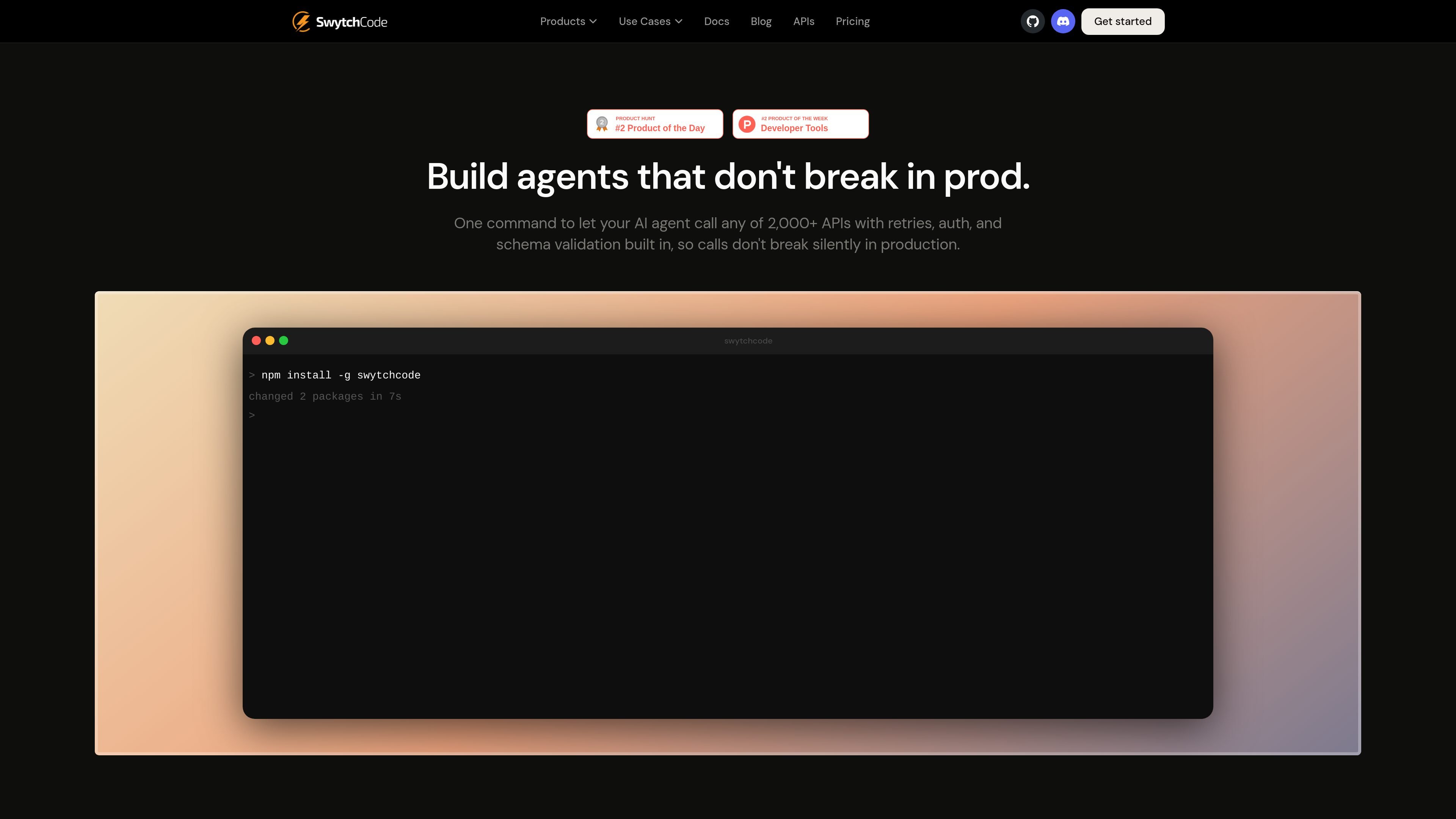
Run `npx swytchcode`, fetch an integration with a command such as `swytchcode get hubspot`, then execute its actions. To expose the toolkit through MCP, run `swytchcode mcp serve`. Your first two live commands do not require an account.
Free includes 100 live commands per month and 10 connected end users. Pro costs $29/month or $290/year for 10,000 commands and 1,000 end users. Business costs $149/month or $1,490/year for 1,000,000 commands and 10,000 end users. Free requires no credit card.
Business includes five team seats with Owner, Admin, Viewer, and Billing roles, approval workflows, Slack support, and 90-day log retention. Free has no team seats or approval workflows.
Enterprise offers custom deployment in your AWS, Azure, or GCP account, with region selection, company SSO, role-based access control, and audit export. Application data and API keys remain in your environment; OAuth sign-ins use Swytchcode's sign-in service. Pricing is custom.
Traffic data is for reference only.

bitrise.io
Bitrise Remote Dev Environments provides on-demand cloud VMs for developers and AI agents, using the same machines, toolchains, and caches as Bitrise CI or Build Hub. Teams can connect with familiar development clients, persist session state, and run agent workflows from template to pull request.

kody.codes
Kody is a software platform that gives connected AI agents shared memory, credentials, reusable packages, integrations, and scheduled execution. It helps developers carry work between agents such as Cursor, Claude, ChatGPT, and Codex without rebuilding the same automation each time.

heyzoku.com
Zoku is a native macOS app for running and coordinating multiple coding-agent CLIs on one canvas. It lets developers spawn, redirect, monitor, and interrupt named agents by voice while using the subscriptions and command-line tools already installed on their Mac.

usefiretower.com
Firetower is an open-source, self-hosted control plane for running coding agents on servers you own. It lets developers start agent sessions from repositories, monitor them from desktop or mobile clients, review changes, and ship branches without keeping the initiating device online.

ai-sdk.dev
AI SDK is a TypeScript toolkit for building AI-powered applications and agents across supported model providers and web frameworks. It provides shared APIs for model generation, tool use, streaming, structured output, and AI user interfaces.

app.dezycro.ai
Dezycro is an operations layer for AI coding agents that provides product context, steers work, verifies behavior against requirements, and records decisions. It is designed for developers, product teams, and organizations that want to use agents without giving Dezycro access to source code.