
AI review agents from checklists
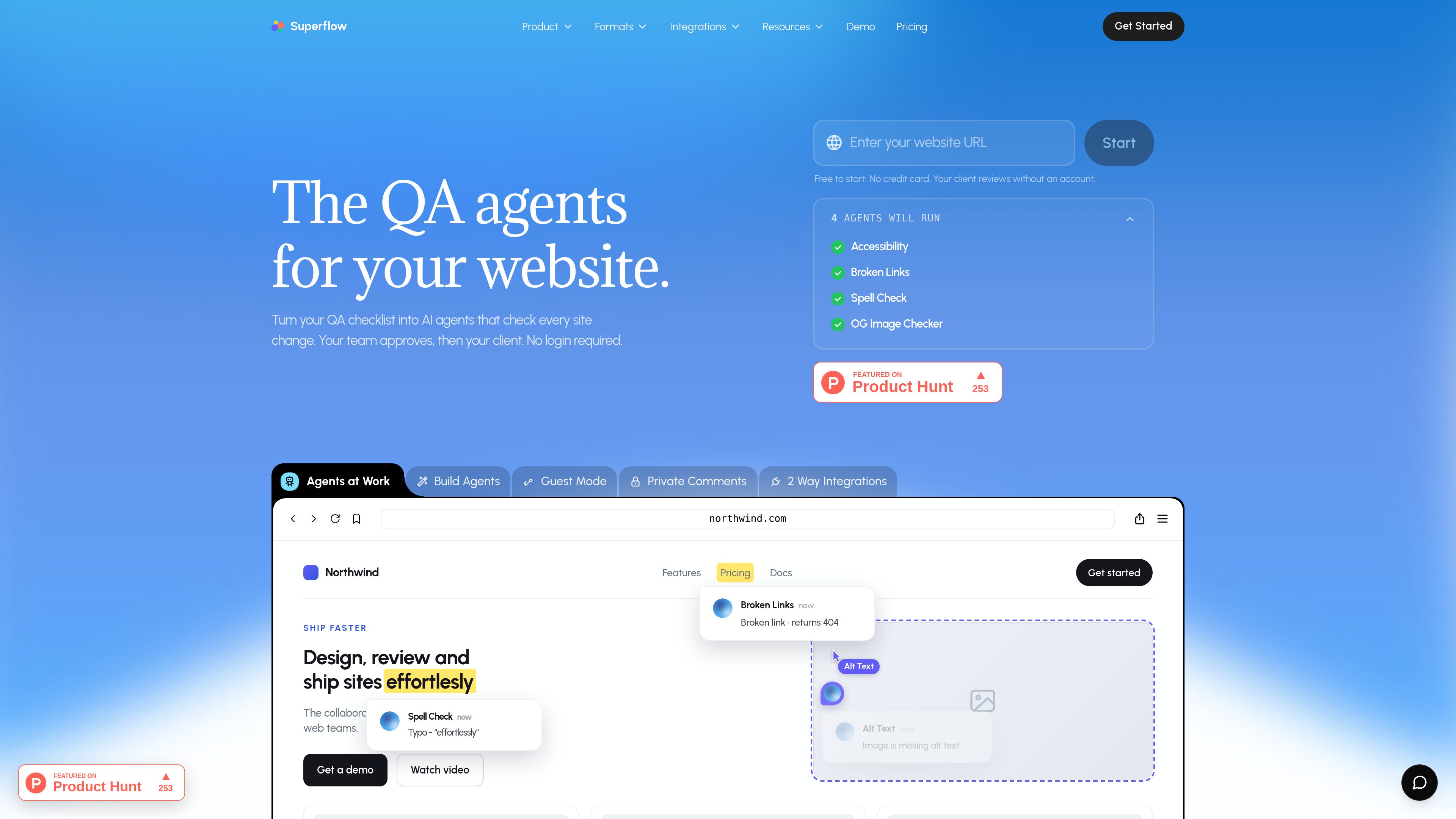
Superflow says it can turn a QA checklist into autonomous agents that check site changes and triage review findings. The source examples include broken links, accessibility, spelling, and image alt-text checks.

Superflow turns website QA checklists into AI agents that review site changes, leave findings as comments, and route approvals between teams and clients. Built for agencies and web teams that need review workflows without requiring client logins.
Superflow is a website QA and review platform that turns checklists into AI agents. Those agents check site changes, surface issues as comments, and help teams move work from review to approval.
The product is aimed at agencies and modern web teams that need collaborative review across websites and other assets. It supports client review links without accounts, pinned comments, screenshots, recordings, and workflow steps that keep internal review separate from client approval when needed.
Superflow says it can turn a QA checklist into autonomous agents that check site changes and triage review findings. The source examples include broken links, accessibility, spelling, and image alt-text checks.
Reviewers can click an element or select exact words, then leave a comment that stays attached to that location on the live site. The comments page also notes threads, replies, mentions, attachments, and reactions.
Clients can approve from a link without creating an account. The site copy also says this can work without login and, in some cases, behind login or SSO-gated pages.
The product includes persistent memory so context from one review can carry into the next project. The homepage says each review teaches memory more over time.
Superflow supports screenshots and recorded walkthroughs for capturing bugs and review context. The pricing page also mentions automated screenshots for live reviews on higher plans.
Review findings can be tracked through statuses and a kanban-style workflow, and Superflow lists integrations with Slack, Email, Webhooks, REST APIs, and task tools such as Asana, Monday.com, ClickUp, Trello, and Jira.
Use Superflow to run checklist-based checks on site updates before they ship, then review the flagged issues in one place instead of across multiple manual QA passes.
Teams can approve work internally first and then send a client a no-login review link for final sign-off, keeping the client step separate from internal feedback.
Designers, marketers, and developers can leave comments on the exact element or text that needs attention, which helps when wording, layout, or content changes need precise feedback.
The product says reviews can happen behind logins and gated flows, which makes it useful for staging areas, member sections, or other authenticated experiences.
Agencies can convert comments into tracked work items, assign them, and move them through statuses or connected task tools such as Asana, Monday.com, ClickUp, Jira, or Kanban-style workflows.
Superflow is a QA and review platform for websites and creative assets. It uses AI review agents, pinned comments, and workflow tools to help teams check changes and manage approvals.
No. The site says clients can approve from a link without creating an account or logging in.
The pricing page lists websites, PDFs, videos, images, and Lottie files as supported assets.
Yes. The homepage says reviews can happen behind logins and gated flows, so it is intended for authenticated pages as well as public ones.
The pricing page shows per-seat plans with a free trial and AI credits for agent reviews. It also lists separate credit packs for additional usage.
Traffic data is for reference only.

kapturecrm.com
Build AI agents for customer interactions, route work to people when needed and review service quality in one enterprise platform. Kapture CX combines voice and digital workflows with approvals, ticketing and operational insights.

www.fieldguide.com
Fieldguide helps audit and advisory firms plan engagements, collect client evidence, run tests and prepare workpapers with AI agents for practitioner review.

raft.build
Raft is a real-time collaboration platform where humans and AI agents work together as teammates in channels and direct messages. It’s built for multi-agent workflows that keep work connected to the conversations and context behind it.

decawork.ai
Decawork is an agent control plane for IT teams to approve internal AI agents built with different tools, control what they can access, and review every action—all from one place across the company.