
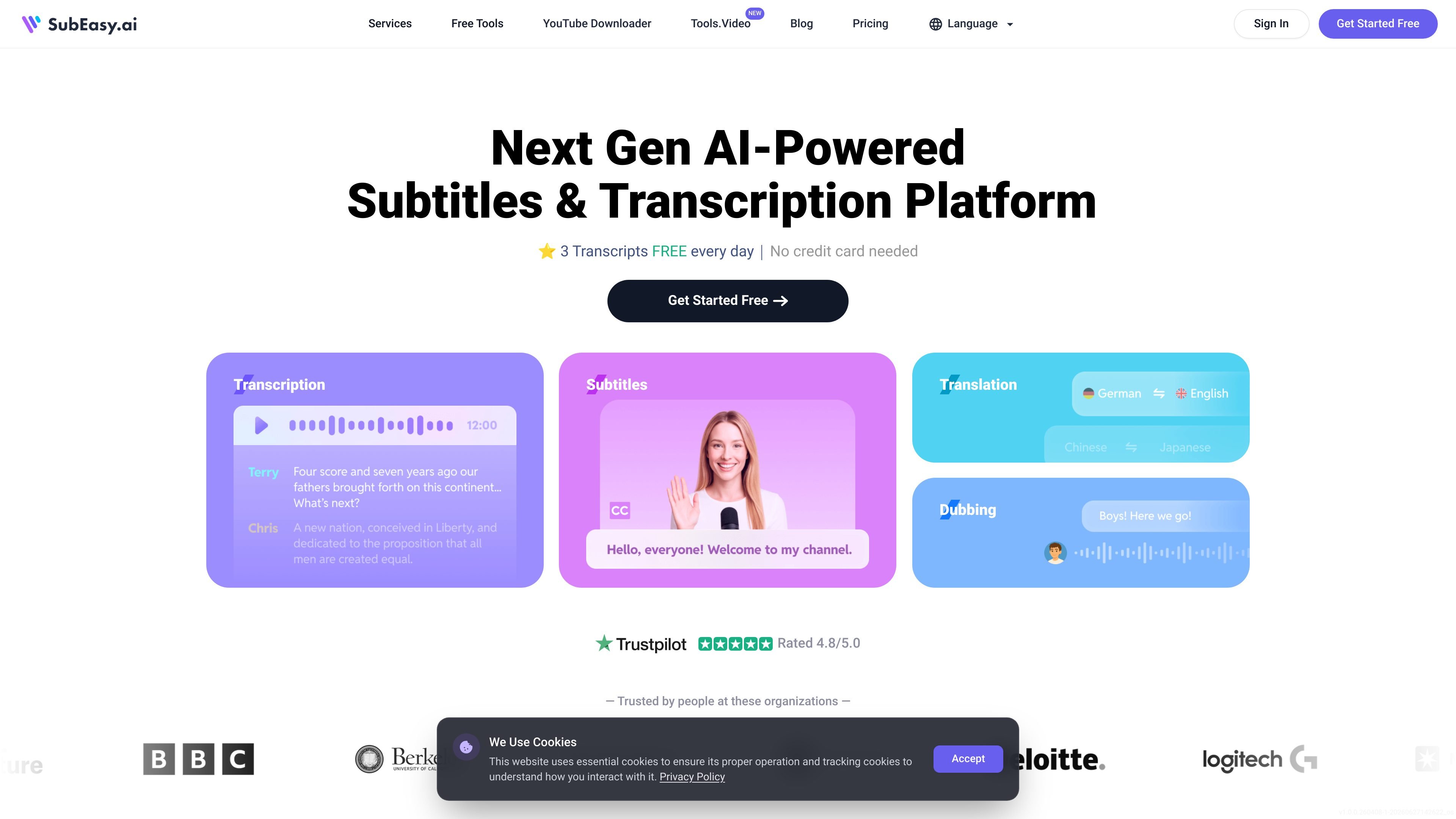
Fast AI transcription
Upload audio or video files, or paste supported links, and SubEasy generates a transcript automatically. The site says a 10-minute file typically transcribes in about 30 seconds.

AI platform for transcription, subtitles, translation, and dubbing
SubEasy is an AI transcription, subtitle generation, translation, and dubbing platform for audio and video content. It is designed to turn uploaded files or supported social video links into editable transcripts, subtitles, and translated outputs inside a single workflow.
The site positions the product around fast processing, multi-language support, and export flexibility. It also adds transcript editing, speaker identification, subtitle reflow, AI translation modes, and AI Companion tools for summarizing or querying transcripts, which makes it useful for creators, teams, and anyone repurposing spoken content.
Upload audio or video files, or paste supported links, and SubEasy generates a transcript automatically. The site says a 10-minute file typically transcribes in about 30 seconds.
Edit subtitles and transcript text in the built-in workspace, switch between subtitle and transcript views, and export the result in multiple formats.
Translate audio and video content into more than 100 languages, with an option for AI Plus translation when higher-quality output is needed.
Generate subtitles with reflow, animated caption styles, speaker identification, and support for exporting in formats such as SRT, VTT, ASS, and PDF.
Create voice-over and dubbing outputs from subtitles, including AI dubbing, voice swap, and voice-over workflows mentioned on the home and pricing pages.
Use AI Companion tools to summarize transcripts, create notes or blog posts, ask questions about the transcript, and correct misheard speech.
Turn interviews, lectures, meetings, and other recordings into editable text, then clean up the transcript in the built-in editor before exporting it in the format you need.
Create subtitles for videos, adjust subtitle flow, and export captions in common subtitle formats for publishing or post-production.
Translate videos or audio into another language using the platform’s translation modes, then review the result before export.
Produce summaries, notes, blog posts, or meeting minutes from transcripts using the AI Companion tools, instead of manually rewriting the source material.
Prepare speaker-labeled transcripts for podcasts, panel discussions, or multi-speaker meetings where identifying who said what matters.
SubEasy offers a free tier that lets you transcribe up to 3 audio or video files per day, with each file up to 30 minutes long. The pricing page also shows paid plans for users who need more credits, longer usage, or team features.
Yes. The source says SubEasy supports exports including SRT, VTT, Word, Text, MD, LRC, JSON, ASS, CSV, STL, and PDF, and the pricing page also mentions video export.
The transcription page says SubEasy supports uploaded files and pasted links from YouTube, TikTok, and X (Twitter). The pricing page also lists support for common audio and video formats.
Yes. The transcription page says transcripts can be reviewed and edited in SubEasy’s built-in editor, and the pricing page notes subtitle reflow and transcript view features.
The pricing page lists API access as a business feature, but notes that it requires contacting support for purchase and activation.
Traffic data is for reference only.

reccloud.cn
Online AI audio and video platform for transcription, subtitles, voice synthesis, translation, editing, and API integrations.

scribebuddy.com
AI transcription, translation, and subtitles for audio and video

syncwords.com
SyncWords provides live AI captions, subtitle translation, and voice dubbing for broadcasts, live streams, events, and recorded media.

reccloud.com
Browser-based AI for transcription, subtitles, voice output, and media summaries

accuratescribe.ai
Cloud transcription for audio and video with subtitles, speaker labels, and editable exports

memo.ac
Memo AI is a desktop AI transcription app for Windows and macOS that converts audio and video into text, with link-based transcription, multilingual translation, and SRT, VTT, Markdown, and Notion export.