
Audio and video upload
Upload audio or video files for automatic transcription. The homepage describes a drag-and-drop or browse-based upload flow with support for a variety of media formats.

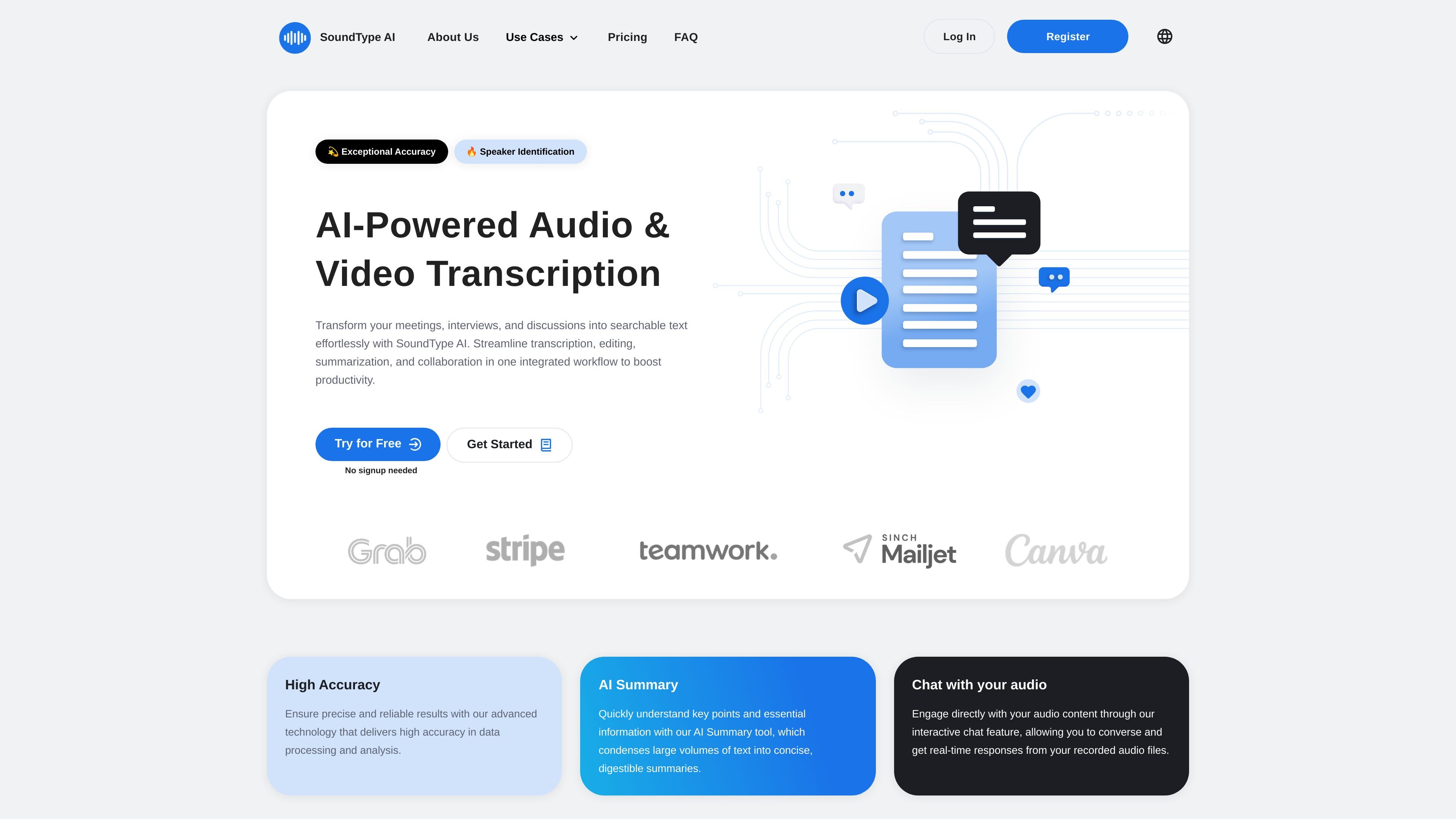
SoundType AI turns audio and video recordings into searchable text with summaries, speaker identification, and export options.
SoundType AI is an AI-powered audio and video transcription tool that turns recordings into searchable text. It is designed to help people move from raw meeting notes, interviews, lectures, and other recordings to transcripts, summaries, and exports in one workflow.
The homepage emphasizes automated transcription, summary generation, and chat-based interaction with audio content. The pricing page adds speaker identification, editing, export options, translation, and higher-volume plans, showing a product aimed at individual creators, professionals, and teams that need to process recorded content regularly.
Upload audio or video files for automatic transcription. The homepage describes a drag-and-drop or browse-based upload flow with support for a variety of media formats.
Generate text from speech with support for accents, dialects, and technical terminology. The homepage also says the system can distinguish between speakers in multi-person recordings.
Create concise summaries from completed transcripts. The site positions this as a way to review long recordings more quickly.
Ask questions about recorded audio through a chat-style interaction. The homepage describes this as an interactive way to engage with audio content.
Export transcripts in multiple formats. The pricing page lists SRT, PDF, and Microsoft Word (DOCX) on the Pro plan, while the homepage also mentions TXT export for editing.
Review and edit transcripts in the product interface. The Basic plan includes transcript review and editing, and higher plans add priority processing and translation features.
Convert recorded meetings into text, then use the summary and chat features to review decisions and action items faster than replaying the full recording.
Transcribe interviews for article drafts, research notes, or internal documentation. The speaker identification and export options help turn raw recordings into usable text.
Create transcripts and subtitles for podcast or video workflows. The Pro plan’s SRT export supports video-oriented publishing tasks, while editing tools help refine the text before sharing.
Use transcription and summaries for lectures or study recordings. The site specifically positions the product for educators and students who need accessible text from spoken content.
Handle recurring transcription work with larger monthly minute allowances on higher plans. The Business tier is aimed at higher-volume use and adds team-oriented features that are listed as coming soon.
SoundType AI converts uploaded audio or video into text, and the site says it can also generate summaries and let you interact with audio content through chat.
The pricing page shows a Basic plan with 180 transcription minutes per month, a Pro plan with 1,800 minutes per month, and a Business plan with 7,200 minutes per month.
The site says it supports audio and video file transcription and allows export in TXT, SRT, PDF, and Microsoft Word (DOCX) formats depending on the plan.
The homepage says the system can distinguish between speakers in multi-person recordings, and the pricing page includes speaker identification in the Basic plan.
The site lists several planned Business features as coming soon, including usage analytics, a collaborative workspace, transcript sharing and editing within teams, and sharing permissions.
Traffic data is for reference only.

transkriptor.com
Transkriptor turns audio and video into editable text with AI for meetings, lectures, interviews, calls, and voice notes. Available on web, desktop, mobile, and Chrome, with summaries, exports, and custom vocabulary.

happyscribe.com
HappyScribe turns audio and video into searchable text, subtitles, and translations in 150+ languages, with AI meeting notes and human-made workflows.

transcripcionplus.com
Transcripción+ offers AI audio-to-text transcription and professionally human-reviewed service, plus a REST API, speaker identification, summaries, and translation into over 20 languages.

speakapp.com
SpeakApp AI turns voice notes, meetings, lectures, and other spoken content into text, with summaries, rewriting, translation, and easy export.

wavoai.com
WavoAI transcribes audio and creates AI-assisted summaries with speaker identification and insights.

rev.com
Rev is a legal AI transcription and investigative intelligence platform for lawyers, investigative teams, law enforcement, and court reporters. It turns audio, video, documents, and images into searchable transcripts and cited findings for case review and reporting.