
Multiple training sources
Build a chatbot from a website URL, a sitemap, raw text, uploaded files, or connected sources such as Notion, Google Drive, Dropbox, OneDrive, Box, and GitHub.

Website-trained AI support chatbot for visitor questions
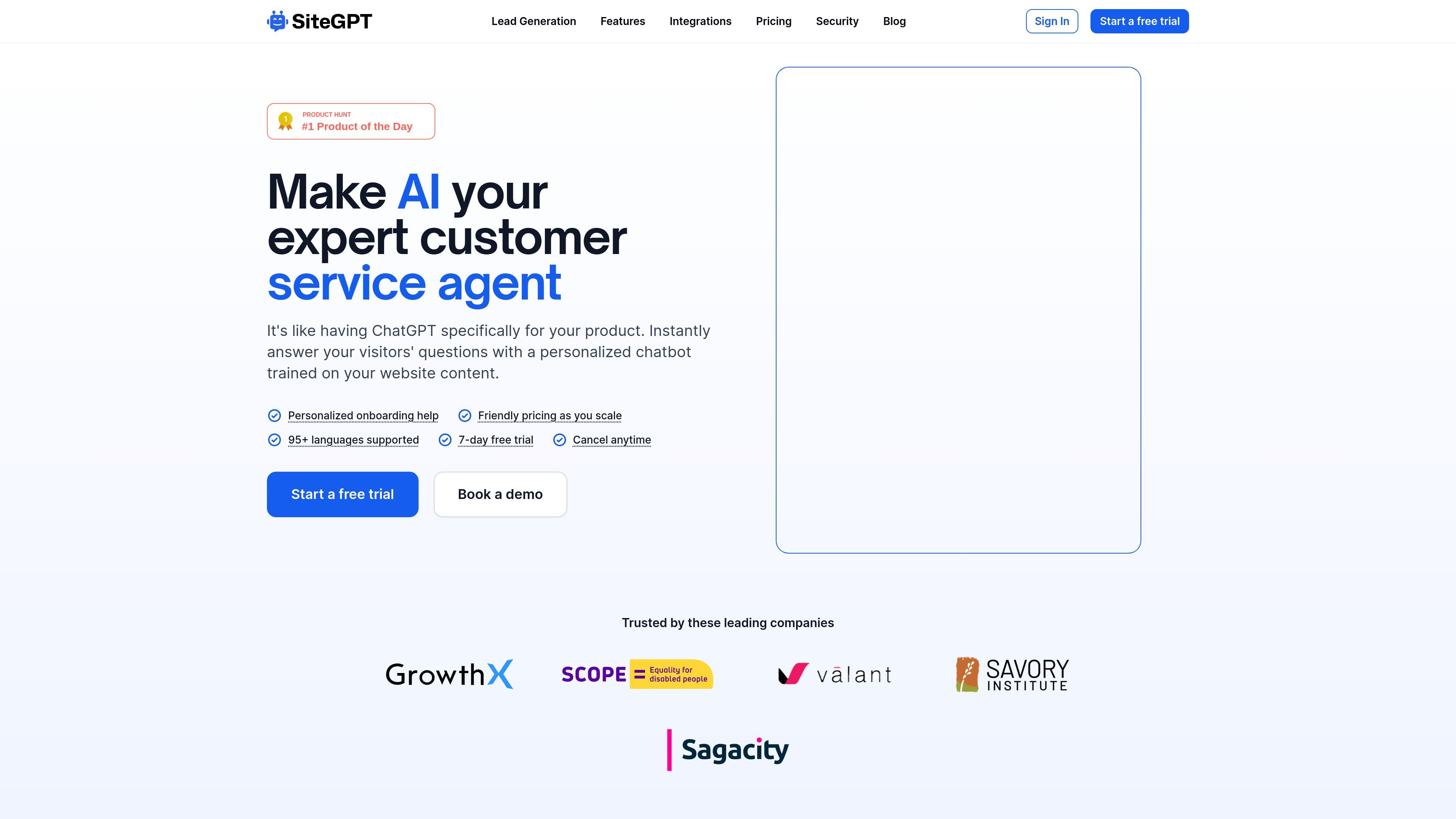
SiteGPT is a website-trained AI support chatbot for product and customer service teams. It is designed to answer visitor questions using content from a company’s own website, files, or connected knowledge sources instead of general-purpose model output.
The product positions itself as a way to handle routine support questions around the clock, reduce ticket volume, and help existing support staff work more efficiently. The site also emphasizes multilingual support, a free trial, and options for escalation to a human agent when a conversation needs manual handling.
Build a chatbot from a website URL, a sitemap, raw text, uploaded files, or connected sources such as Notion, Google Drive, Dropbox, OneDrive, Box, and GitHub.
Add the chatbot to one or more sites with embed code, or link directly to its unique URL.
Use chat history and feedback to refine responses after launch, rather than treating training as a one-time step.
Offer quick prompts, daily email summaries, and lead capture to help visitors start conversations and help your team monitor activity.
Escalate conversations to a live agent when needed, with integrations named on the site including Crisp, Slack, and Zendesk.
Set up automatic content syncing on a monthly, weekly, or daily basis on supported plans so the bot stays aligned with source content.
Turn product documentation, help content, and website pages into a chatbot that can answer routine visitor questions without a human agent on every thread.
Use the chatbot as a first-line resource on marketing sites, in-app help centers, or other customer-facing pages where visitors need quick answers.
Connect the bot to internal or external knowledge sources and use chat history, summaries, and feedback to improve the answers over time.
Capture interested visitors through the chatbot and pass conversations to a live agent when a question turns into a sales or support escalation.
Use automatic refresh settings to keep chatbot answers aligned with changing source material across sites that update regularly.
Yes. The pricing and FAQ pages say you can train SiteGPT from a website URL, a sitemap, YouTube videos/playlists/channels, uploaded files, raw text, and connected sources such as Notion, Google Drive, Dropbox, OneDrive, Box, and GitHub.
Yes. The site says the chatbot can be embedded on your website with provided embed code, and each chatbot gets its own unique URL. It can also be linked to directly from a site.
Yes. SiteGPT states that it supports automatic syncing of content, with monthly, weekly, or daily refresh options depending on plan, and you can also resync manually from the dashboard.
Yes. The pricing page lists Starter, Growth, Scale, and Enterprise plans, plus a 7-day free trial and a contact-sales Enterprise option.
Yes. The security page says SiteGPT is SOC 2 Type II examined, GDPR certified, and HIPAA assessed, and that customer data is encrypted, access-controlled, and not used to train AI models.
Traffic data is for reference only.

meetcody.ai
Cody is a business AI assistant trained on your company knowledge base to answer questions, support team workflows, and provide source-backed responses. It helps teams use documents and website content to automate support, onboarding, and other internal tasks.

supportai.com
Support AI is a web-based AI chatbot that uses your website content, files, products, or videos to answer customer questions and capture leads.

botlinx.in
BotLinx is an AI chatbot platform for websites that can be trained on PDFs, documents, FAQs, and website content. It helps businesses automate support, capture leads, and embed a site chatbot with a JavaScript snippet or React/Next.js component.

ivy.ai
Ivy.ai offers IvyQuantum, a generative chatbot that answers organization questions from primary sources and refreshes public website or knowledge-base content daily.