
Playback-linked editing
Review transcripts as documents or in a timeline. Playback highlights the spoken paragraph, and clicking a word jumps to its position in the recording.

AI transcription, subtitles, and translation for interviews, research, and content creation
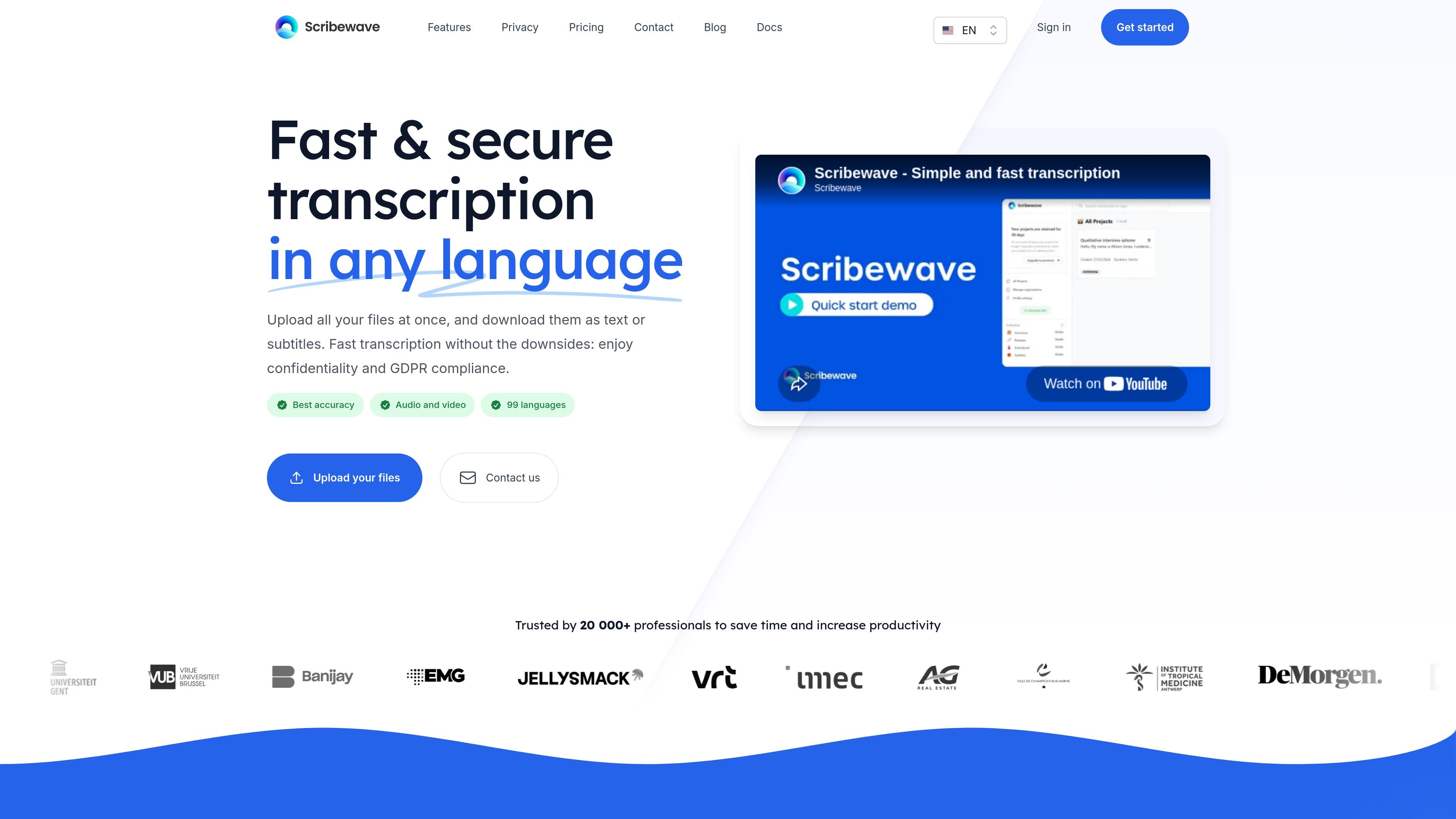
Scribewave is an online transcription tool that converts audio and video recordings into editable text. Its workflow combines batch uploads, transcript review, translation, and document or subtitle export. It supports 99 languages and dialects, with speaker recognition to help distinguish participants.
Journalists, researchers, and content creators can use it to turn recordings into working documents and publishable material. The service offers pay-as-you-go credits, monthly subscriptions, and a team plan with shared credits and usage-based invoicing.
Review transcripts as documents or in a timeline. Playback highlights the spoken paragraph, and clicking a word jumps to its position in the recording.
Ask questions, generate summaries, create chapters or meeting notes, and extract insights with exact timecode references. Save reusable prompts, edit results, and download them.
Export to DOCX, SRT, VTT, and other formats, or download video with burned-in subtitles. Convert audio into videos with waveforms, subtitles, a logo, and custom colors.
Translate content into 99 languages to prepare transcripts and subtitles for audiences in different languages.
Reduce steady background noise before speech recognition. Results depend on recording quality; enhancement is most useful for moderate noise and cannot resolve every damaged recording.
On Enterprise, define reusable preferred spellings for names, acronyms, and specialized terms to reduce repeated corrections and keep terminology consistent across files.
Review recorded interviews, locate passages through linked playback, and prepare readable transcripts for editorial handoff.
Turn participant recordings into documents for analysis, preserving speaker labels and timing context in exports.
Prepare translated captions for videos or turn podcast audio into branded clips with waveforms for social media.
Use the assistant to draft meeting notes and summaries, then follow timecode references to verify details against the recording.
Pay-as-you-go costs €9 per hour. Creative costs €15 per month for 5 hours; Professional costs €40 per month for 20 hours. These prices include VAT. Enterprise costs €5 per hour plus €15 per seat, excluding VAT. Purchased credits never expire; extra subscription hours use the pay-as-you-go rate.
Pay-as-you-go and Creative accept files up to 200 MB, Professional up to 1 GB, and Enterprise up to 5 GB. The website lists a maximum recording length of 5 hours and supports formats including MP3, WAV, M4A, and MP4.
Scribewave states that files are stored and processed on European infrastructure, processing is GDPR compliant, and audio is never used to train models. Users can delete files or their account at any time.
Inactive pay-as-you-go projects are removed after 30 days. Subscription users can retain files for as long as they want. File removal does not affect purchased credits.
Scribewave Airgap is a separate desktop option costing €79 once. It runs locally on macOS with Apple Silicon and Windows x64, uploads no audio, and works without an internet connection after activation.
Traffic data is for reference only.

podfy.ai
Podfy.ai is an AI video creation tool that turns text and audio into finished videos for short-form social platforms. Create faceless, narrated content with subtitles, captions, and effects in a few clicks.

scriptme.io
AI transcription, subtitle editing, and translation for audio and video workflows.

speechpulse.com
Offline speech recognition, dictation, translation, and transcription for Windows and macOS.

gptsubtitler.com
AI tool for subtitle translation and audio/video transcription

transyncai.com
Transync AI provides real-time translation for multilingual meetings and conversations, with bilingual subtitles, voice playback, meeting notes, and desktop, mobile, and web support.

blipcut.com
AI platform for video translation, dubbing, subtitles, TTS, and voice cloning