
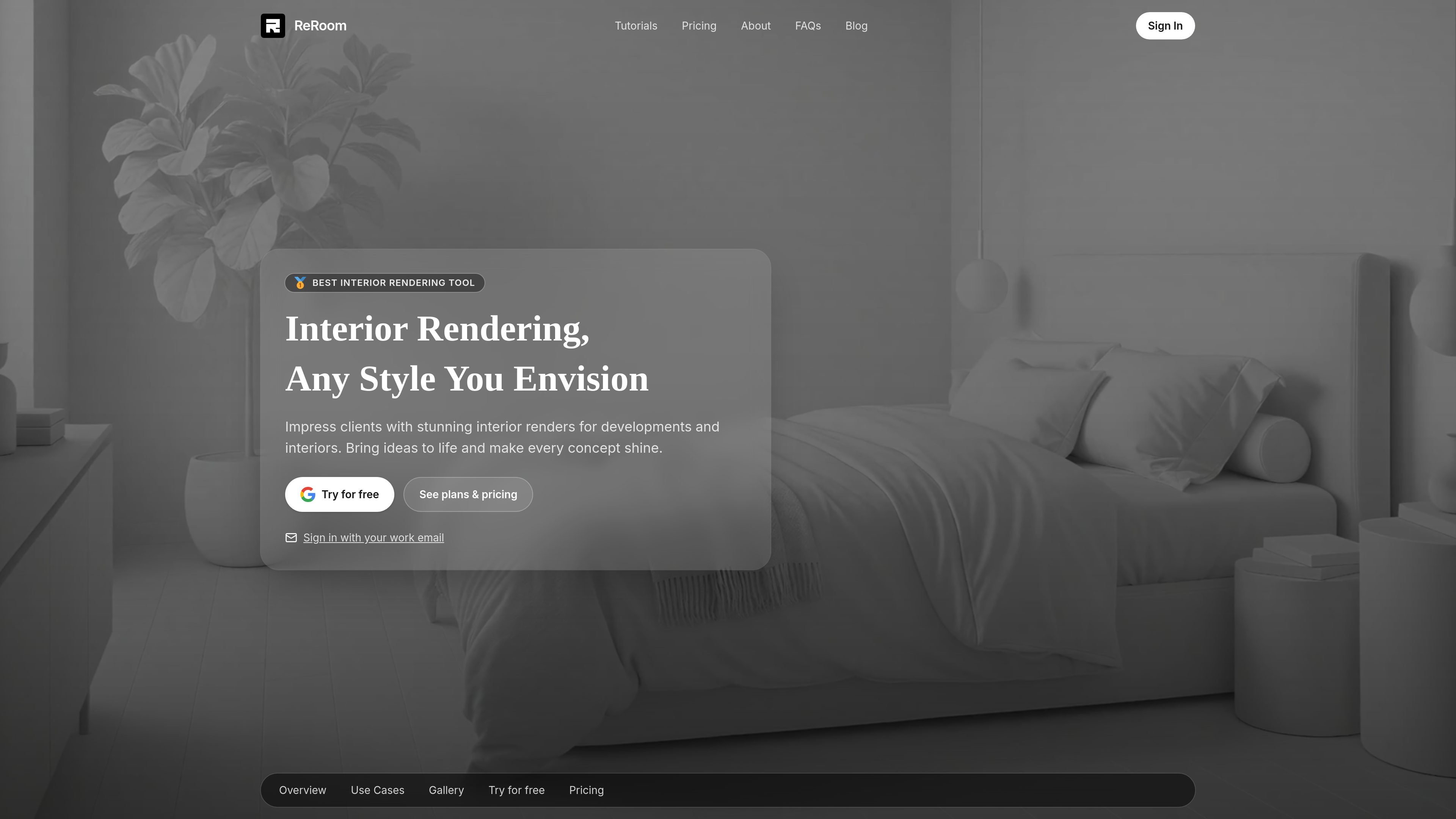
Photo-to-design rendering
Upload a room photo and generate interior design concepts or photorealistic visualizations in seconds, according to the homepage and tutorial pages.

Interior design and rendering from room photos
ReRoom AI is an interior design and rendering tool for creating design concepts, virtual staging images, and photorealistic room renders from photos. The homepage positions it for designers, real estate teams, and remodelers who need quick visual outputs from existing space images.
The product also supports team-oriented work. Its site states that pro and team renders can stay private when private rendering is included, and that team plans can add workspace separation, shared projects, moodboards, billing controls, access management, and other studio features where included.
Upload a room photo and generate interior design concepts or photorealistic visualizations in seconds, according to the homepage and tutorial pages.
The tutorial page says users can explore over 20 distinct design styles, which supports style-led variation for different interiors and presentation needs.
The support pricing page lists private rendering mode, watermark-free renders, and full commercial usage rights on paid plans.
The product states that team plans can include SSO, audit logs, access controls, retention, data isolation, and regional hosting where included.
Pricing information includes shared projects and moodboards, one-click email invites, centralized billing, and easy role and seat management for team plans.
The tutorial content references workflows beyond standard interiors, including floor plans, elevation diagrams, figure-ground maps, and architectural concepts.
Use ReRoom AI to turn a room photo into multiple interior directions when you need quick concept visuals for a client presentation or early design review.
Create virtual staging images for empty or lightly furnished spaces so listing photos communicate layout and potential more clearly.
Use the tool to generate photorealistic room renders from reference images when you need fast presentation-ready visuals for remodel planning.
Organize confidential pitches, private residences, and early concepts in separate workspaces when different projects need different access levels.
Coordinate shared projects and moodboards across a team when multiple people need consistent styles and centralized billing.
ReRoom AI is designed for turning room photos into interior design concepts, virtual staging images, and photorealistic renders. The source also describes additional workflows such as lighting edits and other technical design prompts in its tutorial content.
The pricing information indicates a free trial is available, along with monthly and annual paid plans for individuals and teams. The source does not show the original pricing page details beyond the support pricing page, so plan specifics should be checked there before subscribing.
The source says the product supports private rendering on Pro and Team plans when included, and that team plans can include SSO, audit logs, access controls, retention, data isolation, and regional hosting where included.
The tutorial and pricing sources mention photorealistic visualizations, theme-based rendering, prompt-based customization, image upscaling, and video generation credits, but the available evidence does not provide a full technical specification for every output mode.
Traffic data is for reference only.

paintit.ai
Paintit.ai is a web-based AI interior design tool for visualizing room, exterior, and commercial space redesigns from photos, presets, or prompts.

room-genius.com
AI interior design from room photos or sketches

www.spacely.ai
Render and revise architectural and interior concepts from sketches, models, or room photos.

archi.ai
AI interior and exterior design from your space photos

planner5d.com
Planner 5D is a home design and floor planning platform for creating 2D layouts and 3D interior visualizations, with manual editing and AI-assisted design.

arcadium3d.com
Arcadium 3D is a web-based 3D home design tool for floor plans, room layouts, and interiors with AI visualizations and URL sharing.