
AI email assistant
Drafts and replies to email using the context of the thread, with options for tone, language, scheduling links, and knowledge-base support.

AI assistant for browser workflows, email, documents, and videos
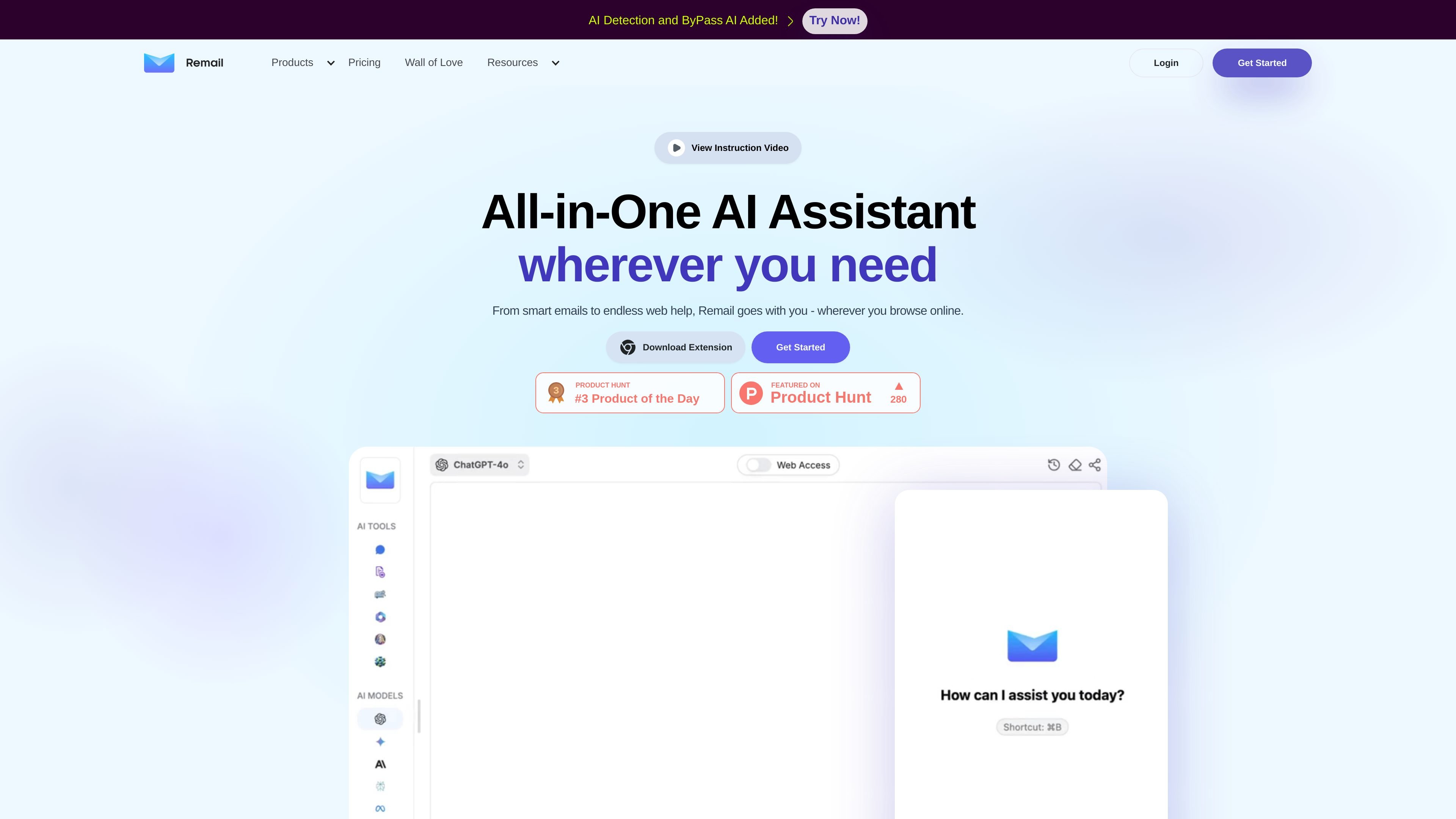
Remail is an all-in-one AI assistant for browser and web workflows. The site presents it as a tool that follows you across the web and combines email help, reading assistance, content creation, translation, and model comparison in one product.
Across the product pages, the clearest use cases are drafting and replying to email, chatting with PDFs and YouTube videos, summarizing or explaining web content, and comparing answers from multiple AI models. The pricing page also shows a broader assistant suite with support for writing, image generation, LinkedIn content tools, and other productivity features.
Drafts and replies to email using the context of the thread, with options for tone, language, scheduling links, and knowledge-base support.
Lets you chat with PDFs, YouTube videos, webpages, and images so you can ask questions, extract details, or summarize source material.
Compares responses from multiple AI models in one place, including ChatGPT, Gemini, Perplexity, Bing Copilot, Mistral, Claude, and others listed on the pricing page.
Provides an AI sidebar and smart toolbar for access from any web page, including summarize, explain, and translate actions on selected text.
Includes writing, image generation, LinkedIn post tools, carousel generation, mind maps, and a document editor in the broader product suite.
Supports workflow customization through knowledge bases, custom prompts, and scheduling links for email and other assistant flows.
Use the email assistant to draft replies, adjust tone, add scheduling links, or respond in another language when working through a busy inbox.
Upload a PDF, then ask questions, request summaries, or search for specific details in documents such as contracts, reports, or statements.
Paste a YouTube link to summarize the video, get highlights, or ask targeted questions about what was said.
Open the sidebar or select text on a web page to explain, translate, or summarize material without leaving the page.
Compare answers from multiple AI models before choosing the response that fits a task, especially when writing, researching, or coding.
Remail is a browser-based AI assistant that can help with email drafting, document chat, video summaries, web page assistance, and other writing or reading tasks from one interface.
The sources show support for Chrome via a browser extension, plus web app access and use across the web. The pricing page also describes an email assistant with a Gmail extension and plugin.
For chat with PDF, the page says you upload a PDF file and then ask questions or request summaries. The supported file type there is PDF only.
The YouTube page says you paste a YouTube link and then ask questions about the video to get a summary or specific answers.
The pricing page lists a 7-day free trial and paid plans. It also indicates usage is tied to query limits or unlimited access depending on plan, but exact billing terms should be checked on the pricing page.
Traffic data is for reference only.

tonebird.ai
ToneBird is a desktop AI reply assistant for drafting messages in email and chat apps. It uses conversation context, relationship memory, and connected documents to suggest replies you can edit, insert, review, and send yourself.

lindy.ai
AI executive assistant for email, meetings, calendars, and follow-ups

claralabs.com
Clara is an AI scheduling assistant that books meetings from email threads and works with Google and Outlook calendars.

fyxer.ai
Fyxer is an email assistant that organizes your inbox, drafts replies in your voice, and captures meeting notes. It supports Gmail and Outlook and offers a 7-day free trial.

getinboxzero.com
AI email assistant that organizes inboxes and drafts replies

feedyou.ai
Feedyou builds AI chatbots, voicebots, and email assistants for customer and employee communication workflows.