
PBR Texture Generator
Generate seamless PBR texture sets from a text prompt or photo, including diffuse, normal, roughness, height, and AO maps that are ready to use in Blender.
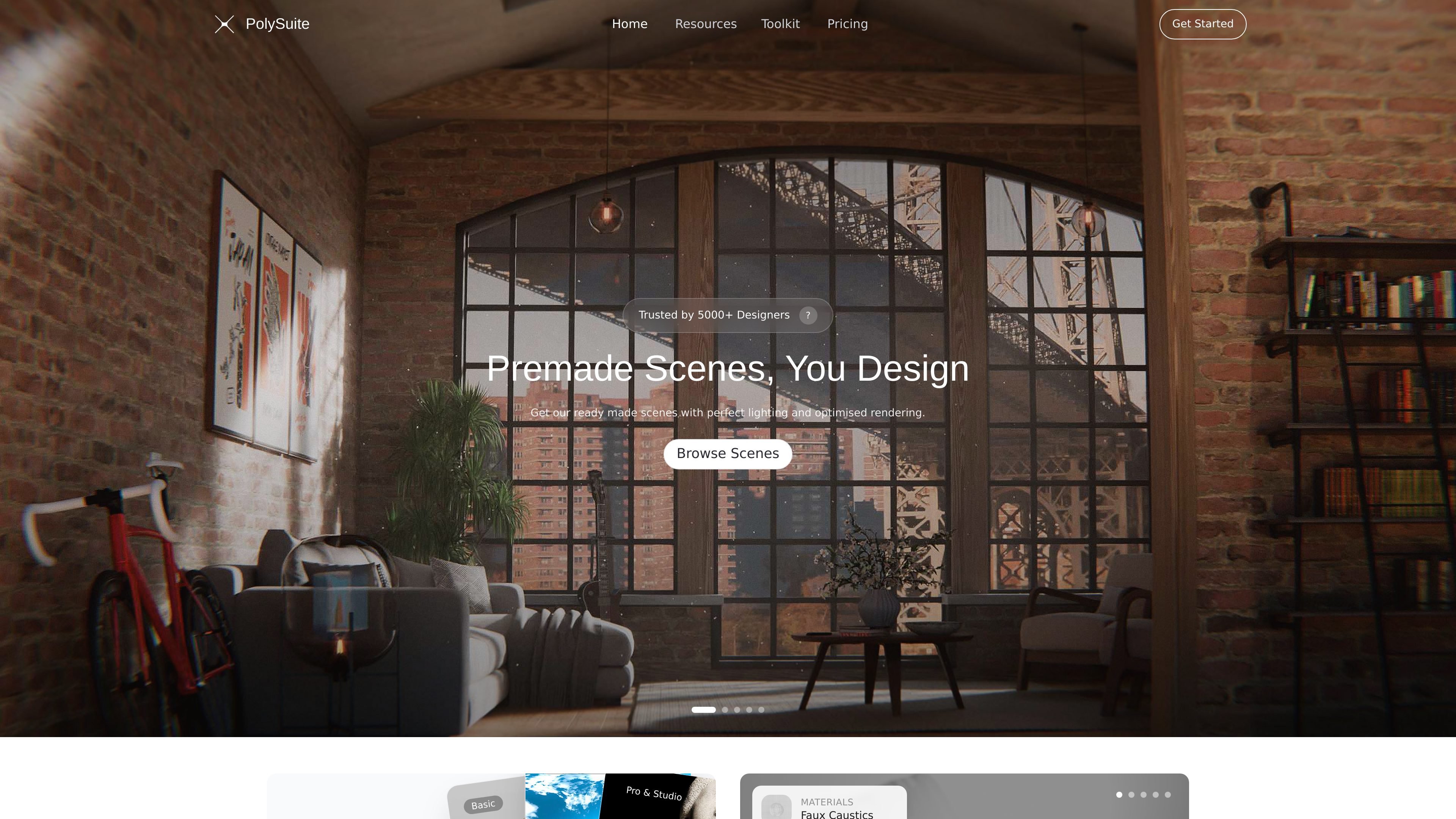
PolySuite combines AI generation tools with curated Blender assets for a seamless concept-to-output workflow.
PolySuite is a platform for Blender creators that combines AI tools with a curated library of resources. The toolkit includes generators for PBR textures, HDRIs, gobos, sounds, and 3D-related outputs alongside premium assets such as materials, addons, scenes, and HDRIs.
The site positions PolySuite as a single workflow for Blender artists who want to move from idea to usable output without switching between multiple tools. Its documentation and FAQ also point to supporting features for notes, task management, AI help, and render review.
Generate seamless PBR texture sets from a text prompt or photo, including diffuse, normal, roughness, height, and AO maps that are ready to use in Blender.
Create studio, outdoor, and stylized HDRI environments with full 360° coverage for scene lighting and reflections.
Describe a Blender addon in plain English and generate production-ready Python (bpy) code targeting Blender 4.5 and 5.0, with built-in error fixing.
AI-render 3D models with style references, focal-length control, and consistent camera angles for concept art and presentations.
Convert reference images into usable 3D meshes for blockouts, props, and concept iteration inside a Blender pipeline.
Access a curated library of premium materials, addons, scenes, HDRIs, gobos, and other Blender resources that are tested in Blender and organized with consistent PBR conventions.
Generate PBR texture maps from a photo or prompt when you need material maps that can be dropped into Blender with less manual cleanup.
Create custom HDRIs or lighting gobos when a scene needs a specific lighting mood rather than a stock environment map.
Prototype Blender addons by describing the tool you want in plain English and iterating on the generated bpy code.
Turn reference images into meshes, or render 3D scenes with prompt-based direction and camera control, for concept iteration and presentation images.
Use the notes, task manager, and render review tools to organize work, track tasks, and evaluate outputs during a 3D project.
PolySuite is an all-in-one platform for Blender artists and 3D creators. It combines AI-powered tools such as a PBR generator, HDRI creator, and Blender addon maker with a curated library of premium materials, HDRIs, addons, and 3D assets.
Yes. The site says you can sign up for free and use the core toolkit, with monthly PolyShards included. Pro and Studio plans unlock higher generation limits, premium downloads, and advanced features.
Generated addons and resources target Blender 4.5 and 5.0 by default, and most assets are compatible with Blender 3.6 and above.
Materials, HDRIs, and AI generations created on paid plans are licensed for commercial use in your own renders, products, and client projects.
PolySuite is built specifically for 3D and Blender workflows, with tools for seamless tileable textures, true 360° HDRIs, valid bpy Python code, and assets designed to drop into a scene without clean-up.
Traffic data is for reference only.

quickmaker.ai
QuickMaker brings AI image, 3D, and video generation into Blender, helping users create and refine assets from prompts, sketches, screenshots, and references.

cloud.comfy.org
Comfy Cloud runs ComfyUI in your browser with cloud GPUs, enabling workflow building and image or video generation without local installation. Work anywhere with models described as verified for commercial licensing.

picfinder.ai
An image-generation playground evolving into Runware, with a large model library, batch generation, and adjustable output controls.

promptsref.com
Promptsref is a web-based AI workspace for creators, combining curated prompt inspiration, visual references, and image/video generation tools.

tusiart.com
Online AI model community for image generation, discovery, and sharing, supporting Stable Diffusion, LoRA, ComfyUI Workflow, and Tencent Hunyuan-DiT.

kaze.ai
Kaze AI is a browser-based creative platform for image generation, chat-based photo editing, and video creation in one workflow.