
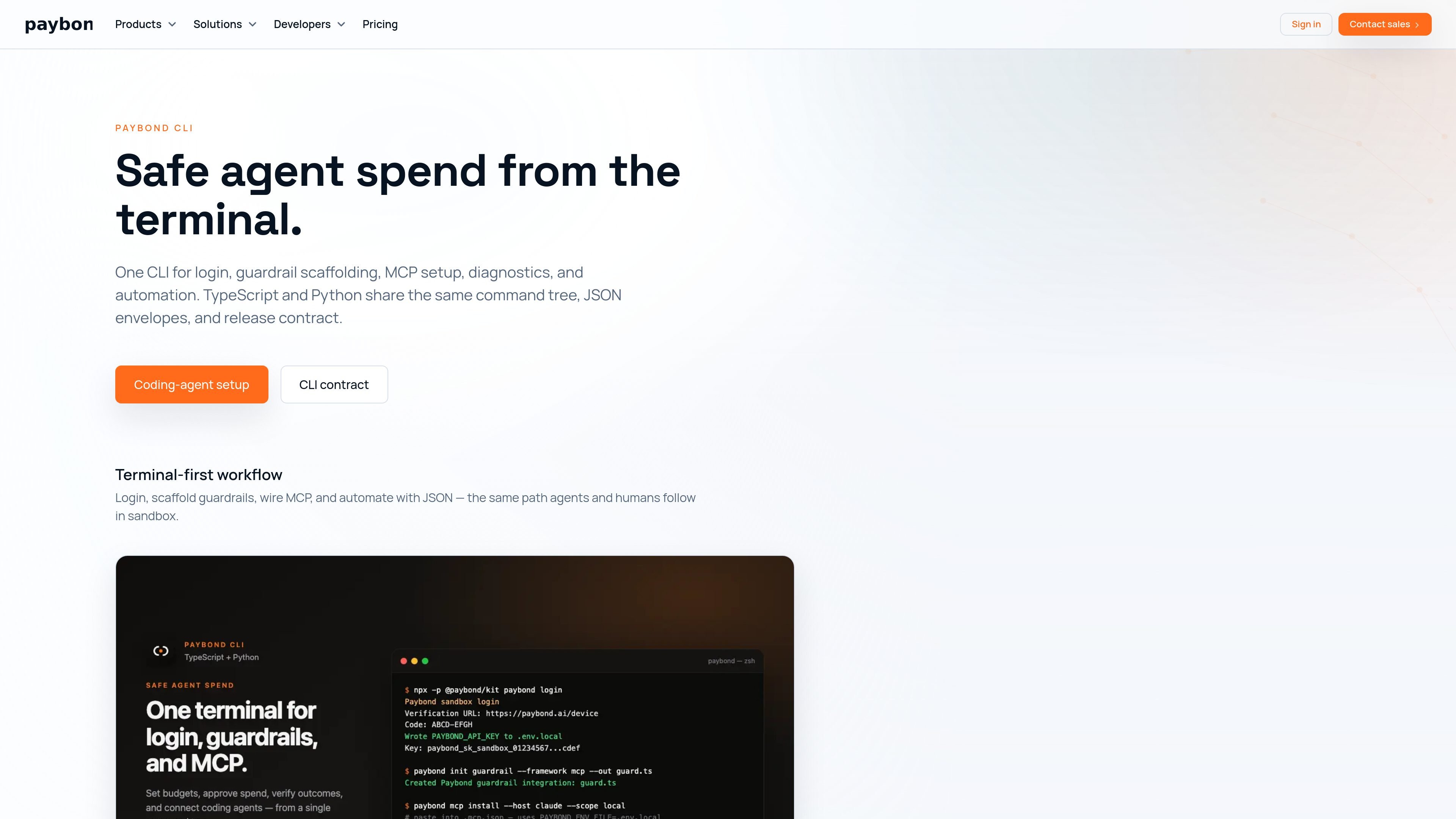
Sandbox login
Authenticate once with a tenant-scoped sandbox credential before running guardrail or MCP commands. The login flow writes a sandbox `PAYBOND_API_KEY` to `.env.local` and masks the key identity in output.

Paybond CLI sets up safe agent spend flows with sandbox login, guardrails, MCP configuration, diagnostics, and JSON automation for TypeScript and Python.
Paybond CLI sets up safe agent spend flows from the command line. It covers sandbox login, guardrail scaffolding, MCP configuration, diagnostics, and machine-readable automation in one shared command tree.
The TypeScript and Python packages are designed to stay in parity, so agents and operators can use the same commands, JSON envelopes, and exit-code contract regardless of runtime. The docs position the CLI as the default entry point for adding paid-tool guardrails before a workflow calls a paid API, vendor action, or settlement step.
The setup flow starts in sandbox, uses tenant-scoped credentials, and keeps the first integration focused on guardrails rather than live settlement rails. From there, the CLI can generate host config, verify the path with doctor checks, and support scripted usage through JSON output.
Authenticate once with a tenant-scoped sandbox credential before running guardrail or MCP commands. The login flow writes a sandbox `PAYBOND_API_KEY` to `.env.local` and masks the key identity in output.
Scaffold a first paid-tool integration with `paybond-init` using the `paid-tool-guard` preset. The generated helper wraps your application-owned tool handler instead of implementing the tool for you.
Generate MCP host configuration for supported clients and keep `PAYBOND_ENV_FILE` as the connection point. The docs include install commands and example host configs for Codex and JSON-based clients.
Run `doctor` and related diagnostics to catch configuration drift before agents reach production spend paths. The agent setup guide recommends validating credentials, principal lookup, MCP startup, and tool listing.
Use machine-readable JSON envelopes for scripts and CI, with stable outputs and synchronized exit codes across TypeScript and Python packages. This makes the CLI suitable for automation as well as interactive terminal use.
A coding agent needs to add spend controls before calling a paid tool. The CLI guides the repository through sandbox login, guardrail scaffolding, and validation before any live workflow is attempted.
An operator wants one setup path that works across TypeScript and Python. The shared command tree and JSON contract make it possible to standardize setup and automation across both runtimes.
A team needs to wire an MCP client and verify the configuration before the agent runs. The CLI can generate host config, point to `PAYBOND_ENV_FILE`, and help validate the end-to-end path.
A build or automation job needs machine-readable output. The CLI's JSON envelopes and consistent exit codes make it usable in scripts and CI pipelines without scraping human-oriented text.
No. The docs say you can choose either TypeScript or Python, and both expose the same `paybond` command tree and JSON contract.
The CLI contract doc is the source for flags, subcommands, JSON envelopes, and parity guarantees between the two runtimes.
The CLI installs and verifies MCP host configuration. The MCP server itself is launched separately through `npx` or a host's stdio configuration after login.
Use `paybond login` or the login package entrypoint to write a sandbox `PAYBOND_API_KEY` to `.env.local`, then run `paybond mcp install` to generate host configuration and `paybond doctor --agent` to validate the setup.
The docs position Free Developer as sandbox-only, while Starter is the first paid production plan. Team, Business, and Enterprise add higher caps, overage options, and broader controls.
Traffic data is for reference only.

voltagent.dev
VoltAgent is an open-source TypeScript AI agent framework with VoltOps for observability, automation, deployment, and evals.

ollama.com
Run open models locally or in the cloud for coding, automation, analysis, and agent workflows.

livekit.io
LiveKit is an open source platform for building, deploying, and observing voice, video, and physical AI agents with Python or TypeScript, plus LiveKit Cloud for production.

agent-browser.dev
agent-browser is a browser automation CLI for AI agents with Chrome, ref snapshots, and cross-platform binaries.

happycapy.ai
Happycapy is a browser-based agent platform for running Claude Code, managing skills, and delegating tasks in a secure sandbox, with free and paid plans.

js2ts.com
JS2TS converts JavaScript to TypeScript with AI for faster code migration, plus TypeScript, Zod, and JSON conversion tools.