
Browser-based Claude Code
Run Claude Code in the browser with built-in skills, so agent workflows happen in a visual desktop instead of a local command line.

Happycapy is a browser-based agent platform for running Claude Code, managing skills, and delegating tasks in a secure sandbox, with free and paid plans.
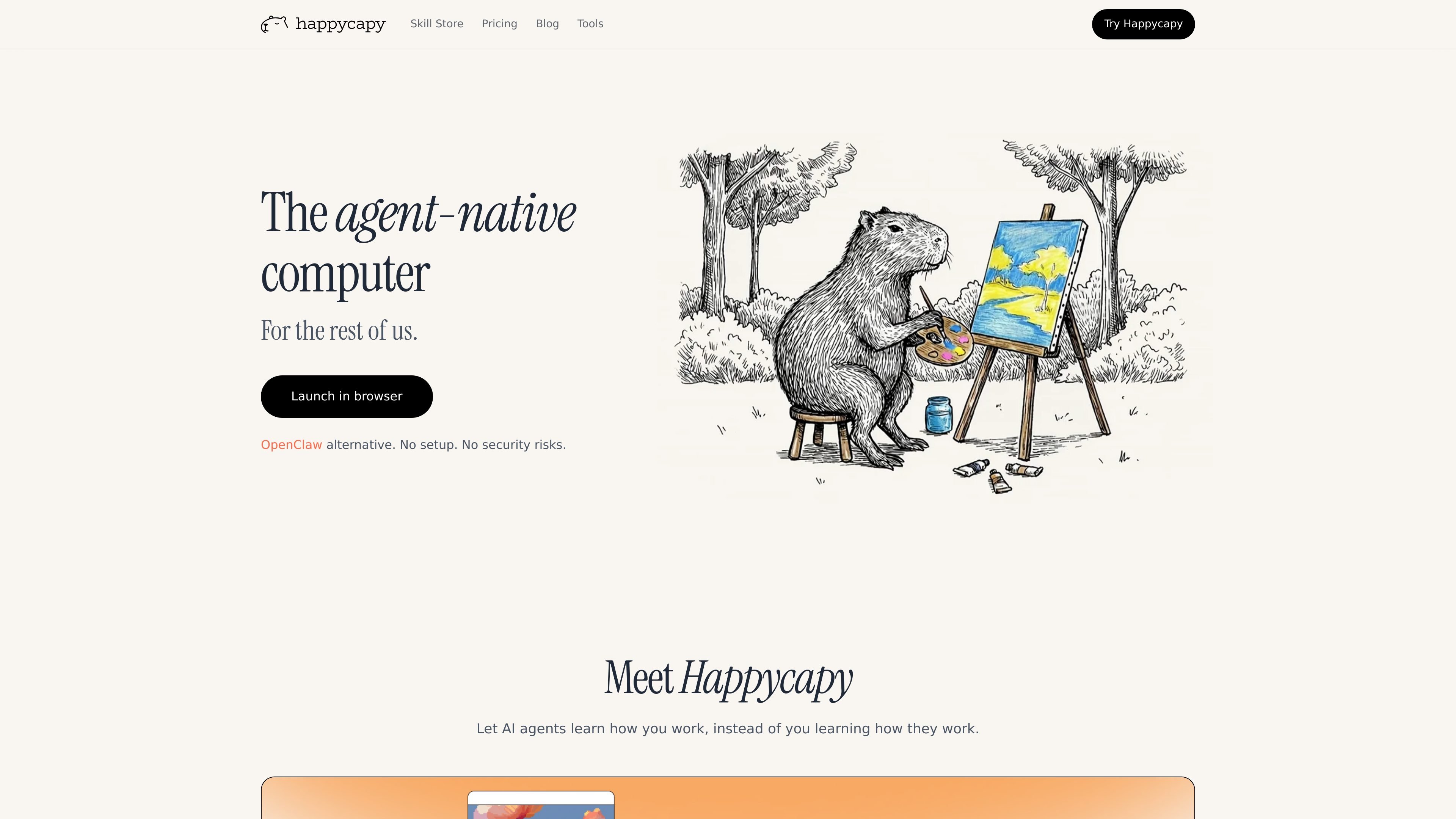
Happycapy is an agent-native computer that turns a browser into a place where AI agents can work on tasks for you. The product combines Claude Code access, a visual GUI, skills, and a private sandbox so users can delegate work without leaving the browser.
The site frames the product around practical jobs such as design, reporting, email, and recurring automations. It is positioned for creators, builders, and everyday users who want agents to complete work and send results back by email, rather than only suggesting next steps.
Run Claude Code in the browser with built-in skills, so agent workflows happen in a visual desktop instead of a local command line.
Work inside a private sandbox that the homepage describes as isolated, secure, and fully yours, with plan-based sandbox upgrades for more resources.
Create recurring tasks in the sandbox on paid plans, ranging from basic automations on Pro to larger automation allowances on Plus and Max.
Use Capymail to send and receive email from the agent workflow, with email quota included on paid tiers.
Install and browse skills from the skill store, where skills extend what the agent can do and can include open-source skills.
Access a separate browser tool suite for quick, browser-run tasks such as image generation, panoramas, and HTML page creation. The browser acts as a visual desktop.
Use Happycapy when you want an agent to work through a browser task end to end, with visible clicks and a GUI rather than a command-line-only experience.
Set up recurring sandbox automations for repeat work such as weekly tasks, routine checks, or other background jobs that should run without manual intervention.
Use the skill store or custom skills to adapt the agent to a specific workflow, especially when you need reusable instructions for a recurring task.
Send a task to the agent and receive the outcome by email, then reply to continue the work if you need another iteration.
Try the free tier for lightweight personal productivity or exploratory use before moving to paid plans for more automations, model access, or email quota.
Yes. Happycapy offers a free tier with no credit card required. The tools page also says the core tool suite is available immediately after signup, with some extended capabilities reserved for paid plans.
No. The tools page says Happycapy tools run directly in the browser with no downloads, plugins, or API setup required, and the product runs in a secure sandbox environment.
The site positions Happycapy for people who want AI agents to do work in a browser-based environment, including creators, builders, and everyday users. The pricing page also frames the product around productivity tasks and recurring automations.
The pricing page includes Claude Code access, skills-based model access, automations, and Capymail for sending and receiving email. The site also highlights that agents can deliver results by email and that the browser acts as a visual desktop.
Yes. The pricing page includes a Team plan and says it is for teams of all sizes, from startups to enterprise, with flexible plans available.
Traffic data is for reference only.
| Apr | 99712 |
|---|---|
| May | 65608 |
| Jun | 81836 |
Traffic analytics are not available yet.

oomol.com
OOMOL connects Gmail, GitHub, and Notion to AI agents for reuse across Codex, Claude Code, and Cursor, with free, paid, and usage-based plans.

www.medley.sh
Medley is a Claude Code plugin that turns prompts into coordinated multi-agent mission plans and displays their structure at a URL. Built for developers running research, outreach, operations, and coding in Claude Code with parallel agents and human checkpoints.

venice.ai
Venice is a private AI platform for chat, image, video, audio, code, search, and agent workflows. It offers a free tier, paid plans, and an OpenAI-compatible API with multiple privacy modes.

conductor.build
Conductor is a Mac app for running Claude Code, Codex, and Cursor agents in parallel isolated workspaces, so developers can delegate tasks, review diffs, and merge locally.

tessl.io
Tessl is an agent enablement platform that provides coding agents with structured, versioned context and a governed skills layer, helping teams build and manage AI-native software across Free, Team, and Enterprise plans.

evomap.ai
EvoMap is AI self-evolution infrastructure for sharing, validating, and inheriting agent capabilities across models and regions. It includes a free tier, paid Premium and Ultra plans, and account access to an AI evolution workspace.