
Text and image generation
Create images from text prompts, or combine prompts with reference photos for image transformation workflows.

OmniGen AI is a web-based AI image and video generator for creating, editing, and transforming visuals from prompts and reference assets. It supports image-to-image and image-to-video workflows, with subscription plans and one-time credit packs.
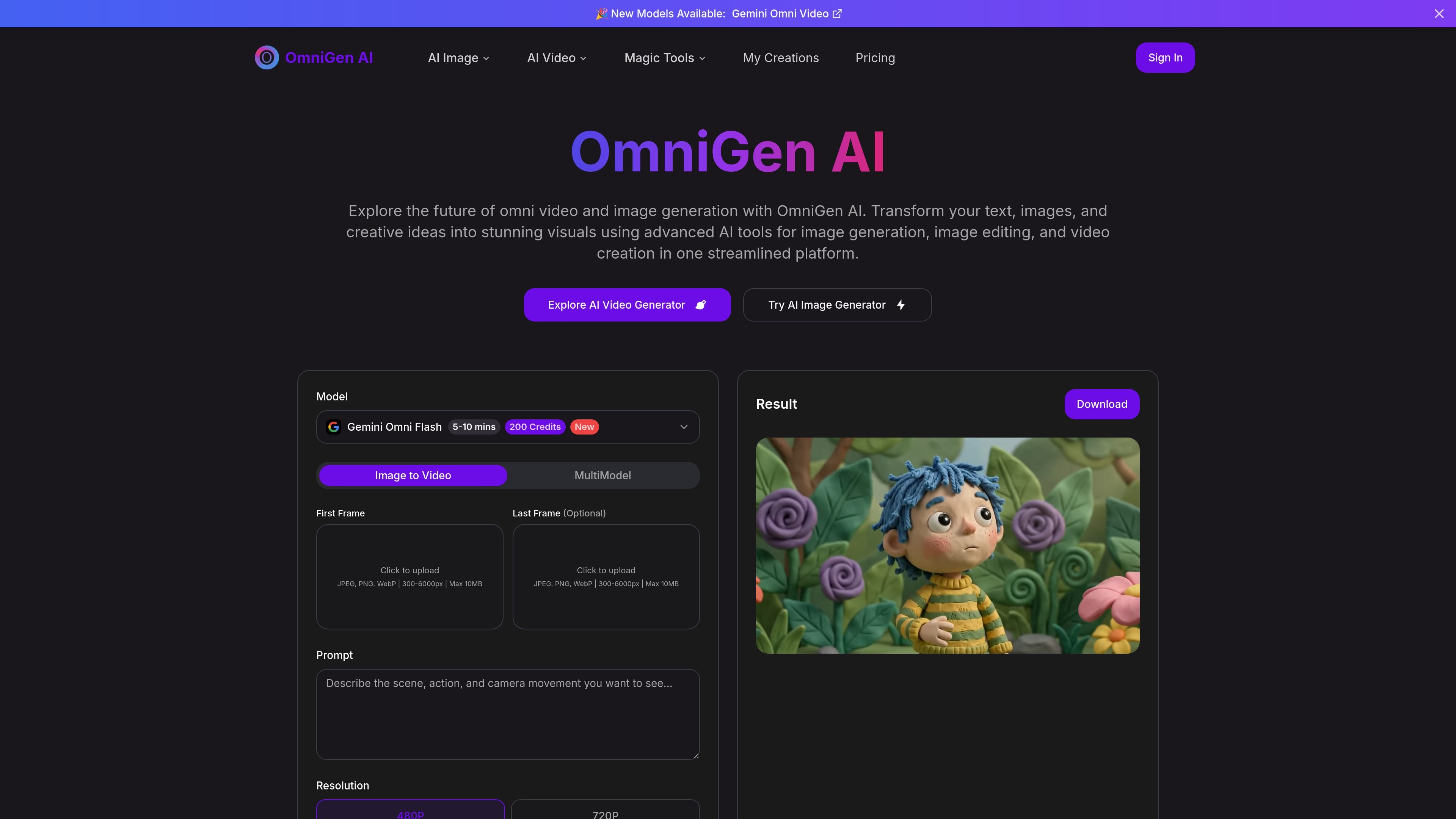
OmniGen AI is an online AI image and video generation platform built around text prompts, reference images, and clip creation tools. Its homepage presents image generation, image editing, image-to-image, and image-to-video workflows in a single interface.
The site positions OmniGen AI as a unified framework for creating and adjusting visuals without switching between separate tools. Users can choose a generation mode, add prompts and assets such as reference images or frames, generate a result, and then refine or download the output from the same platform.
Create images from text prompts, or combine prompts with reference photos for image transformation workflows.
Upload source images for image-to-image edits such as background replacement, outfit changes, style changes, and object removal or addition.
Generate videos from text or a first frame, with options for a last frame, prompt, resolution, duration, and aspect ratio.
Work from a unified interface that brings together image generation, image editing, image-to-image, and video creation.
Use the same platform to preview, refine, and download results after generation.
Use text prompts or reference photos to create new images, then refine the output with another prompt if the first version is not exact.
Upload an existing image and direct changes such as background replacement, outfit updates, style conversion, or object edits.
Generate short videos from a scene description or a first frame, with optional last-frame input and controls for resolution, duration, and aspect ratio.
Use the same workspace to produce visuals for concepting, iteration, and export without moving between separate apps.
Create outputs that are intended for both personal and commercial projects, subject to the site’s stated licensing terms.
OmniGen AI is an all-in-one image and video generation platform. It combines text-to-image generation, image editing, image-to-image workflows, and image-to-video creation in one place.
The site describes a workflow where you choose a creative mode, add prompts and any supported reference assets, generate a result, then refine the output by changing the prompt, model, ratio, duration, or references as needed.
Yes. The FAQ states that OmniGen AI can be used for personal and commercial projects, and that it is released under an open-source license that permits business use, subject to the official licensing terms.
Pricing includes monthly and yearly subscriptions, plus one-time credit packs. Plans shown on the pricing page include Starter, Standard, and Premium subscriptions, as well as Starter Pack, Premium Pack, and Enterprise Pack credit purchases.
The site says subscriptions renew automatically by default, and you can manage them from My Orders where you can cancel or upgrade at any time.
Traffic data is for reference only.

imagepackai.com
ImagePackAI is an AI image generator creating images from text prompts or reference images with third-party models, one-time credit packs, and adjustable settings.

photoaistudio.com
Photo AI Studio is an AI image and video generator for headshots, product photos, virtual try-ons, hairstyle previews, and prompt-based portraits. It supports selfie-, prompt-, and reference-based workflows, with paid plans for higher-resolution images and video tools.

janusproai.org
GenImg AI is a web-based AI image generator for creating images from text or other images with FLUX.1 models. It offers free credits for registered users, paid credit plans, and model-specific pages for generation and editing workflows.

imgai.ai
AI image and video platform for creating, editing, restoring, and transforming visuals.

remaker.ai
Remaker AI is an image editing and generation platform for creating, enhancing, and recreating visuals with prompts and preset effects, plus background removal, upscaling, object removal, and AI video tools.

shakker.ai
Web-based AI image generator for creating and refining visuals from text prompts, with ComfyUI and A1111 workflows.