
Branded proposals
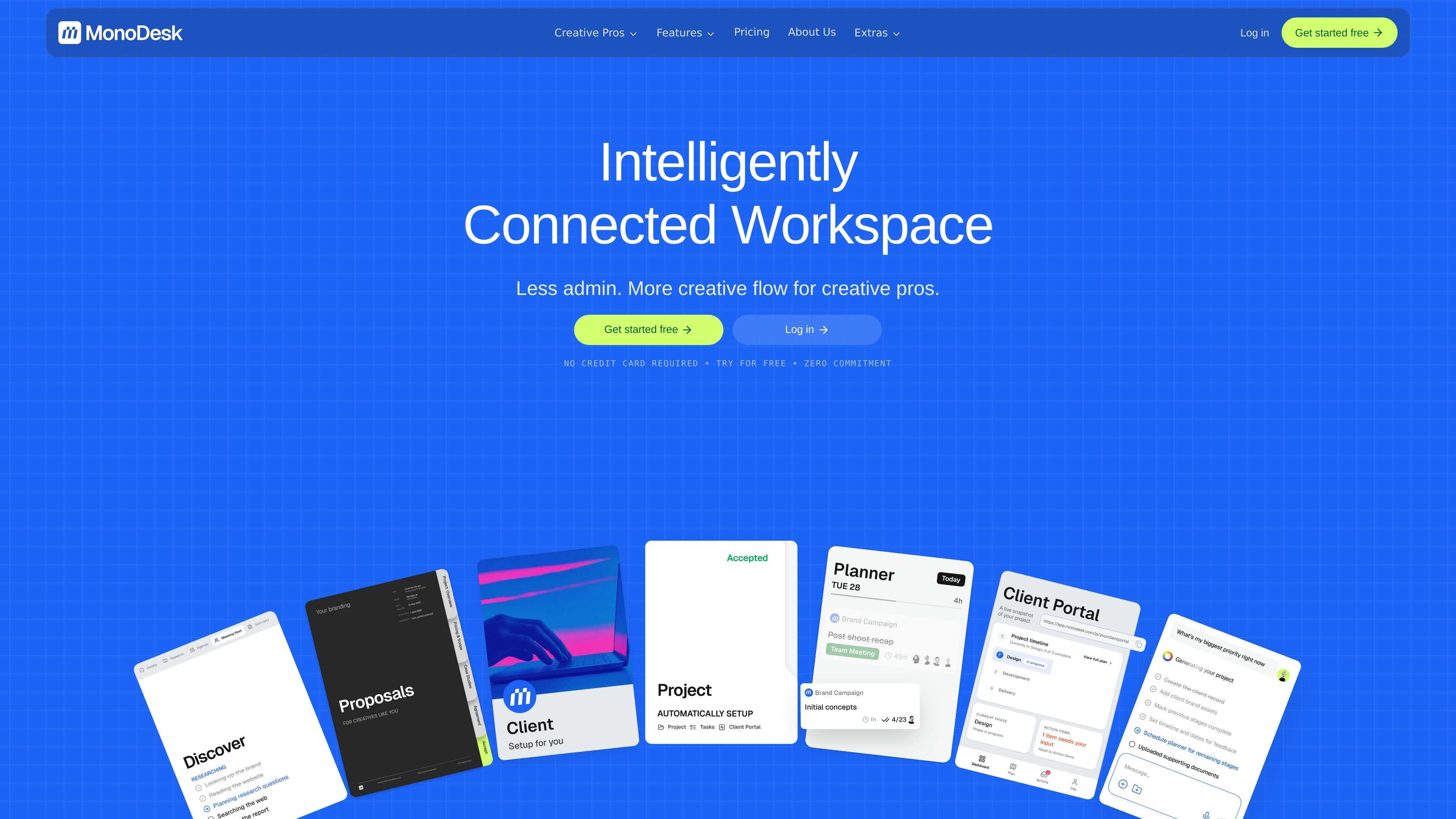
Set up projects from proposals, emails, briefs, transcripts, or voice notes, then send a branded document with your colours and logo. You can share it as a link, track opens, and see when a client accepts.

MonoDesk is a web-based workspace for freelance creatives and small teams, combining proposals, client communication, project planning, and AI assistance in one place. Free during public beta.
MonoDesk is a workspace for freelance creative professionals that combines proposals, client communication, project planning, and AI assistance in one place. The product is framed around the full creative workflow, from the first brief to final handover, so users can keep context together instead of moving between separate tools.
Its main purpose is to reduce admin and context-switching for solo freelancers and small creative teams. Accepted proposals can turn into projects with milestones, tasks, and scope carried over, while the client portal, planner, and AI agent help keep work, feedback, and next steps organised.
Set up projects from proposals, emails, briefs, transcripts, or voice notes, then send a branded document with your colours and logo. You can share it as a link, track opens, and see when a client accepts.
Store briefs, feedback, and approvals in a shareable client space so clients can stay in the loop without scattered email threads.
Track work with simple boards, To Do/Doing/Done status, task lists, subtasks, dates, deadlines, and time estimates. Projects stay tied to the client behind them.
Plan work in a weekly view that shows what is due, what is in progress, and what is complete. The planner is included in the public beta and pricing pages.
Use the AI agent to turn notes into tasks, draft client updates, summarise briefs, and review work. The site also describes AI assistance for admin tasks.
Invite members to collaborate across clients and projects, with multiple teams supported on the feature page and team access referenced on pricing.
Useful when you need to turn a brief into a polished proposal, track when it is opened, and move straight into delivery if the client accepts.
Helpful for freelancers managing client communication, tasks, and deadlines in one place while keeping all project context connected.
Fits small agencies and studios that want shared visibility across clients, tasks, and team members without scattering information across multiple tools.
Works for projects that move from planning to execution to handoff, with task boards, deadlines, deliverables, and a client portal for approvals.
MonoDesk is designed for freelance creative professionals who manage projects solo or in small teams. It combines project management, client communication, planning, and AI assistance in one workspace.
Yes. The pricing page says MonoDesk is free during public beta, with no credit card required. It also says beta users keep free access until pricing takes effect.
Accepted proposals become projects, with milestones, tasks, and scope carried over. The proposals page says the project sets itself up after a client accepts.
The source describes a client portal for briefs, feedback, and approvals, plus an AI agent that can summarise briefs, draft client updates, turn notes into tasks, and review work.
The site presents MonoDesk as a workspace for creatives rather than a generic team-first project tool. It is positioned around solo freelance workflows, with team collaboration available on some plans.
Traffic data is for reference only.
| Apr | 2584 |
|---|---|
| May | 3595 |
| Jun | 16499 |

linear.app
Linear is a product development platform for planning, building, and monitoring work in one workspace, with issue tracking, project planning, AI-assisted coding, code review, and product operations.

swit.io
A work collaboration platform combining team communication, project management, and task tracking.

use-bracket.com
Bracket is an AI workspace for client projects that turns Gmail conversations or other supported sources into organized scope, deliverables, requirements, decisions, and deadlines. It helps project teams identify meaningful changes and prepare client-facing replies and documents.

is.team
is.team is a project workspace where people and AI agents collaborate on shared boards. It combines task planning, card chat, meeting notes, workflow automation, and connections to tools such as GitHub, Slack, Google Drive, and Figma.

timehero.com
TimeHero is a calendar-aware task planning and project management app that automatically schedules work around availability for individuals and teams.

offloop.org
Offloop is a shared workspace for small teams and AI agents to run recurring work with visible context, ownership, approvals, and handoffs. It turns agent results into reusable workflows inside team Channels.