
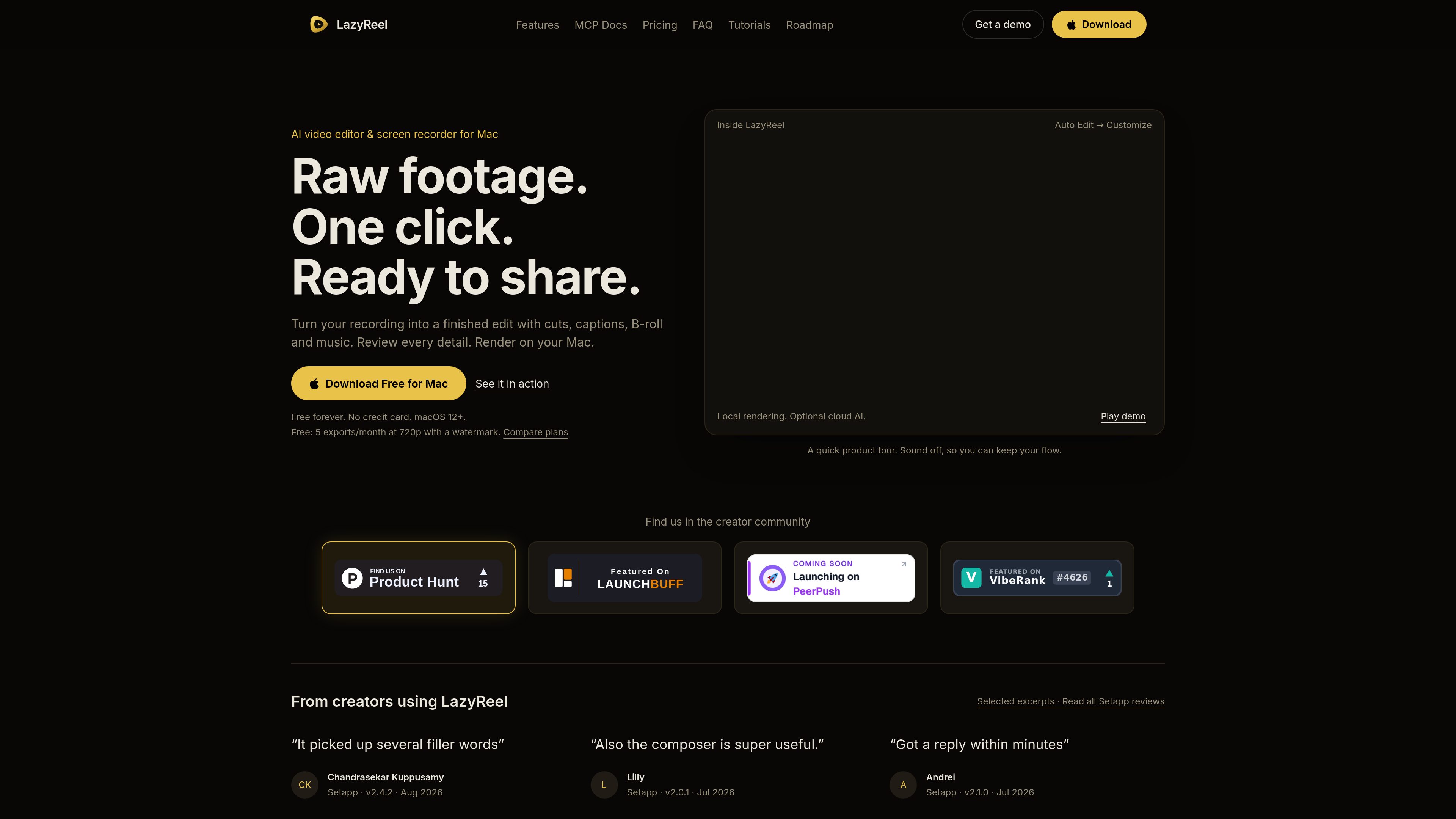
Auto Edit first cuts
Analyzes a recording, marks and trims silences and filler words, generates captions, adds B-roll from templates, and ducks music under speech. The first One-Click Edit is free on every install.

LazyReel is a Mac video editor and screen recorder that turns raw footage into editable cuts with captions, B-roll, music, and platform-ready framing. It is designed for creators who want an automated first edit while retaining control over the transcript and timeline.
LazyReel is a macOS video editor and screen recorder for turning raw recordings and imported footage into finished edits. Its Auto Edit workflow analyzes a take, identifies silences and filler words, creates captions, adds B-roll and music, and returns a first cut for review. Editing and transcription can run on the Mac, while cloud AI is optional.
The product combines a transcript-driven editing surface with a timeline. Users can edit words to remove corresponding video, adjust captions, add visual or audio elements, and review the resulting cut before rendering. It also supports screen recording, phone-clip transfer over local Wi-Fi, subject-aware reframing, and several social-video aspect ratios.
Analyzes a recording, marks and trims silences and filler words, generates captions, adds B-roll from templates, and ducks music under speech. The first One-Click Edit is free on every install.
The transcript acts as an editing surface: users can click words, delete sentences, add memes or sound effects, and apply a brief to the edit without locating each moment manually on the timeline.
Records a display, window, or selected area while preserving interactions for later editing. Automatic zooms can follow clicks, the cursor can be redrawn at render time, and recordings can use camera shapes, background removal, privacy blur, and optional keystroke chips.
Creates word-level captions with animated styles, generates B-roll after transcription, and provides prompt-based DreamLayer animations plus generated music and sound effects. The guide also documents trailer and teaser generation and filler-word removal.
Creates 16:9, 9:16, 1:1, and 4:5 versions from one project. Subject-aware crop focus and safe-zone guides help keep the action and captions positioned for different platforms.
Transcription and editing can run on-device. Users can optionally connect keys for Gemini, ElevenLabs, OpenRouter, OpenAI, or Anthropic, while managed cloud AI is included with Pro.
Import or record a take, run Auto Edit to remove verbal pauses and filler, then review the transcript, captions, B-roll, and music before exporting a concise social video.
Capture a display or application window, use click-based auto-zooms and cursor treatment to direct attention, and apply privacy blur or keystroke chips where needed.
Create alternate landscape, vertical, square, or 4:5 versions from the same edit, using subject-aware cropping and caption-safe framing rather than rebuilding each cut manually.
Use trailer and teaser generation or the Clips workflow to identify engaging moments and turn a longer recording into multiple shorter videos with separate hooks.
Pro or Setapp members can connect a compatible local AI client through MCP Preview, ask it to inspect the active project or prepare an edit plan, and approve proposed operations inside LazyReel.
LazyReel is a Mac application and requires macOS 12 or later.
Yes. The site describes editing and transcription as local or offline-first, and says Whisper transcribes on the Mac. Cloud AI is optional and uses the inputs sent to the selected provider.
The guide lists MP4, MOV, and WebM as supported import formats.
The free plan includes the full editor, offline-first editing, five exports per month at 720p, and a watermark on exports. The site also lists paid Creator and Pro Annual plans with additional capabilities.
MCP Preview is available to LazyReel Pro and Setapp members. LazyReel must remain open, and proposed operations are reviewed and approved in the app. Permissions can be revoked in Settings.
Traffic data is for reference only.

wisecut.ai
Wisecut is an AI video editor that turns long-form videos into short clips, with tools for captions, silence removal, and storyboard-based editing. Built for creators repurposing content for Reels, YouTube Shorts, TikTok, and similar formats.

shootclip.com
ShootClip is a macOS video editor with pro timeline tools, AI captions, and a built-in MCP server that lets an AI assistant work alongside you as you edit.

app.hiclip.ai
HiClip is an AI video clipping tool that turns long videos into Shorts, Reels, and TikTok clips with automated captions and reframing.

wisecut.video
AI video editor that turns long videos into social clips

fastcutai.co
Web-based AI video editor for turning footage into TikTok, Reels, and Shorts clips

snapvid.ai
SNAPVID is a web-based AI video editor for creating short videos from uploaded footage, with subtitles, stock video, and AI-assisted editing for Instagram, TikTok, and YouTube Shorts.