
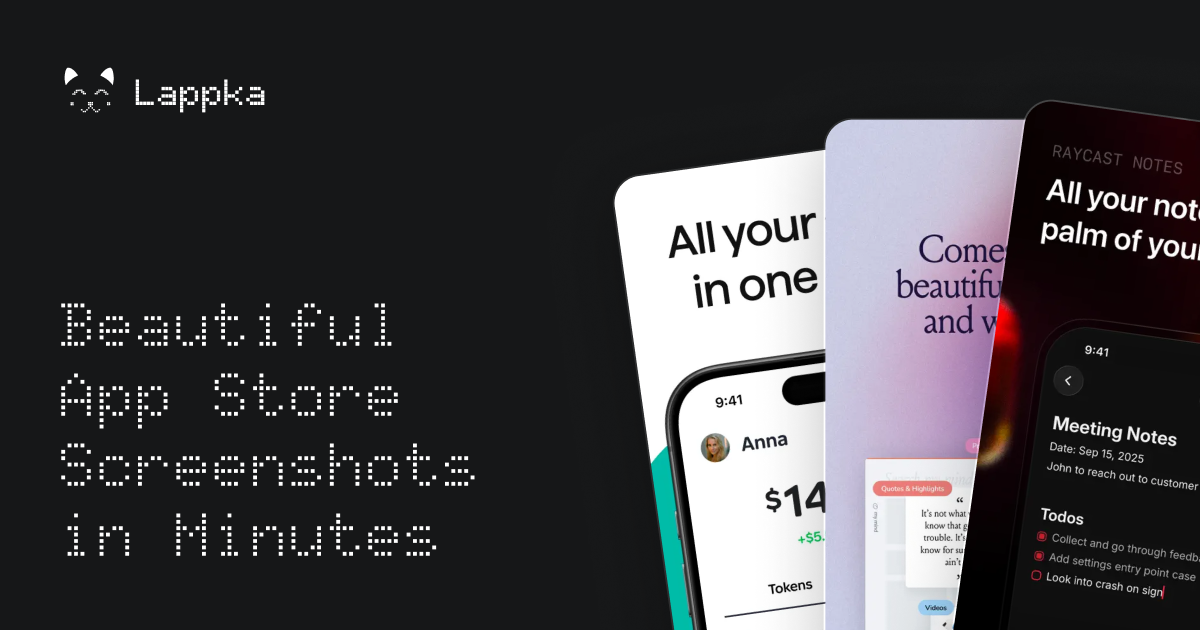
AI screenshot story planning
Lappka AI uses the app context and product screens to help decide what to communicate, recommend a screenshot order, and write benefit-led headlines and subtitles.

Lappka is an AI-assisted App Store screenshot generator for iOS developers and teams. It helps turn app screens into a structured screenshot story, then edit, localize, preview, and export the finished set.
Lappka is an AI-assisted App Store screenshot generator for iOS apps. It turns app context and product screens into a connected screenshot story by helping plan the message, order the screens, and write benefit-led headlines and subtitles.
Users start from editable templates, then customize the copy and visual system in an advanced editor. The workflow also covers localization, in-context preview, and export of App Store-ready screenshot sets, with locale-specific product screens supported when an app’s interface changes by market.
Lappka AI uses the app context and product screens to help decide what to communicate, recommend a screenshot order, and write benefit-led headlines and subtitles.
Start with connected template systems such as Joi, Canvas, Boldonse, or Moment instead of an empty canvas, then adapt the structure to the app’s message and visual identity.
Customize screenshot copy, colors, font pairs, layouts, imagery, backgrounds, and device frames before exporting the set.
Add App Store markets, translate the complete screenshot copy with AI, refine each language, and keep localized versions connected to the approved source story.
Replace the visible app screen for an individual locale when the in-app interface has been translated, while preserving the overall screenshot composition.
Preview the complete screenshot order, inspect how copy changes affect each layout, and export selected languages as organized, App Store-ready screenshot sets.
An independent iOS developer can begin with app context and raw product screens, use AI to shape the narrative, and refine a complete set in an editable template.
A developer or product designer can replace an outdated visual treatment with a new template, rewrite the screenshot sequence, and adjust the hierarchy, device frames, and backgrounds without starting from a blank canvas.
Teams shipping an app internationally can keep one approved English story as the source, translate the set, review each language in context, and export the locales they need.
When the product UI differs by language, users can assign a different product screen to a locale while retaining the surrounding composition and screenshot sequence.
It helps analyze the app context and product screens, recommend a screenshot order, and write benefit-led headlines and subtitles. Users remain in control of what is applied.
Yes. The editor lets users change copy, colors, font pairs, layouts, imagery, backgrounds, and device frames before exporting.
Yes. Users can add markets, translate a complete screenshot set with AI, refine the wording, preview each locale, and export selected languages. Supported examples shown on the site include English (U.S.), Arabic, Chinese, French, German, Japanese, Korean, Portuguese, Spanish, and Ukrainian.
Yes. A localized project can use a different product screen for a specific locale when the app interface has been translated, while keeping the overall composition.
Users select one or more locales and download store-ready screenshot sets grouped into clearly named folders. The site describes the output as App Store-ready assets.

appgrowthkit.com
AppGrowthKit is an AI-assisted screenshot and app icon workspace for creating store-ready assets from real app screens. It supports Apple App Store and Google Play listings, with editable layouts, localization, device frames, and export sizing for developers and small teams.

sleek.design
Sleek is an AI mobile app designer that turns prompts or reference images into iOS and Android screens, helping teams create, edit, and export designs to Figma or code.

pencil.dev
Pencil is an AI-assisted design tool for creating interfaces inside your IDE and codebase, helping designers and developers build, iterate, and manage design files alongside code without switching tools.

twistly.ai
Twistly is an AI presentation maker for PowerPoint, helping students, educators, and teams create, edit, and export slides from prompts or uploaded files.

mindshow.fun
MindShow is a web-based AI presentation tool that generates slide decks from titles, documents, mind maps, text, and images. Create and edit presentations faster, present online, and export to PPTX.