
AI layout and copy drafting
Describe the app and let AI plan screenshot layouts, write headlines and store copy, and apply backgrounds and spacing across uploaded screens. Drafts remain reviewable before export.

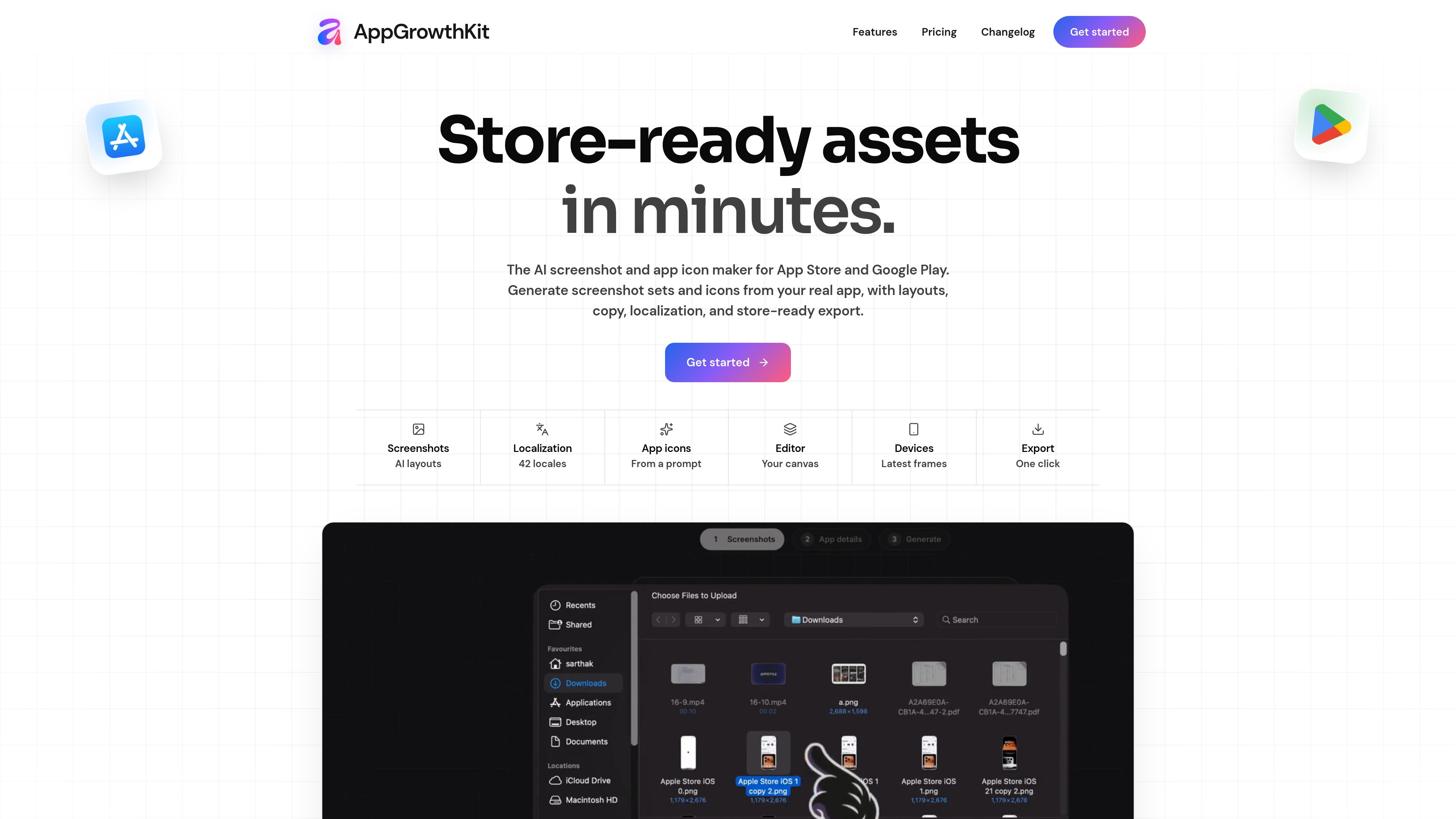
AppGrowthKit is an AI-assisted screenshot and app icon workspace for creating store-ready assets from real app screens. It supports Apple App Store and Google Play listings, with editable layouts, localization, device frames, and export sizing for developers and small teams.
AppGrowthKit is an AI-assisted workspace for creating screenshot sets and app icons for Apple App Store and Google Play listings. It starts with real app screens, then combines AI layout and copy generation with a layer-based editor for arranging headlines, backgrounds, device frames, and spacing.
Users can describe their app to generate a draft visual direction, or build the composition manually on the canvas. The resulting assets can be reviewed, edited, localized, and exported in store-oriented dimensions. The workflow is intended for developers and small teams preparing launches, updates, or multiple localized listing versions.
Describe the app and let AI plan screenshot layouts, write headlines and store copy, and apply backgrounds and spacing across uploaded screens. Drafts remain reviewable before export.
Arrange real app captures, device frames, text, and backgrounds on one canvas. Edit fonts, colors, spacing, sizing, and gradients without leaving the editor.
Generate localized titles, subtitles, and custom screenshot text from an English master while preserving the original composition, app screens, frames, and editable layers.
Use device frames for current iPhone, iPad, and Android models, select frame finishes, and place screenshots at the intended scale.
Download every screen in a project at once using Apple- and Google-oriented dimensions, including supported iPhone, iPad, and Google Play phone sizes.
Describe an icon’s subject, feeling, and style to generate one, two, or four directions, then download selected results with Apple-ready icon exports included in paid plans.
A developer can upload raw screens, use AI to draft a visual sequence and store copy, refine the composition manually, and export a complete listing set through the Launch Pass workflow.
A developer or small team can start from a plain-language description, use generated layouts and headlines as a starting point, and make final adjustments with editable layers rather than building the composition from scratch.
A team with an approved English screenshot set can select additional App Store markets, generate localized overlay copy, review wrapping and text size on the existing layers, and export each locale without rebuilding the layouts.
A product team can prepare separate iPhone, iPad, and Android presentations from the same real app screens, then download store-oriented outputs for App Store Connect and Google Play.
Teams shipping updates or experimenting with new screenshot messaging can keep projects active, revise copy and layouts in the editor, and use Pro for recurring work and monthly AI credits.
It supports Apple App Store and Google Play listings, with outputs for iPhone, iPad, and Android screenshot workflows.
Yes. Upload raw screenshots from the app, place them into device frames, and adjust the surrounding text, colors, backgrounds, and layout on the canvas.
Yes. Localized titles, subtitles, and custom text remain normal editable layers. You can revise wording, size, or placement before exporting.
The manual editor, device frames, and screenshot exports continue to work. Generative features pause until credits refill or additional credits are purchased.
Launch Pass costs $9.99 as a one-time payment and includes 250 AI credits. Pro is available at $14.99 per month or $99.99 per year and includes 750 AI credits per month; both plans include unlimited projects and store-ready exports.

www.lappka.store
Lappka is an AI-assisted App Store screenshot generator for iOS developers and teams. It helps turn app screens into a structured screenshot story, then edit, localize, preview, and export the finished set.

canva.cn
Canva is a web-based visual design tool for creating and sharing digital and print assets with drag-and-drop editing, templates, and AI-assisted features. It supports individual, team, and enterprise workflows for presentations, social posts, logos, posters, and more.

shotcandy.app
Shotcandy is a free, open-source browser tool that turns screenshots, screen recordings, and code snippets into share-ready images or videos. Add backgrounds, frames, sizing, and motion without uploading files or creating an account.

pencil.dev
Pencil is an AI-assisted design tool for creating interfaces inside your IDE and codebase, helping designers and developers build, iterate, and manage design files alongside code without switching tools.

moda.app
Moda is a web-based AI design tool for creating editable visual assets, including slides, social posts, documents, PDFs, and diagrams. Teams can produce on-brand designs from source material while keeping every element editable.

www.motionly.site
Motionly is an open-source, AI-native motion graphics editor that turns prompts and assets into editable animation projects. Work locally with canvas and timeline editing, readable .motion source files, and local MP4 export.