
Image and video creation
Generate stills and clips from prompts or reference material, then organize them in a creative project.

Generate images and video with reference-based motion and start-and-end-frame controls.
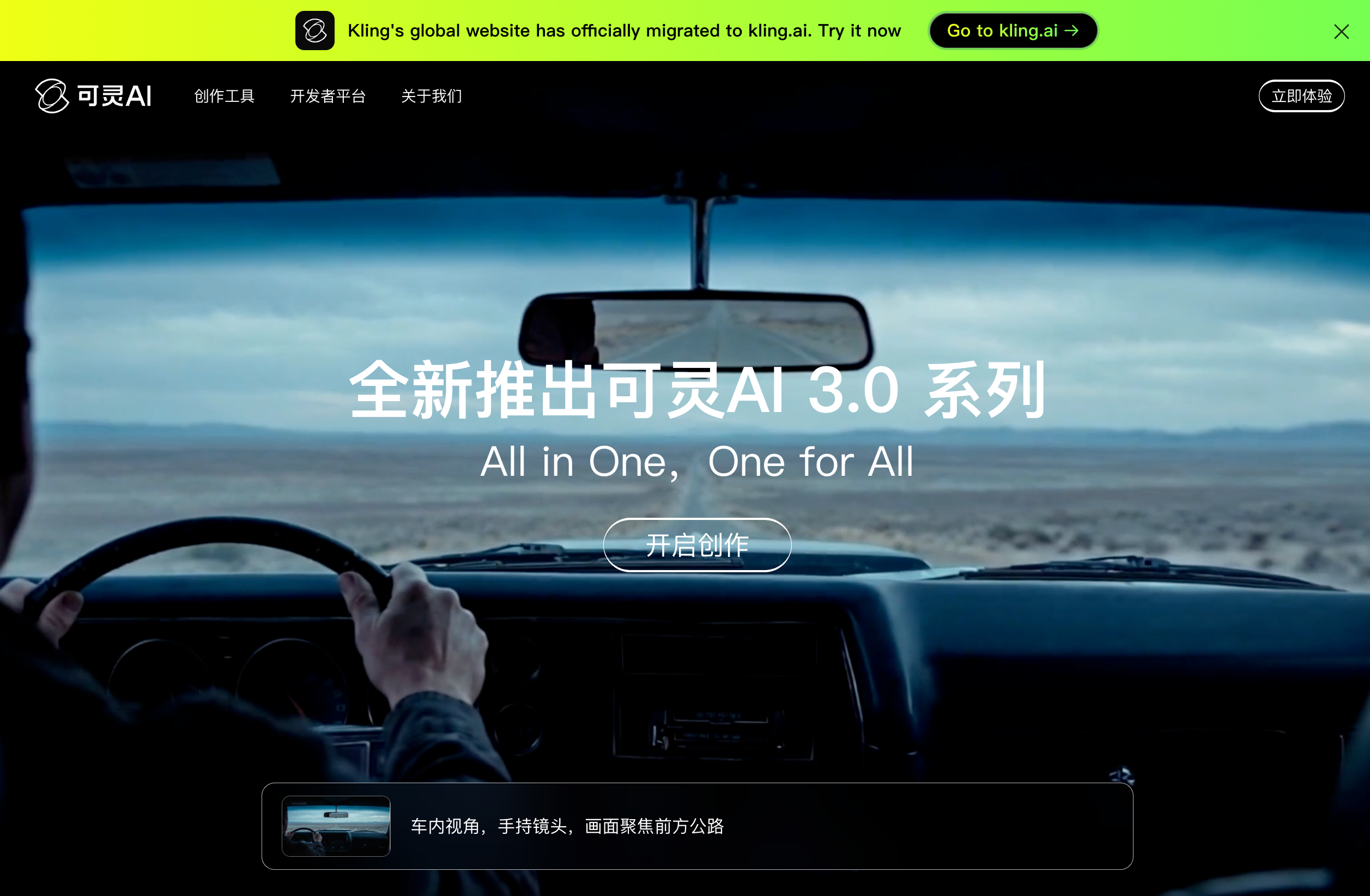
Kling AI is a creative platform for generating and editing images and video. Creators can develop scripts, stills, storyboards, and clips in a project canvas, then refine their sequence. Reference images, motion videos, and frame endpoints help direct the output. The available resolution and controls depend on the selected model and mode, rather than every generation using the same settings.
Generate stills and clips from prompts or reference material, then organize them in a creative project.
Upload two images as the starting and ending frames to guide a transition video.
Combine a character image with an action video or library motion to guide the character's movement.
Kling VIDEO 3.0 includes native 4K video generation, offered through supported paid options. Kling Image 3.0 supports native 4K stills; available resolutions vary by model and mode.
Develop scripts, generate storyboards and media, arrange nodes, and refine video within an organized project workspace.
Explore how a shot develops between two planned visual endpoints.
Use a reference performance to guide a character's movement rather than describing every action in text.
Build campaign storyboards and shot variations. Kling AI contributed to Lipstick's AI-generated L'Ultimo Uomo Reale campaign for The RealReal.
Use similar images with the same theme when aiming for a continuous transition. Large differences between endpoints can lead to a shot change.
It targets one character. The reference action and character image guide motion; facial-element references do not also define clothing, hairstyle, or props.
Standard mode uses nine credits per second and Professional uses twelve. Duration is rounded to the nearest whole second. These rates apply to this specific model and feature, rather than every video mode or developer API product.
The international service terms treat uploaded content as non-confidential and permit uses including product and model improvements. Content-visibility settings control sharing within available features; they do not establish a blanket confidential-processing guarantee.
Traffic data is for reference only.
| Jun | 2623453 |
|---|---|
| Jul | 1986612 |
| Aug | 1895728 |
Traffic analytics are not available yet.

seeddance.app
Seedance 2.0 turns text prompts and reference images into short videos, with free entry access, credit packs, and studio controls for motion and format.

sparkrobin.art
Spark Robin is a browser-based AI video generator that turns text prompts or reference images into short video clips, with style, aspect ratio, and resolution controls.

renoise.ai
Generate image and video concepts on a single canvas, guide shots with reference media, and plan creative tasks with a built-in AI agent.

aiomnigen.com
Browser-based AI media platform for generating video, images, voice, and music from prompts and reference media.

stablevideo.com
Generate short video sequences from a still image with Stability AI’s Stable Video Diffusion models. Developers and researchers can run the 14-frame or 25-frame release on their own infrastructure under the applicable model license.

wizstar.com
Wizstar is an AI video creation platform that turns text, images, scripts, audio, product links, and reference videos into videos, product ads, translated content, images, and avatar-led clips. Built for creators, e-commerce sellers, marketers, educators, and business teams, it makes it easy to produce and adapt video content without filming or advanced editing.