
Spec-driven development
Turn prompts into structured requirements, design documents, and sequenced tasks that guide implementation instead of jumping straight to code.

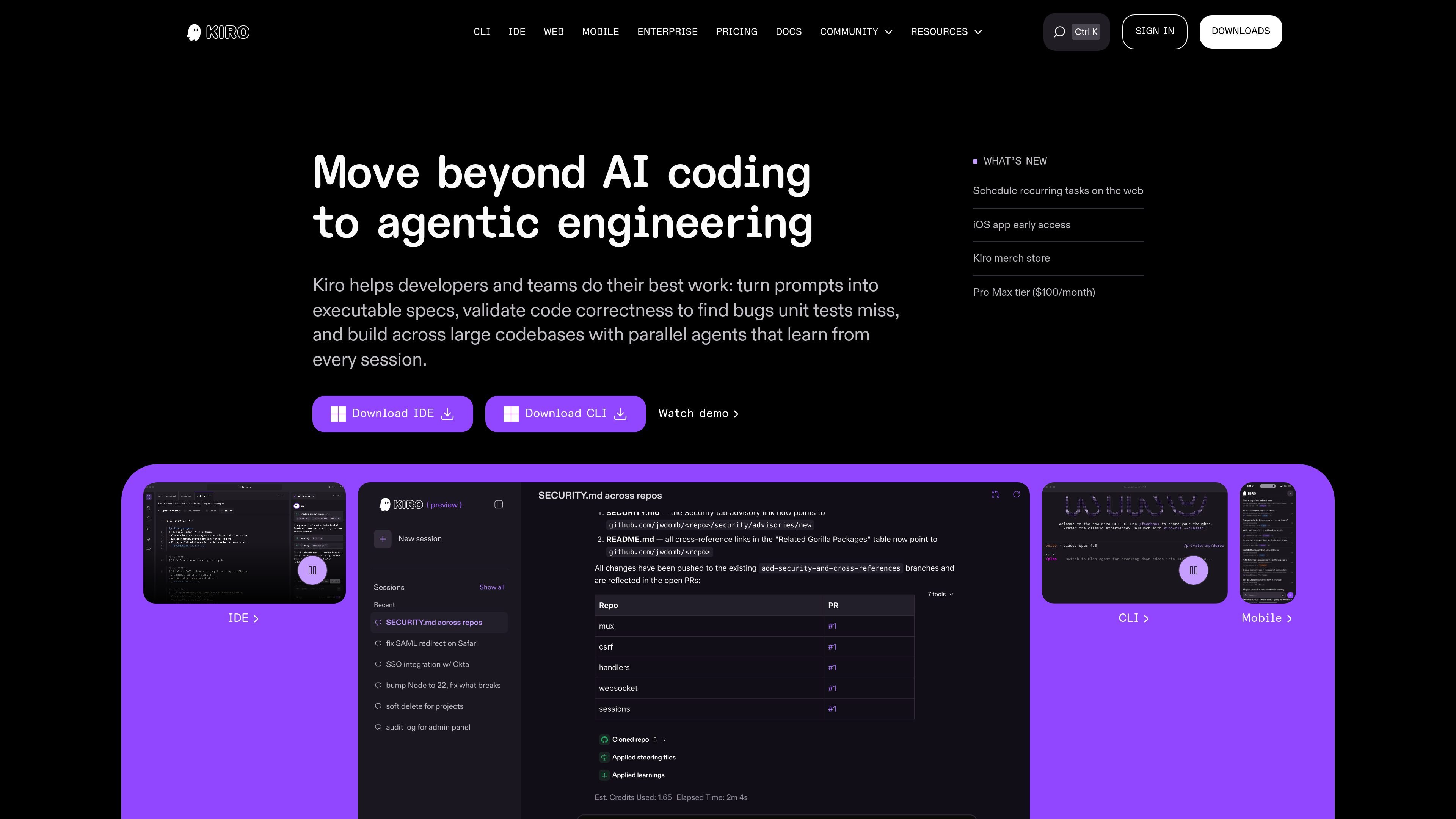
Kiro is an AI coding and agentic engineering platform for developers and teams, turning prompts into specs and validating work across IDE, CLI, and web workflows.
Kiro is an IDE, CLI, and web-based development tool focused on agentic engineering. It is designed to help developers and teams move from prompts to executable specs, implementation plans, and verified code across large codebases.
The product centers on spec-driven development: Kiro turns high-level ideas into structured requirements, technical designs, and trackable tasks, then uses parallel agents and correctness checks to implement and validate the work. The site also positions Kiro for team workflows with GitHub and GitLab review, cloud execution, and enterprise controls.
Turn prompts into structured requirements, design documents, and sequenced tasks that guide implementation instead of jumping straight to code.
Generate three linked spec files: requirements.md or bugfix.md, design.md, and tasks.md, so work stays traceable from idea to execution.
Break tasks into dependency-aware waves and run independent items concurrently to shorten execution time on larger specs.
Use property-based tests and automated reasoning to check code behavior and catch edge cases that example-based tests can miss.
Work through local machine, cloud, or CI/CD flows, including headless CLI runs for fixes that do not require opening the editor.
Connect with GitHub, GitLab, Figma, Terraform, MCP, AGENTS.md, Skills.md, and ACP to bring external context into the workflow.
Start from a product idea and turn it into requirements, design notes, and a task plan before coding begins, which is useful when the scope needs to be clarified first.
Use bugfix specs to analyze current, expected, and unchanged behavior, then track the fix through a concrete implementation plan.
Run tasks in parallel after Kiro builds a dependency graph, which helps teams move faster on larger codebases with multiple independent changes.
Pull context from tools like Figma or Terraform and connect GitHub or GitLab for review, making it easier to keep implementation aligned with external sources and PR workflows.
Use the CLI in CI/CD or headless runs to fix issues without opening the editor, which suits automated maintenance or backend workflows.
Kiro offers a Free tier and paid tiers for individual users, with team and enterprise options available through sales. The pricing page says paid plans use credits, support overage, and add team controls such as centralized billing, usage analytics, and SSO.
The docs page describes specs as structured artifacts for feature work and bug fixes. A spec produces requirements, design, and tasks files, and Kiro can run tasks individually or analyze dependencies and run independent tasks in parallel.
The source describes Kiro as an IDE, CLI, and web experience. The IDE supports Open VSX extensions, themes, and VS Code settings, and the CLI works with bash, zsh, and fish.
Kiro connects to GitHub or GitLab for PR review, can pull context from tools like Figma or Terraform, and supports MCP, AGENTS.md, Skills.md, and Agent Client Protocol.
The pricing page says you can choose Auto or specific models, while the home page says Kiro also validates code with property-based tests to catch issues that unit tests miss.
Traffic data is for reference only.

aws.amazon.com
Amazon Q Developer is an AI-powered coding assistant for software developers. It provides code suggestions, chat, testing, security scanning, refactoring, and agentic help across supported IDEs, the command line, AWS tools, and selected collaboration workflows.

openhands.dev
OpenHands is an open-source, model-agnostic platform for cloud coding agents that automates engineering workflows across local, cloud, and enterprise deployments via web, CLI, terminal UI, and SDK interfaces.

www.coolplugz.com
CoolPlugz is an orchestration layer for Claude Code that gathers context, runs structured workflows, and helps deliver coding tasks with less constant supervision. It’s for developers looking to reduce context switching across Jira, GitHub, Slack, Notion, and CI.

cursor.com
Cursor is an AI coding agent that helps developers turn ideas into software faster with next-action suggestions, agentic workflows, and cloud-based task execution.

github.com
GitHub Copilot is GitHub’s AI coding assistant and agent platform, helping developers write code, run background tasks, and manage agent-driven work across their workflow.

lingma.aliyun.com
Tongyi Lingma is Alibaba Cloud’s AI coding assistant for developers and engineering teams.