
Rich-text and Markdown editor
Create and edit articles with a WYSIWYG or Markdown workflow. The editor supports media insertion, shortcuts, saving and publishing, and article revision history.

A knowledge base and help-center platform for publishing support content and AI-assisted self-service.
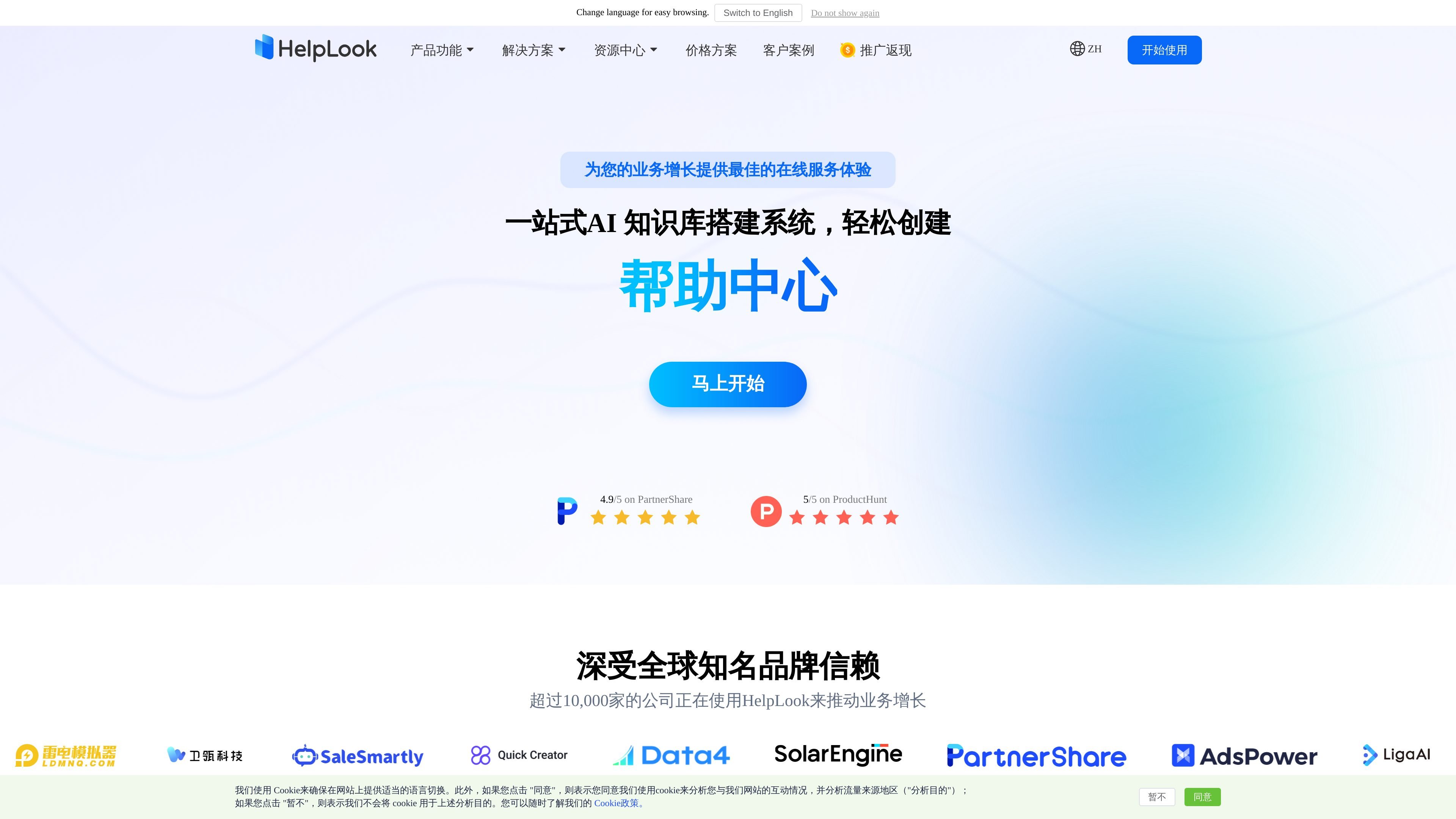
HelpLook is a hosted platform for creating and managing knowledge bases, product help centers, company blogs, FAQs, and guides. Its editorial backend supports rich-text and Markdown authoring, while a customizable public portal presents content to visitors or approved members. Teams can also embed a knowledge base or AI chatbot in websites and applications, giving users a self-service route to product information. AI-assisted search and question answering use the configured knowledge content; publishing, access controls, analytics, and team-management options support both external documentation and internal knowledge sharing.
Create and edit articles with a WYSIWYG or Markdown workflow. The editor supports media insertion, shortcuts, saving and publishing, and article revision history.
Configure a branded knowledge site with a custom domain, navigation, links, icon, and visual settings. Content can be made public or restricted, with available access modes depending on plan.
Visitors can search knowledge articles with keywords. AI search and question-answering can return synthesized responses based on configured knowledge content.
Add a HelpLook knowledge base or AI chatbot to a website or application using JavaScript. Customize the widget appearance and enable a contact-submission entry point. The AI widget is a paid add-on.
Manage articles with categories, tags, templates, and bulk operations. Analytics cover visitor activity, traffic sources, searches, and article performance.
Manage content with team roles and member access. Multilingual content, translation, backups, and enterprise options such as SSO are available on applicable plans.
Publish setup guides, FAQs, troubleshooting articles, and product documentation in a searchable portal so customers can look for answers independently.
Organize staff procedures and operational documentation in a knowledge base with restricted access for employees or approved members.
Place a searchable knowledge base or AI chatbot in a website or application so users can seek help without leaving the product experience.
Use the article editor, categories, and SEO settings to publish company updates, educational resources, and product information.
Yes. HelpLook supports public and restricted knowledge access. The experience tier provides public access; paid plans add further access options, with authorized access on Business and mixed access on Enterprise.
Yes. A HelpLook knowledge base or AI chatbot can be embedded using JavaScript, and the site describes integrations for websites and applications.
Yes. The editor supports Markdown as well as a WYSIWYG rich-text editing mode.
Yes. Team collaboration and role-based permissions are supported. The pricing page lists one editor on the free and Standard plans, five on Business, and ten on Enterprise.
The experience tier costs ¥0 per month per site and includes one editor, up to 100 articles, 600 site visits per month, and 80 AI uses per month. Standard is ¥99, Business ¥199, and Enterprise ¥499 per month per site. The AI widget is a separate ¥99-per-month add-on.
Keep the knowledge articles current, review AI answers against the source material, and confirm which content is public or restricted before using the portal for internal documentation.
Traffic data is for reference only.

helpcenter.io
AI-powered help center for branded knowledge bases, FAQs, and self-service support

helpjuice.com
Build a searchable knowledge base for customer support, SOPs and employee onboarding. Helpjuice combines article editing, access controls and analytics, with AI writing, search and chat included in its AI-Knowledge Base plans.

slite.com
Slite is a self-maintaining AI knowledge base that keeps team documentation current, answers questions across connected tools, and verifies information in one workspace.

recall.it
Personal AI knowledge base for saving, summarizing, organizing, and chatting with content

serviceaide.com
Enterprise service management with AI-assisted knowledge, automation, and workflows

xiaoin.com.cn
万能小in is an AI knowledge assistant based on your personal knowledge base for document learning, Q&A, academic writing, PPT creation, and long-form content.