
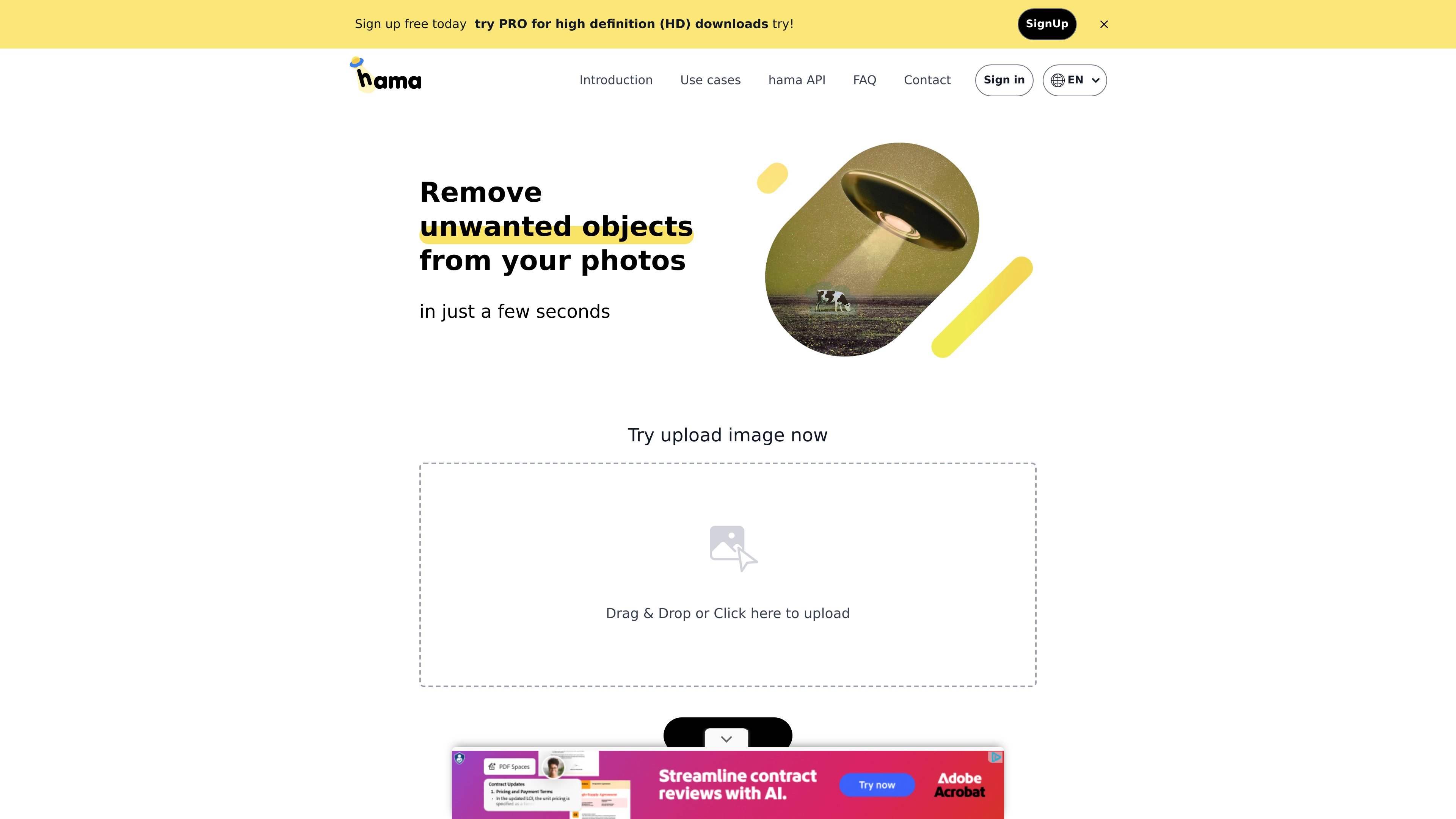
Brush-based object erasing
Brush over unwanted areas in a photo and the AI removes them from the image. The product is positioned for object removal rather than general-purpose editing.

Web-based AI image eraser for removing unwanted objects, text, and blemishes, with HD downloads and API cleanup.
HAMA is an AI-powered web application for removing unwanted objects from photos and images. Its core workflow is simple: upload an image, brush over the area you want to erase, and let the service generate a cleaned-up result.
The product is built for quick, browser-based cleanup rather than full photo editing. The site highlights use cases such as removing people, text, blemishes, logos, and other distractions, and it also shows an API workflow for sending an original image plus a mask image to Hama API.
HAMA offers free, unlimited image editing and says images of any size can be uploaded. Free downloads are limited to 720 pixels. Sign in to access the PRO/HD option for high-resolution downloads.
Brush over unwanted areas in a photo and the AI removes them from the image. The product is positioned for object removal rather than general-purpose editing.
The site shows the tool being used to remove people, text, spots, freckles, pimples, wrinkles, blemishes, logos, trademarks, and other distractions.
The homepage includes upload controls with drag-and-drop and click-to-upload interaction, making the workflow straightforward for browser use.
The site recommends trying repeated erasing for better results, which suggests an iterative cleanup process when the first pass is not enough.
A documented API workflow is shown on the homepage: send the original image and a mask image to Hama API, which processes them and returns the result image.
Free downloads are limited to 720 pixels. Sign in to access the PRO/HD option for high-resolution downloads.
Clean up travel or social photos by removing an extra person, an unwanted passerby, or a distracting foreground object before sharing.
Retouch faces by brushing away spots, freckles, pimples, wrinkles, and blemishes in a controlled edit rather than doing a full beauty retouch.
Remove logos, trademarks, or other product distractions when preparing an image for a listing, mockup, or presentation.
Erase scene distractions in cityscape, landscape, or street-view images to make the main subject easier to see.
Integrate the API into an image workflow where an original image and mask are sent to Hama API and the cleaned result is returned for downstream use.
Hama is an AI-based image editing service focused on removing unwanted objects from images. You upload or open an image, brush over the area you want removed, and let the AI fill it in.
HAMA offers free, unlimited image editing and accepts images of any size. Free downloads are limited to 720 pixels. Sign in to access its PRO/HD option for high-resolution downloads.
Sandoll Inc. operates HAMA. Its privacy policy says photo files are used to generate and store photo editing results. Section 5 lists a three-month retention period and deletion of photo data every three months. Read the privacy policy before uploading sensitive images, and only upload photos you are comfortable having processed under those terms.
The workflow shown on the site is simple: upload an image, brush over unwanted areas, and erase. The site also mentions an API flow where an original image and mask image are sent to Hama API to produce the final image.
Traffic data is for reference only.

unwatermark.ai
Unwatermark AI removes watermarks, logos, text, and unwanted objects from photos and videos with automatic detection, manual cleanup, preview, free credits, and paid plans.

beautyplus.com
BeautyPlus is an AI photo editor and online image tool for enhancing photos, removing backgrounds, deleting objects, and creating visual content.

photoeditor.ai
PhotoEditor.ai is a browser-based AI photo editor and image generator with 30+ tools for cleanup, background removal, restoration, upscaling, and text-to-image workflows. It works without signup for free tools and supports desktop and mobile browsers.

photoeraser.app
AI photo editing for erasing unwanted objects, removing backgrounds and enhancing images.

pixlr.com
Pixlr is a browser-based AI photo editor and image generator for editing photos, creating images and videos, and handling everyday cleanup such as background removal, with free and paid plans.

jimeng.jianying.com
即梦AI is an all-in-one AI creation platform for generating and editing visual content with text-to-image, text-to-video, image-to-video, and an intelligent canvas, plus a creative community for inspiration.