
Multiple model options
Support for Flux.1 Pro, Flux.1 Dev, and Flux.1 Schnell gives users a choice between higher-control, developer-oriented, and faster-generation modes.

Web-based text-to-image tool supporting Flux.1 models, with image customization, downloads, sharing, and API access plans.
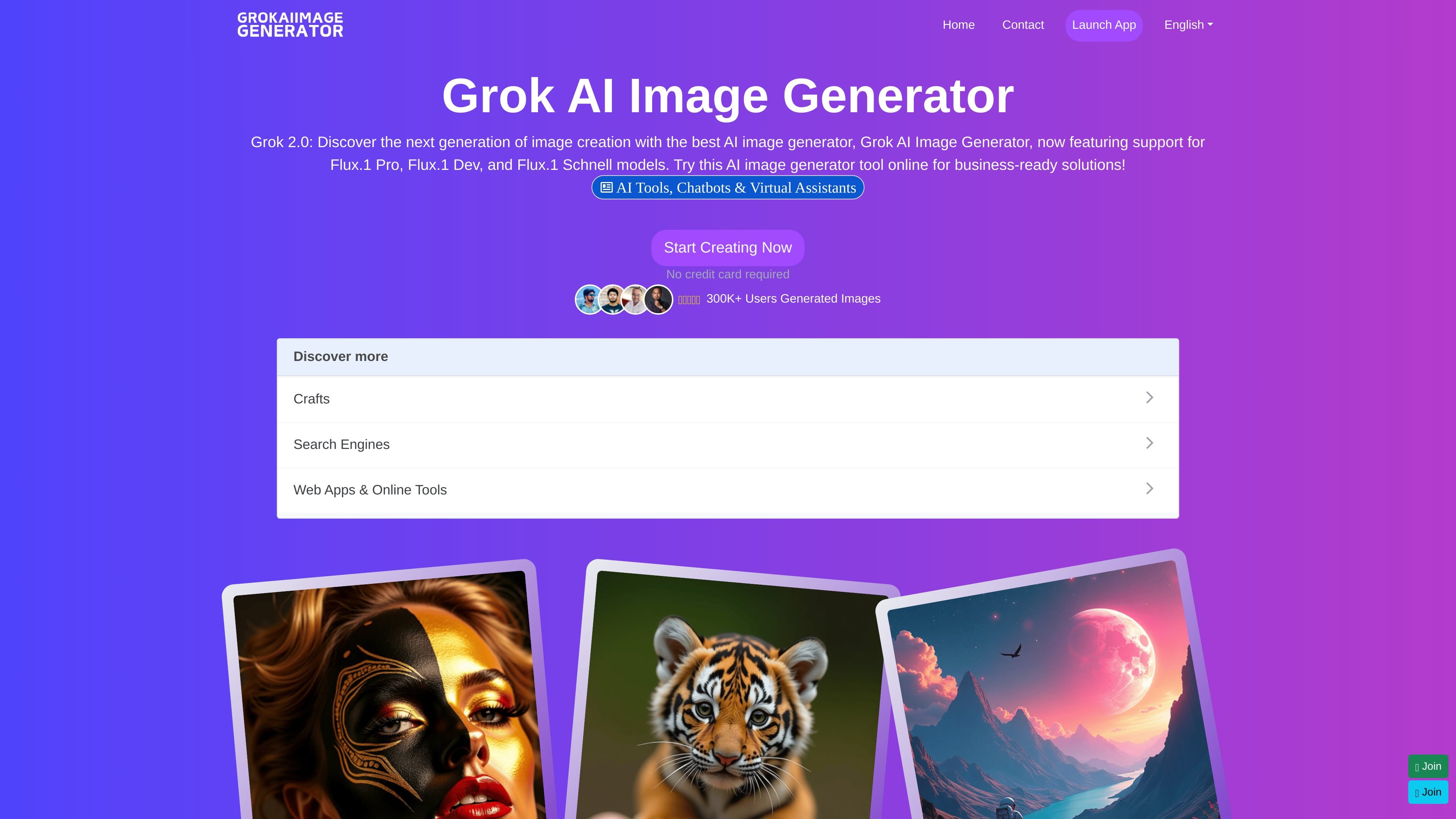
Grok AI Image Generator is an online AI image generation tool that turns text prompts into images through a browser-based workflow. The site presents it as a way to create, customize, and export visuals without requiring specialized design software.
The product pages say it supports Flux.1 Pro, Flux.1 Dev, and Flux.1 Schnell models, with controls for prompt input, negative prompts, image count, aspect dimensions, and several generation toggles. The homepage also describes a built-in editor for post-generation adjustments and a free tier with limited credits.
Support for Flux.1 Pro, Flux.1 Dev, and Flux.1 Schnell gives users a choice between higher-control, developer-oriented, and faster-generation modes.
The generator accepts text prompts and also shows a negative prompt field on the creation page, which helps steer the output away from unwanted elements.
The create page exposes controls for number of images, width, and height, allowing users to shape the output before generation.
The page lists customization toggles such as grayscale, high quality, fast mode, enhanced contrast, safety checker, enhance prompt, panorama, self attention, upscale, TomeSD, and Karras sigmas.
The homepage says images can be customized after generation with a built-in editor, then downloaded or shared.
The site indicates a free plan and a paid developer plan with API access, suggesting support for both casual use and more technical workflows.
Create concept visuals from a written prompt when you need a fast starting point for an idea, scene, or object.
Experiment with different prompt variations and output settings to compare image styles, dimensions, and image counts.
Refine generated images with the built-in editor before downloading or sharing them for presentation or social use.
Use the developer-oriented plan and API access when building an application that needs image generation capabilities.
Start with the free plan to evaluate the tool’s basic generation flow and model support before committing to a paid tier.
The site presents Grok AI Image Generator as an online text-to-image tool that lets you enter a prompt, generate an image, customize it, and then download or share the result.
The rendered page text describes a workflow that starts with choosing a model, then entering a prompt, generating an image, and optionally refining it with built-in editing controls.
The site mentions support for Flux.1 Pro, Flux.1 Dev, and Flux.1 Schnell. It also shows prompt fields, negative prompt input, image count, width and height options, and several customize toggles on the generation page.
The homepage states that a free plan is available with 30 credits and access to Flux.1 Schnell features. The pricing URL itself returns a 404, so the full plan structure is not confirmed from a live pricing page.
The site says Grok AI Image Generator is usable online and that the developer-oriented plan includes API access, but the public pages do not provide a full integration catalog or documentation set.
Traffic data is for reference only.

janusproai.org
GenImg AI is a web-based AI image generator for creating images from text or other images with FLUX.1 models. It offers free credits for registered users, paid credit plans, and model-specific pages for generation and editing workflows.

flux1.ai
Web-based AI image generator with FLUX text-to-image and image-to-image workflows, free sign-up credits, and paid plans.

flux-1.ai
Flux 1 AI is a web-based image generation product built on Black Forest Labs’ FLUX.1 model family, with text-to-image creation, prompt refinement, and API access for creative and developer workflows.

img-fx.com
Image Fx is a web-based AI image generator from text prompts, with free basic access and paid premium models.

bfl.ai
Black Forest Labs develops FLUX models for visual generation and understanding across image, video, audio, and action prediction. Users can experiment in a browser playground, access models through an API, or run selected open-weight models on their own infrastructure.

segmind.com
Segmind automates image and video workflows with APIs, Pixelflow templates, model access, and plans for individuals, teams, and enterprises.