
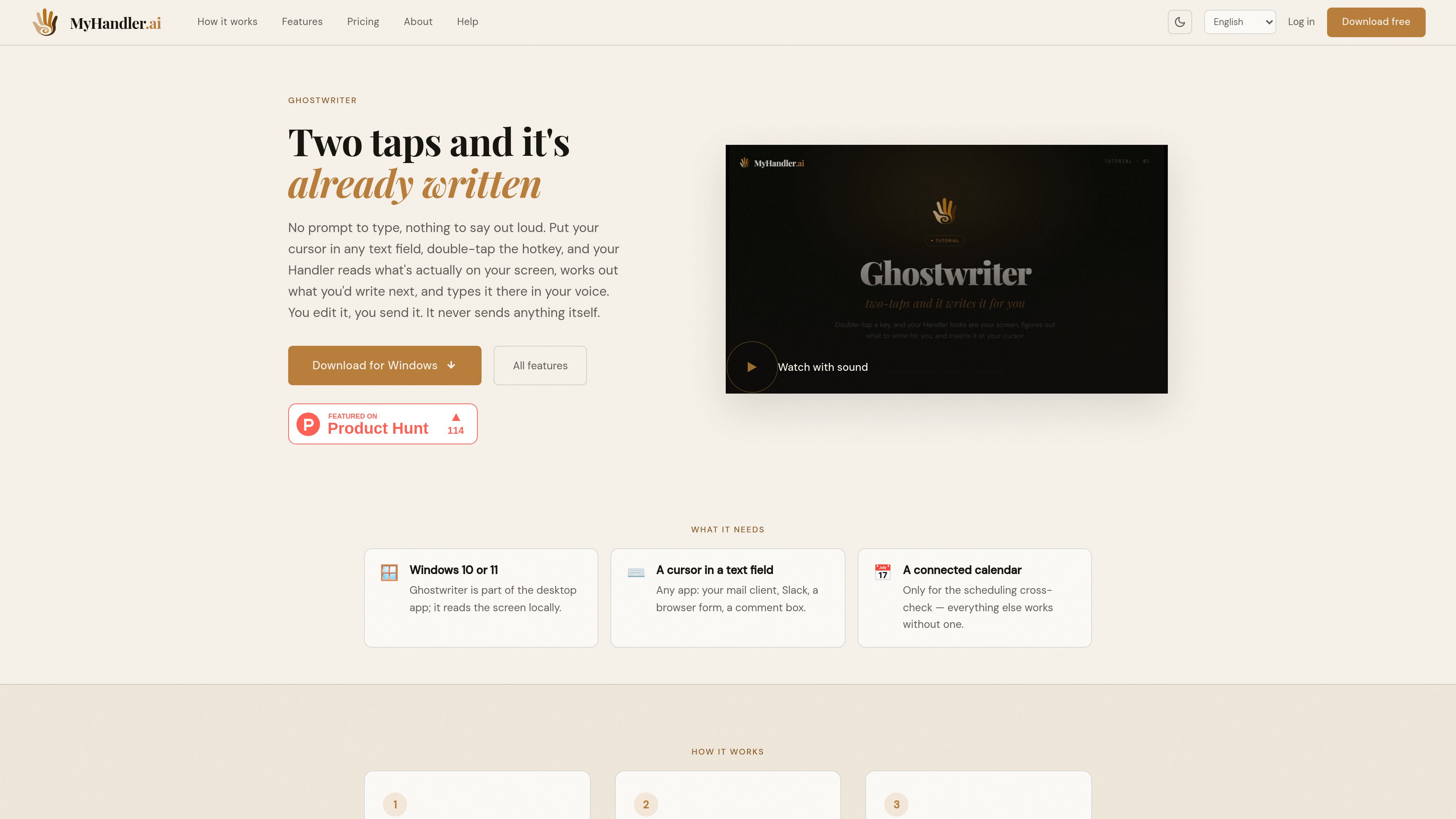
Context-aware drafting
Ghostwriter reads the thread, form, or sentence around the cursor and chooses whether to reply, continue, answer, or compose instead of requiring a written prompt.

Ghostwriter is a Windows desktop drafting tool that reads the context around your cursor and proposes what to write next in your voice. It helps professionals compose replies, continuations, form answers, and other text without writing a prompt.
Ghostwriter is an AI drafting feature in the MyHandler desktop app for Windows 10 and 11. It reads the content around a text cursor—such as a message thread, form, or unfinished sentence—and determines what text would fit next. A double-tap of the hotkey inserts the resulting draft at the cursor for review.
It is intended for context-heavy writing where creating a prompt would add extra work. Ghostwriter can draft replies, continue text, answer questions in blank fields, or compose a context-appropriate message. It never sends the result itself: users can read, edit, delete, or send the inserted text.
Ghostwriter reads the thread, form, or sentence around the cursor and chooses whether to reply, continue, answer, or compose instead of requiring a written prompt.
The generated text appears directly at the cursor in the application already being used, including mail clients, Slack, browser forms, and comment boxes.
It maps messages to their senders, identifies the user's handle, and tracks who asked whom for what so the draft addresses the relevant party.
When a reply proposes a meeting time, Ghostwriter checks the next two weeks of a connected calendar before producing the draft. Other workflows do not require a calendar.
Ghostwriter only inserts text. It does not send messages automatically, leaving the user to review, change, delete, or send the final result.
The screen context around the cursor is captured on the user's machine. The assembled context is sent to a cloud model with zero data retention for drafting.
Place the cursor in a reply field and double-tap the hotkey to draft an answer based on the conversation, without summarizing the thread in a separate prompt.
Use the surrounding question or discussion as context when a form or comment field needs a substantive written response.
Put the cursor at the end of a partial sentence or passage and let Ghostwriter continue it from the exact stopping point.
When a response involves proposing a time, connect a calendar so Ghostwriter can cross-check availability in the next two weeks before drafting.
It requires the MyHandler desktop app on Windows 10 or 11 and a cursor in a text field. A connected calendar is optional and is used only for checking proposed scheduling times.
It is described as working in text fields across applications, including mail clients, Slack, browser forms, and comment boxes. The essential requirement is an active cursor where the draft should be inserted.
No. It inserts the draft at the cursor, and the user must review, edit, delete, or send it.
It reads the screen context around the cursor, such as the thread, form, question, or unfinished sentence. The screen capture occurs locally, while the assembled context is sent to a cloud model with zero data retention to produce the draft.
Ghostwriter is available as part of the desktop app for Windows 10 and 11. macOS and Linux are listed as coming soon.

revo.ai
Revo is a proactive AI assistant for work that connects to email, calendars, meetings, Slack, and other tools to draft replies and prepare actions for approval—ideal for context-aware inbox and workflow support.

goldfish.sh
Goldfish is an AI memory app for Mac that helps you reply, write, summarize, and continue with the context already around you.

www.voiskey.ai
Voiskey is an AI voice-typing tool that turns natural speech into polished text for messages, emails, notes, documents, and AI prompts. It is available on macOS, Windows, iOS, and Android for people who want to draft by speaking instead of typing.

www.blueberry.cool
Blueberry drafts replies to your iMessages in your own voice and lets you send them from the macOS menu bar. Designed to help with unread messages without sending anything automatically.

tinywow.com
TinyWow offers free browser-based tools for PDFs, images, video, file conversion, and AI writing, helping with common tasks without software.

lex.page
Collaborative AI writing editor for drafting, revising, and sharing documents in the browser.