
AI feedback and rewriting
Ask the AI for feedback on a draft, brainstorm ideas, or rewrite text directly in the document.

Collaborative AI writing editor for drafting, revising, and sharing documents in the browser.
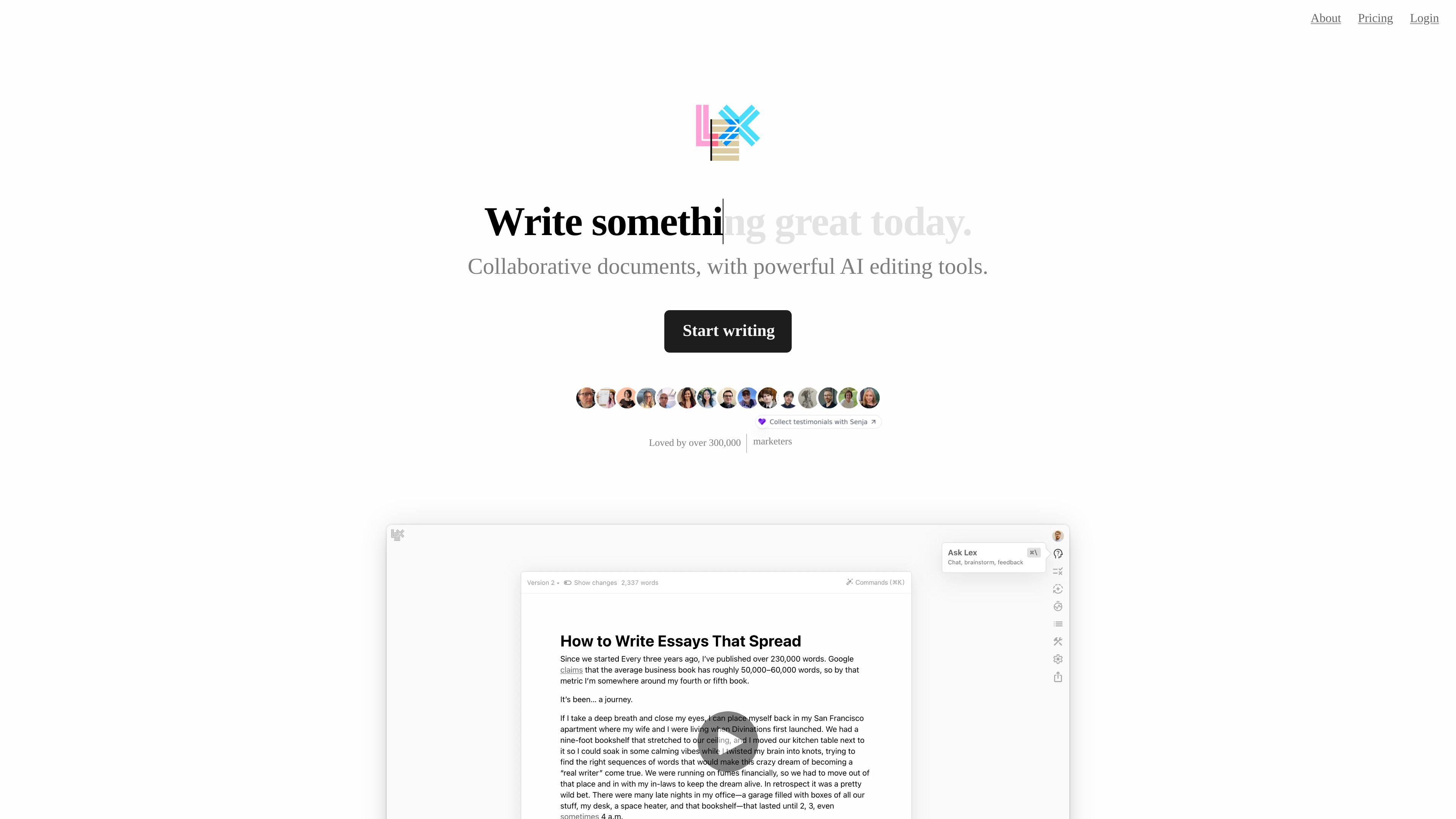
Lex is a collaborative document editor with built-in AI tools for drafting, editing, and review. It combines document writing, comments, versions, and sharing features with AI assistance that can rewrite text, generate ideas, and provide feedback inside the document.
The product is aimed at people whose writing goes through an edit process and need a focused workspace for content that must be refined before publishing or sharing. The site highlights use for academic papers, customer-facing copy, important emails, and fiction drafts, and it also supports sharing with collaborators through browser-based links.
Ask the AI for feedback on a draft, brainstorm ideas, or rewrite text directly in the document.
Use line-level suggestions that are highlighted in your document for more targeted editing.
Train Lex to draft and edit in your voice with style guides and custom prompts.
Save and restore previous versions, including manual named save points and rewindable history.
Share a link so others can collaborate in the browser, or send a read-only link for review.
Use AI shortcuts to find better words, generate ideas, and create title suggestions faster.
Draft papers or articles in a workspace where you can get AI feedback, refine wording, and keep version history as you revise.
Work on copy that needs to be polished before sending, including customer-facing text and important emails.
Share a document with teammates or collaborators and work in the browser using link-based access.
Store guidance in style guides, prompts, or knowledge bases so the AI can respond with more context about your project or voice.
Use saved prompts, title ideas, and keyboard shortcuts to move quickly from rough draft to a cleaner version.
Lex offers a free way to collaborate on documents, and the pricing page says team collaboration is free on shared documents. For heavier collaboration, Lex Teams adds unlimited group use of Lex folders.
The pricing page says Lex supports sharing and collaboration on documents for free, and Lex Teams is available for people doing a lot of collaborative work.
Lex says its free users have limits for Ask Lex messages, Checks, and custom prompts, but the pricing page does not list the exact numbers.
Lex says it is not training language models and has no immediate plans to do so. It also says writing is privately and securely hosted on Lex’s own database, with team access allowed only in limited cases and with permission.
Lex says it is built for writing that goes through an edit process, such as academic papers, customer-facing copy, important emails, and fiction drafts.
Traffic data is for reference only.
| May | 63272 |
|---|---|
| Jun | 64366 |
| Jul | 61114 |
Traffic analytics are not available yet.

aieditor.dev
AIEditor is a Web Component rich text editor for AI writing, Markdown editing, and collaborative documents.

gw.iflydocs.com
讯飞文书 is an AI writing platform for drafting, reviewing, and organizing official documents, reports, speeches, and minutes.

resumebuilder.com
ResumeBuilder.com helps job seekers create, edit, import, and download resumes in any browser, with guided steps, templates, and AI writing help.

tinywow.com
TinyWow offers free browser-based tools for PDFs, images, video, file conversion, and AI writing, helping with common tasks without software.

wrtn.ai
뤼튼 is a web-based AI tool for writing, summarizing, and drafting content for blogs, social media, presentations, interviews, and resumes.

packback.co
Give students feedback on discussions and writing while instructors review rubric scores, originality signals and the drafting process in one learning platform.