
Unified creative canvas
Create and refine work inside one workspace instead of moving between separate tools. The product is presented as an infinite or intelligent canvas for creative production.

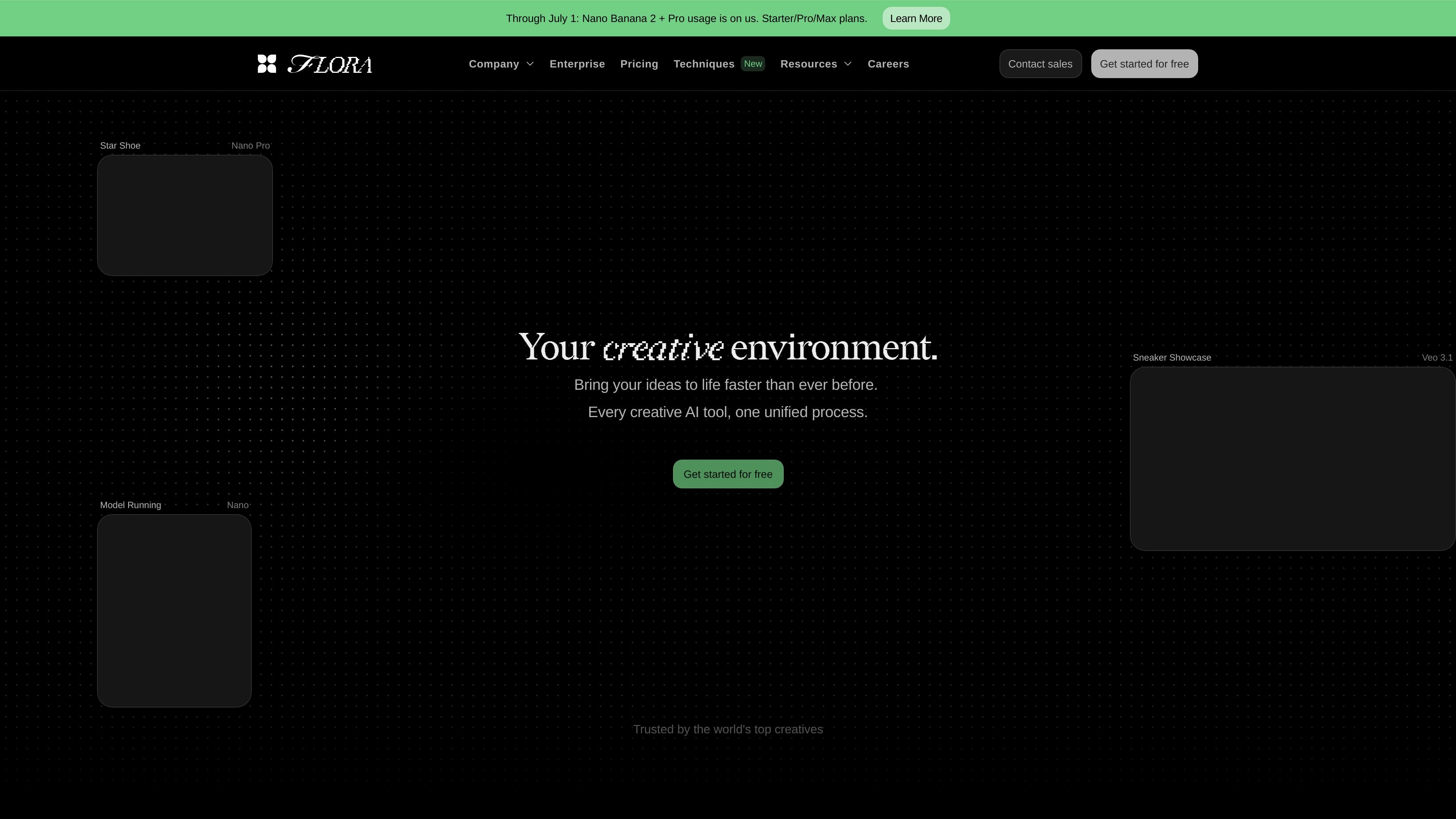
FLORA is an AI generative canvas for creative teams, combining image and video generation, editing, collaboration, and workflows.
FLORA is a generative AI canvas for creative teams. The site positions it as an AI-powered workspace for designers, brand teams, agencies, and in-house creative groups that need to generate, edit, and produce visual work in one place.
Rather than acting as a single image or video tool, FLORA combines a shared canvas with access to 50+ AI models, layered editing, collaboration features, and repeatable techniques. The product is meant to support everything from early concept exploration to producing on-brand assets at team scale.
Create and refine work inside one workspace instead of moving between separate tools. The product is presented as an infinite or intelligent canvas for creative production.
Generate visuals, video, and photo-style outputs, with separate tools called out for image generation, video generation, image-to-video, text-to-image, photo generation, and video editing.
Use layered editing, annotations, labels, real-time cursors, and batch generations to shape outputs and review work on the canvas.
Run and create techniques, including an app mode, to turn repeatable creative steps into workflows inside the product.
Work with teams using real-time collaboration, project sharing, shared assets, shared elements, and per-member usage controls on higher plans.
Access models and workflow interfaces such as API access, MCP access, and FAUNA, the product’s AI assistant, depending on plan.
Teams can use FLORA to test visual directions quickly, compare multiple prompts or model outputs, and keep the exploration inside one canvas instead of juggling separate tools.
Brand and design groups can refine visuals with layers, annotations, shared elements, and collaboration features while keeping work organized around a single project.
Agencies can manage client work with pooled usage, project sharing, and usage history that helps them understand generation cost by project and by member.
Creative teams working with motion and stills can use the image, video, and editing tools together to produce and iterate on mixed-media assets.
Enterprise teams can use Workspaces, shared assets, feedback review, billing, and SSO/SAML controls where those plan features are needed.
FLORA is built around a shared canvas where teams can generate, edit, and organize creative work in one workspace. The source also describes collaboration features such as real-time collaboration, shared assets, shared elements, and feedback-oriented review in Workspaces.
The pricing page shows a Free plan plus paid Starter, Pro, and Max plans, and an Enterprise option for teams that need a custom sales flow. The exact mix of usage and plan limits depends on the plan selected.
Yes. FLORA’s pricing page lists text, image, and video models, and the site also highlights AI image generation, video generation, photo generation, image-to-video, text-to-image, and AI video editing capabilities.
The source emphasizes a canvas-based workflow rather than a single-purpose editor. Users can work with layers, annotations, batch generations, techniques, and AI-assisted workflows from the same workspace.
Traffic data is for reference only.

flora.ai
FLORA is an AI-powered creative canvas for designers, brand teams, agencies, and in-house creative teams. It combines generation, editing, and collaboration in one workspace with access to 50+ text, image, and video models.

www.adobe.com
Adobe Firefly is a generative AI creative workspace for producing and editing images, video, audio, and vector graphics from text prompts and other inputs. It supports creators, marketers, designers, and video editors with generation, refinement, and multi-model workflows.

design.minimax.io
MiniMax Design is a multimodal AI agent that turns creative ideas into finished media by coordinating image, video, voice, and editing models. It’s for users who want to describe a brief, save reusable workflows, and keep files on their own device.

weavy.ai
A web-based AI design workflow platform for creative professionals, teams, and enterprise design groups, combining multiple AI models, professional editing tools, and reusable node-based workflows.

thebrief.ai
The Brief is an AI-powered ad generation platform that helps teams create, adapt, publish, and optimize ads in one workflow. It supports brand-trained creative generation, multi-format exports, and collaboration for marketers, designers, agencies, and enterprises.

orshot.com
Orshot generates branded images, PDFs, and videos with templates, API, no-code, and agent workflows, plus social publishing and team collaboration.