
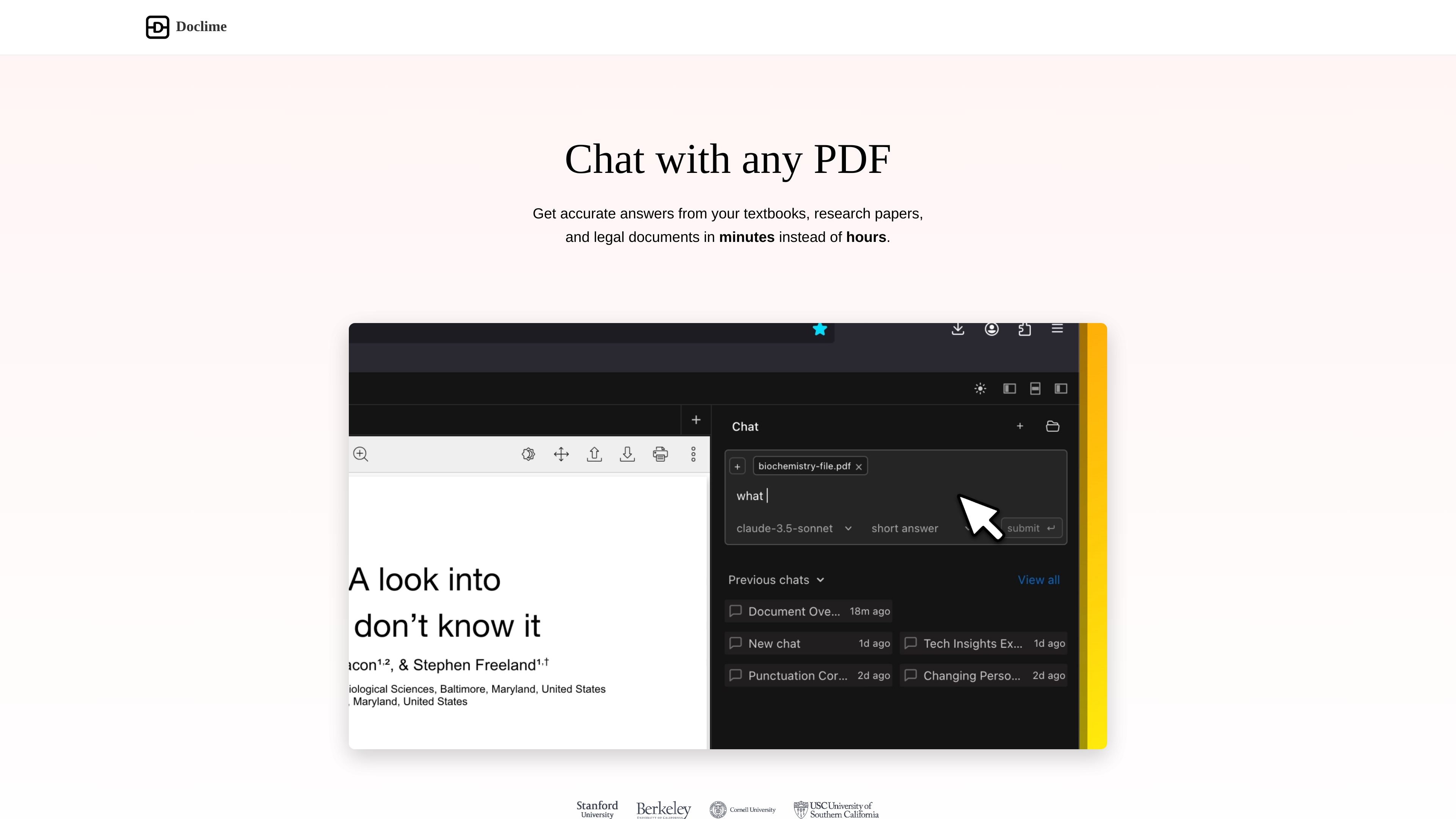
Contextual chat with citations
Upload PDFs and ask questions in a chat interface that answers using the document content and references sources from the file.

Chat with PDFs and get AI answers backed by source citations.
Doclime is an AI tool for chatting with PDF documents and getting answers backed by citations from the source text. It is presented as a way to import files, ask questions, and review long documents without having to search manually through every page.
The site positions Doclime for textbooks, research papers, legal documents, and similar long-form files. In addition to chat, it includes PDF viewing, note-taking, split-screen document handling, file organization, context-aware search, and support for scanned PDFs.
Upload PDFs and ask questions in a chat interface that answers using the document content and references sources from the file.
Open PDFs with search, zoom, and page navigation to inspect documents directly while you work.
Create and edit notes in a rich text editor with real-time saving and version history.
Work with multiple documents in a split-screen layout so you can compare files side by side.
Organize uploaded files and notes in a hierarchical file tree.
Add context files to conversations and search across documents with contextual search.
Ask a document a direct question and use the cited answer to find a specific fact, clause, or explanation quickly.
Review textbooks or research papers when you want a faster way to extract key points from dense reading material.
Inspect legal or policy documents and use source-backed responses to check obligations, terms, or sections without reading every page by hand.
Compare multiple PDFs side by side while taking notes and keeping related files organized in one place.
Search scanned documents by converting them with OCR before asking questions about their contents.
Doclime lets you upload documents and ask questions about them. The site describes it as a tool for chatting with PDFs and getting answers with citations from your documents.
The homepage says Doclime is useful for textbooks, research papers, legal documents, financial reports, and technical manuals, especially when you need to pull information from long files quickly.
Yes. The site states that Doclime supports scanned PDF files by using OCR to convert them into machine-readable text.
Doclime is positioned around PDF workflows, including chat with multiple PDF files, contextual document search, notes, and split-screen viewing.
Traffic data is for reference only.

updf.com
UPDF is an AI-powered PDF editor for Windows, Mac, iOS, Android, and web users, with tools to edit, annotate, convert, organize, sign, summarize, translate, and chat with PDFs and images.

pdf.ai
PDF.ai lets you chat with PDFs to ask questions, get summaries, and find information, with API tools to parse, extract, and split documents.

chatdoc.com
AI document chat for readers who need summaries, explanations, and traceable answers.

docalysis.com
AI document chat for PDFs, batch processing, and API integrations

pdfgpt.chat
PDF GPT is an AI chat tool for summarizing, searching, and asking questions about PDF documents. It supports cited answers, multi-PDF search, and multilingual workflows.

paperchat.io
Web-based AI chat for searching, summarizing, and extracting information from uploaded documents with sourced answers.