
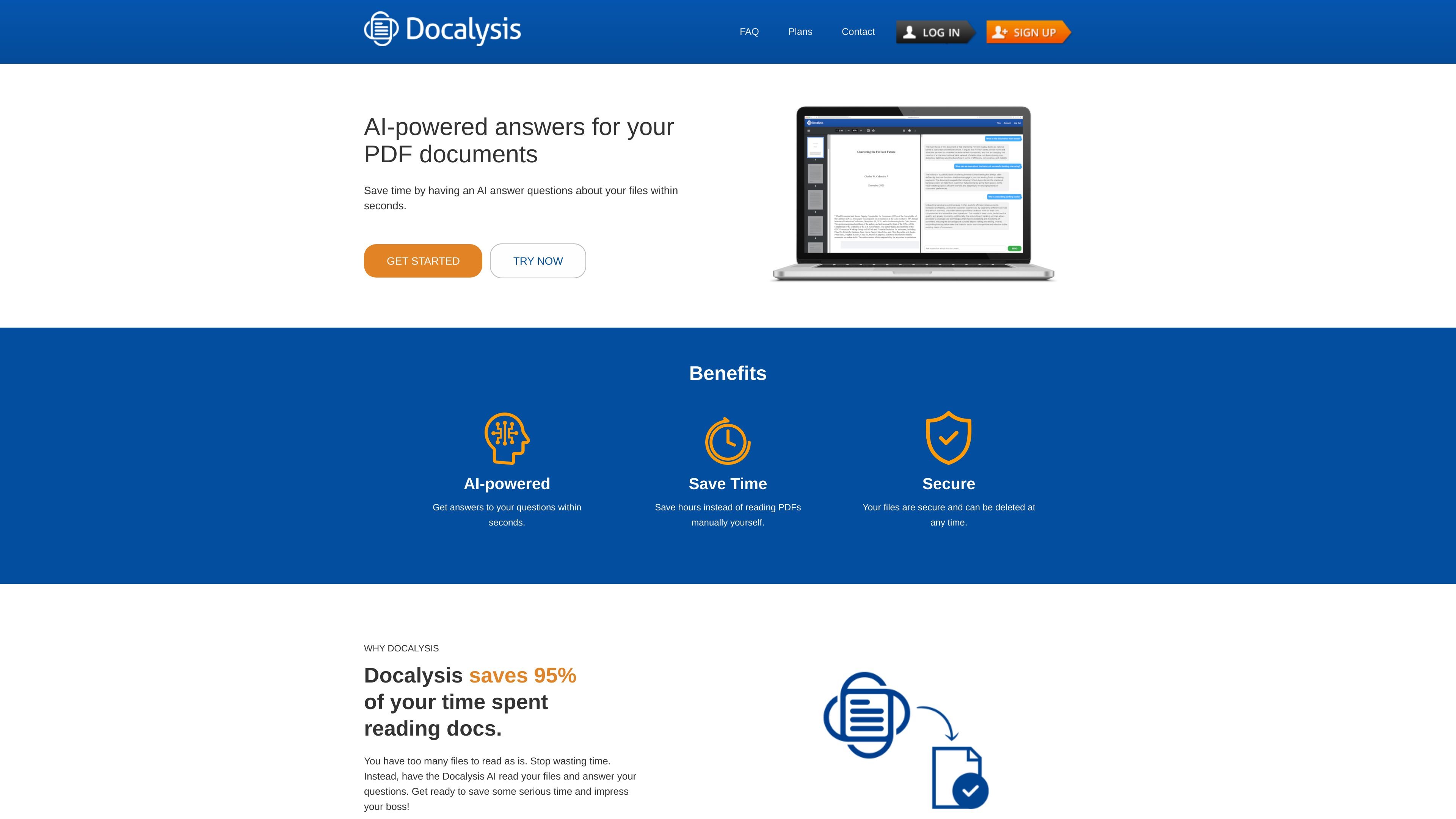
AI chat with files
Upload documents and ask questions in a chat-style interface so the AI can answer within seconds instead of requiring manual reading.

AI document chat for PDFs, batch processing, and API integrations
Docalysis is an AI document chat product focused on answering questions from PDF files. The homepage positions it as a way to save time by having AI read files and return answers within seconds.
The service also supports broader document workflows through batch processing and an API. The batch page describes processing thousands of files and exporting results to CSV or ZIP, while the API docs describe using Docalysis from programs, scripts, and websites with GET and POST requests.
Upload documents and ask questions in a chat-style interface so the AI can answer within seconds instead of requiring manual reading.
Support for PDF files is central to the product, and the API docs extend the workflow to TXT, CSV, DOC, and other file types.
Pricing plans include multi-file chat, so you can work across more than one document in a single workflow.
The batch product page describes processing thousands of files and extracting information automatically for CSV output.
The API lets developers use Docalysis from their own programs, scripts, and websites through the documented endpoint.
Higher-tier plans and the Business plan include larger limits, email support, and team administration options.
Use the web experience to ask questions about a PDF instead of reading through the document manually.
Send many files through batch processing when you need extracted answers or summaries exported to CSV for analysis.
Connect Docalysis to internal tools, scripts, or websites through the API to add document chat to an existing workflow.
Use team-oriented plans when a company needs shared storage, administration, and custom limits for document work.
Docalysis lets you upload files and chat with them using AI. The product site describes chat for PDF documents, and the API docs say it can also be used with TXT, CSV, DOC, and other common file formats.
The pricing page shows a Free plan and paid Plus, Ultimate, and Business plans. Paid plans include monthly question credits, page upload limits, and multi-file chat, while Business adds custom limits, team administration, and phone support.
The API docs say Docalysis works through GET and POST requests to the Docalysis API endpoint with an API key. It is intended for use with your own programs, scripts, and websites.
The batch page says Docalysis can process thousands of files and output results to CSV, and in some cases a ZIP file containing one TXT file per input file.
The site says you can cancel a subscription at any time. If you downgrade, existing files are kept, but new uploads may be blocked if they exceed the lower plan's storage limits.
Traffic data is for reference only.

noedgeai.com
AI document processing for PDFs and images with editable exports, translation, and API batch processing

affinda.com
Intelligent document processing for high-volume workflows

pdf.ai
PDF.ai lets you chat with PDFs to ask questions, get summaries, and find information, with API tools to parse, extract, and split documents.

chatdoc.com
AI document chat for readers who need summaries, explanations, and traceable answers.

super.ai
Intelligent document processing for structured data workflows

updf.com
UPDF is an AI-powered PDF editor for Windows, Mac, iOS, Android, and web users, with tools to edit, annotate, convert, organize, sign, summarize, translate, and chat with PDFs and images.