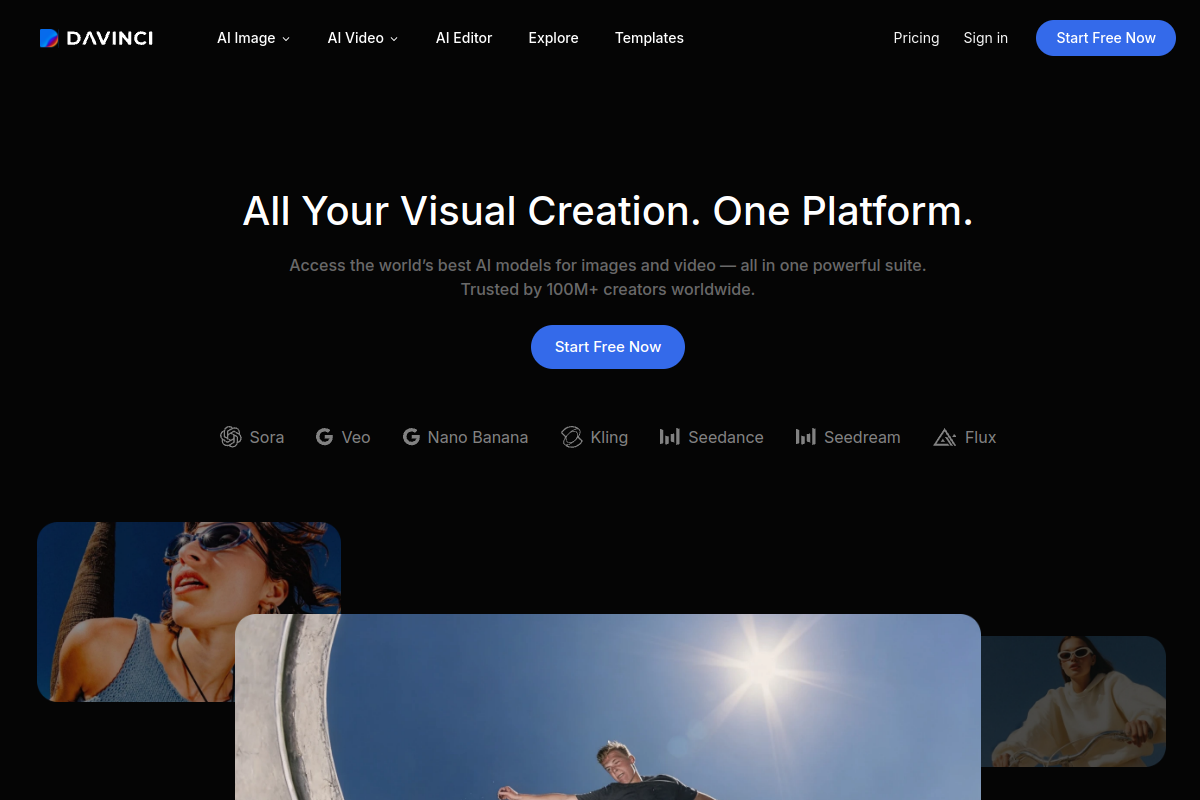
DaVinci is a generative media platform for creating images and videos in one workspace. Its library spans 50+ AI models, with featured names including Sora, Veo, Kling, Seedance, Seedream, Flux and Nano Banana.
Creators, marketers and designers can select a model, generate from a prompt or photo, and refine the result with image editing, resizing and upscaling. It offers web workflows and iOS/Android apps. Particular models and features can change, and generation uses credits according to the chosen tool and settings.
What can DaVinci do?
01
Model selection for image and video generation
Select an image or video model for the project. Use the same brief with two models and compare the results yourself; text handling, style, reference control, duration, resolution and cost are selection factors.
02
Video generation from text or photos
Generate videos from written prompts or upload a photo as a Start Image. Describe the action and camera movement to guide the output.
03
Targeted image editing
Refine generated images by describing the detail to change and what should remain unchanged. Tools also support removing unwanted elements or replacing objects within a scene.
04
Resizing and upscaling
Adapt designs to social, advertising, and web formats. Increase asset resolution to prepare images for larger placements.
05
Generation-cost preview
See the credit cost after selecting the tool, model and settings, before generating. Image and video requests can consume different credit amounts.
Use Cases
“Product promotion”
Turn still product photographs into short commercial videos for ads, social posts, and storefronts. Review generated footage for changes to product appearance and text before use.
“Campaign production across channels”
Build campaign visuals and adapt them to different placements. Marketers can resize designs for social and web formats and upscale assets for larger advertising displays.
“Visual concept exploration”
Designers can test the same brief with different models, compare styles, and refine a selected image before developing it into a final asset.
Frequently Asked Questions
How do I start an image or photo-to-video project?
For an image, choose a model in Image, describe the subject and style, then generate and refine it. For video, upload a photo as Start Image and describe action and camera movement. Review faces, product appearance and text in the result before using it.
How do generation credits work?
DaVinci provides daily image credits and shows generation cost after you select a tool and settings. Subscription credits refresh to the plan allowance at the start of each billing period. Costs vary by model and request; the displayed per-generation cost determines how far a balance will go.
Which web plans are displayed?
The monthly cards display Max at $39.99, renewing at $69.99/month, with 5,000 credits; Ultimate at $99.99, renewing at $174.99/month, with 15,000 credits; and Creator at $199.99, renewing at $329.99/month, with 40,000 credits. Creator is labelled a limited offer. All three cards are billed monthly; the displayed offer is not the ongoing renewal price. Location, purchase channel and promotions can change the offer.
What rights apply when I publish an output?
DaVinci does not claim ownership of generated outputs, subject to applicable law and third-party rights. Outputs may not be unique; other users may receive the same or similar results. You need permission for uploaded images, likenesses and voices, and third-party model restrictions can also apply.
How do paid subscriptions renew and cancel?
Unless the purchase offer states otherwise, subscriptions renew each billing period until cancelled. Cancellation normally takes effect at the end of the paid period, with access retained until then. Use the relevant store or account cancellation options; uninstalling the app does not cancel a subscription.
Quick Facts
Platforms
Web, iOS, and Android
Model library
50+ AI models
Primary users
Creators, marketers, and designers
Generation accounting
Cost shown before generation; subscription credits refresh each billing period
Core outputs
Images and video, with prompt-based image editing and format adaptation
DaVinci Traffic Analysis
Traffic data is for reference only.
Domain Rating
50
DaVinci Alternatives
A
A2E
a2e.ai
AI video and image creation with image-to-video, face swaps, voice cloning, avatars, editing, and API plans.
A
AISaver
aisaver.io
AI video and image creation for face swaps, generation, editing, and enhancement
M
Magic Hour
magichour.ai
Browser-based AI video and image platform with 100+ tools for generation, editing, face swap, and lip sync.
O
OpenArt
openart.ai
An AI creation studio for generating and editing images, video, characters, worlds, music, and audio.
D
DeeVid AI
deevid.ai
AI video and image creation from text, images, video, or audio
S
Stable Video
stablevideo.com
Generate short video sequences from a still image with Stability AI’s Stable Video Diffusion models. Developers and researchers can run the 14-frame or 25-frame release on their own infrastructure under the applicable model license.