
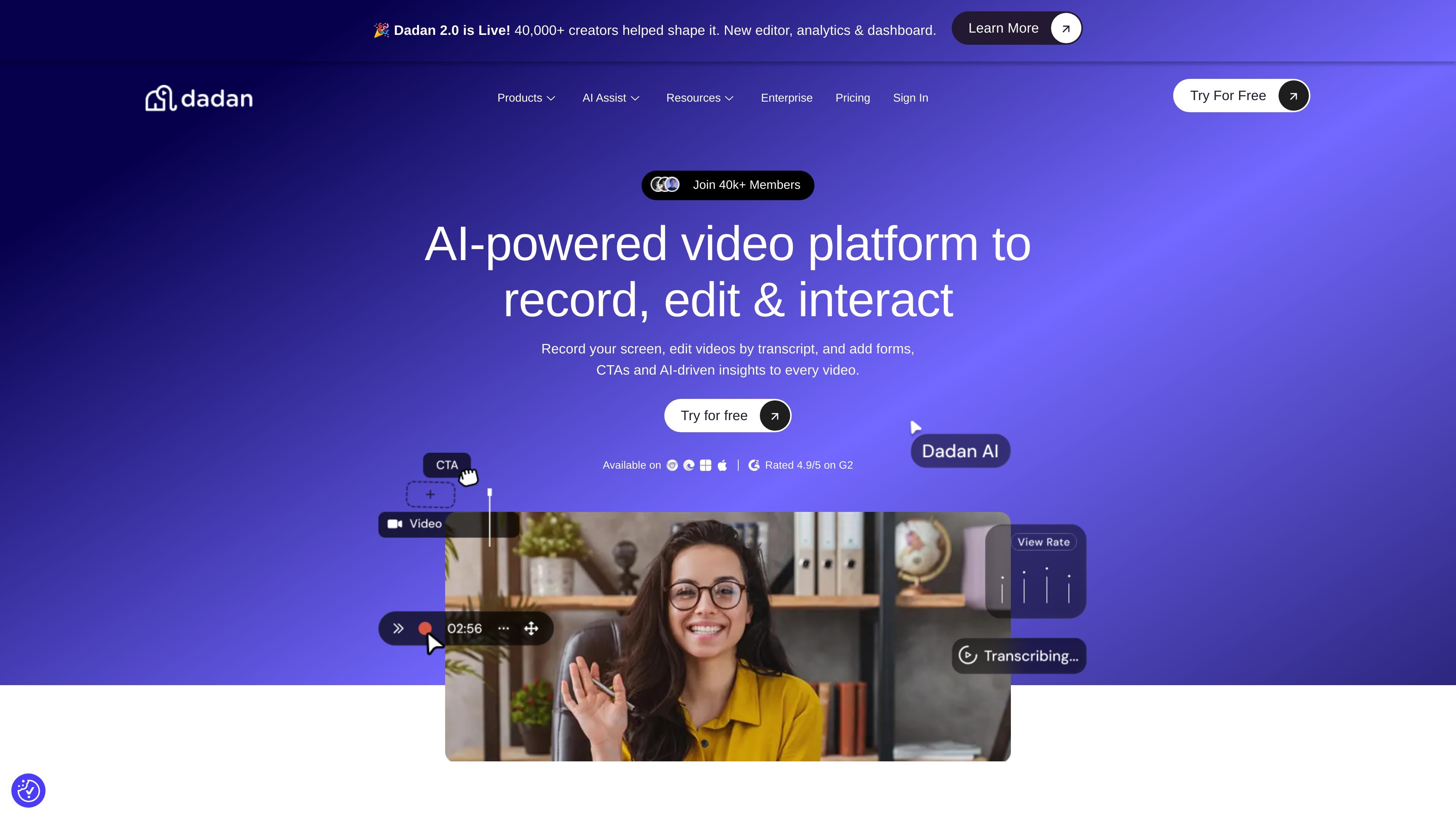
Screen and webcam recording
Record your screen, camera, or both, and capture demos, walkthroughs, meetings, lessons, or updates. The screen recorder is available through the browser, extension, and native app.

AI video platform for recording, editing, hosting, and collaboration
Dadan is an AI-powered video creation platform for recording, editing, hosting, collaborating on, and sharing videos. The product is positioned around a workflow that starts with screen or camera recording, then moves into transcript-based editing, interactive elements, and performance analysis.
The site presents Dadan as a browser-first video tool with additional extension, desktop, and native app options. Its editor supports common production tasks such as trimming, zooming, audio adjustment, screen blur, and AI-assisted removal of silence and filler words. It also adds engagement and lead-capture features such as forms, CTAs, polls, chapters, and lead forms.
Record your screen, camera, or both, and capture demos, walkthroughs, meetings, lessons, or updates. The screen recorder is available through the browser, extension, and native app.
Edit video from a transcript instead of a timeline. The editor supports cutting, moving, and rearranging text, and the AI assist can remove filler words and pauses.
Use the online editor to trim, zoom, add text or shapes, adjust audio, blur the screen, and export the result as a new clip.
Add forms, calls to action, polls, quizzes, feedback, open text prompts, true or false prompts, chapters, and other in-video interactions.
Track views, interactions, watch time, engagement, retention, geography, traffic sources, and conversion-related activity to understand how videos perform.
Create shared workspaces, auto-share videos with team members, and collaborate online on video projects.
Create demos, walkthroughs, meetings, or training clips by recording the screen, camera, or both, then polish the result in the browser.
Turn longer recordings into shorter clips by editing the transcript, removing filler words and pauses, and exporting in different aspect ratios.
Collect viewer responses and capture leads by adding forms, CTAs, polls, and quizzes directly inside the video.
Share work across a team with shared workspaces and auto-shared videos so collaborators can review and iterate on the same assets.
Review engagement data such as views, watch time, retention, geography, and traffic sources to understand which videos perform best.
Dadan is an AI-powered video creation platform for recording, editing, hosting, collaborating on, and sharing videos. It combines screen and webcam recording with online editing, transcript-based editing, interactions, and analytics.
The source pages show browser, extension, and native app options for recording, plus an online editor and text-based video editor for editing in the browser.
Dadan supports screen recording, webcam recording, transcript editing, AI removal of filler words and pauses, clips, captions and transcriptions, interactions such as polls and quizzes, and analytics on views and engagement.
The pricing page shows a Free plan and paid Lite, Pro, and Business plans. The Business plan is aimed at teams and includes unlimited integrations, priority support, and a dedicated account manager.
The source pages show direct integrations with tools such as Google Calendar, YouTube, HubSpot, Shopify, Zendesk, Calendly, Dropbox, Jira, GitHub, Trello, Asana, and Mailchimp, along with a custom webhook.
Traffic data is for reference only.

riverside.com
Riverside is an online studio for recording, editing, repurposing, and publishing podcasts and video content. It supports remote sessions, AI-assisted post-production, and plan-based hosting or live-streaming workflows.

clipchamp.com
A browser-based video editor for recording, editing, and sharing videos, with a Windows app option.

kapwing.com
Browser-based video creation and editing with AI, subtitles, translation, dubbing, and collaboration.

vmaker.com
AI video creation and editing platform for recording, repurposing, and publishing videos.

detail.co
Detail is a video recording and editing app for iOS and macOS with capture, teleprompter, captions, green screen, and auto-edit tools for creators.

www.dina.so
Dina is a macOS screen recording and video editing tool that automatically enhances recordings with zoom, cursor movement, captions, layouts, and cinematic effects. Create polished demos, tutorials, presentations, and other videos ready to present.