
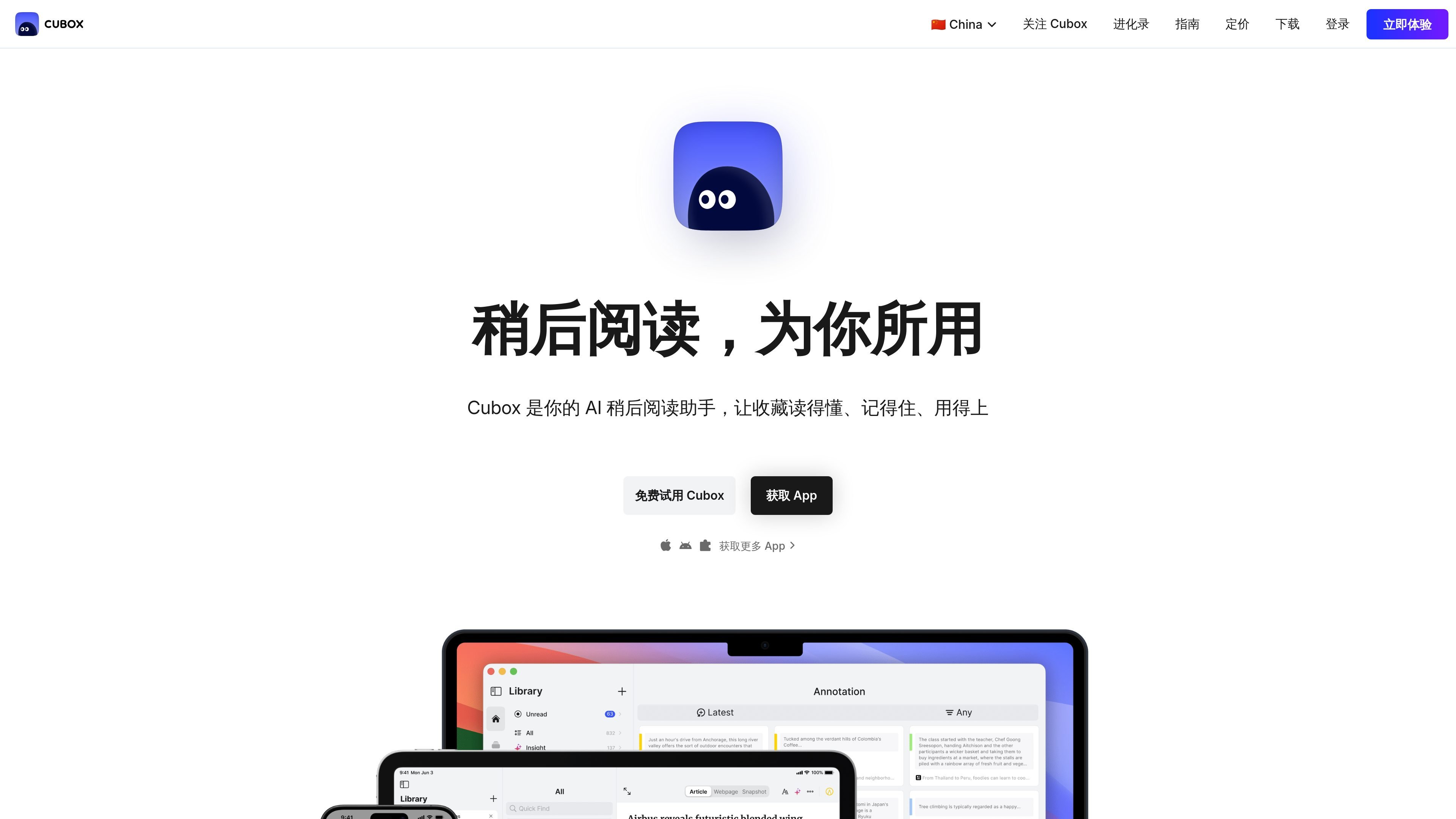
Capture reading from many sources
Cubox is built around saving web content, posts, newsletters, email-related reading, and other snippets into one reading space so they can be revisited later.

AI read-it-later and knowledge library for saving, organizing, annotating, and revisiting online content.
Cubox is an AI-powered read-it-later and personal knowledge library for people who save articles, links, notes, and other online material to revisit later. Its main job is to turn scattered saved content into a searchable reading space that is easier to read, mark up, and retrieve when needed.
The site emphasizes both capture and recall: you can clip content from the web, organize it into folders and tags, and use AI features to summarize, surface questions, and help find answers from your saved library. Cubox is available through native apps and browser extensions, with synced access across supported platforms.
Cubox is built around saving web content, posts, newsletters, email-related reading, and other snippets into one reading space so they can be revisited later.
The home page highlights AI reading features that can summarize content, surface key questions, and help users retrieve answers from their saved library.
The product can generate article understanding and snapshots, and the pricing page says Pro includes web snapshots and advanced parsing for articles.
Cubox supports unlimited collection and annotation in Pro, with a stated expansion from the free-plan limits to unlimited usage after upgrade.
The product organizes material with nested folders and tags, helping users structure a personal knowledge base instead of leaving saved items in a flat list.
Cubox offers browser extensions and native apps, plus automatic sync across platforms, so saved items stay available on different devices.
Save articles, links, newsletters, and other reading material in one place, then come back to them later instead of leaving them spread across browser tabs and feeds.
Search across your saved library to recover a quote, idea, or old article section, with AI help that can answer questions from the collection.
Use summaries, questions, and snapshot-style reading tools to review a large stack of saved items more efficiently when time is limited.
Organize a growing personal library with folders and tags so saved material stays manageable as the collection expands.
Capture and read on desktop, mobile, and browser extensions, keeping the same library available across devices for individual use.
Cubox provides web, mobile, desktop, and browser-extension access. The download page lists Mac, iOS, Android, an Android e-ink version, and browser extensions for Chrome, Edge, Safari, and Firefox.
The pricing page presents Pro and Pro+AI membership options. It also states that Cubox is bound to the user account and can be used across platforms without limiting the number of login devices.
Cubox Pro unlocks unlimited collection and annotation, web snapshots, nested folders and tags, and other advanced features. Pro+AI includes those features plus monthly AI usage and future AI-related upgrades.
Yes. The pricing page says Cubox Pro+AI can be tried free for 14 days.
Cubox says account data is retained even if membership is not renewed, and users can export their data at any time.
Traffic data is for reference only.

recall.it
Personal AI knowledge base for saving, summarizing, organizing, and chatting with content

getrecall.ai
Recall is a personal AI knowledge base for saving, summarizing, organizing, and chatting with articles, videos, podcasts, PDFs, and notes. Use it on the web, via browser extension, or on mobile with Free, Plus, and Max plans.

notion.com
An AI workspace for organizing knowledge, managing projects, and automating team work.

flowus.cn
Online platform for creating, organizing, and sharing knowledge

helplook.net
A knowledge base and help-center platform for publishing support content and AI-assisted self-service.

xiaoin.com.cn
万能小in is an AI knowledge assistant based on your personal knowledge base for document learning, Q&A, academic writing, PPT creation, and long-form content.