
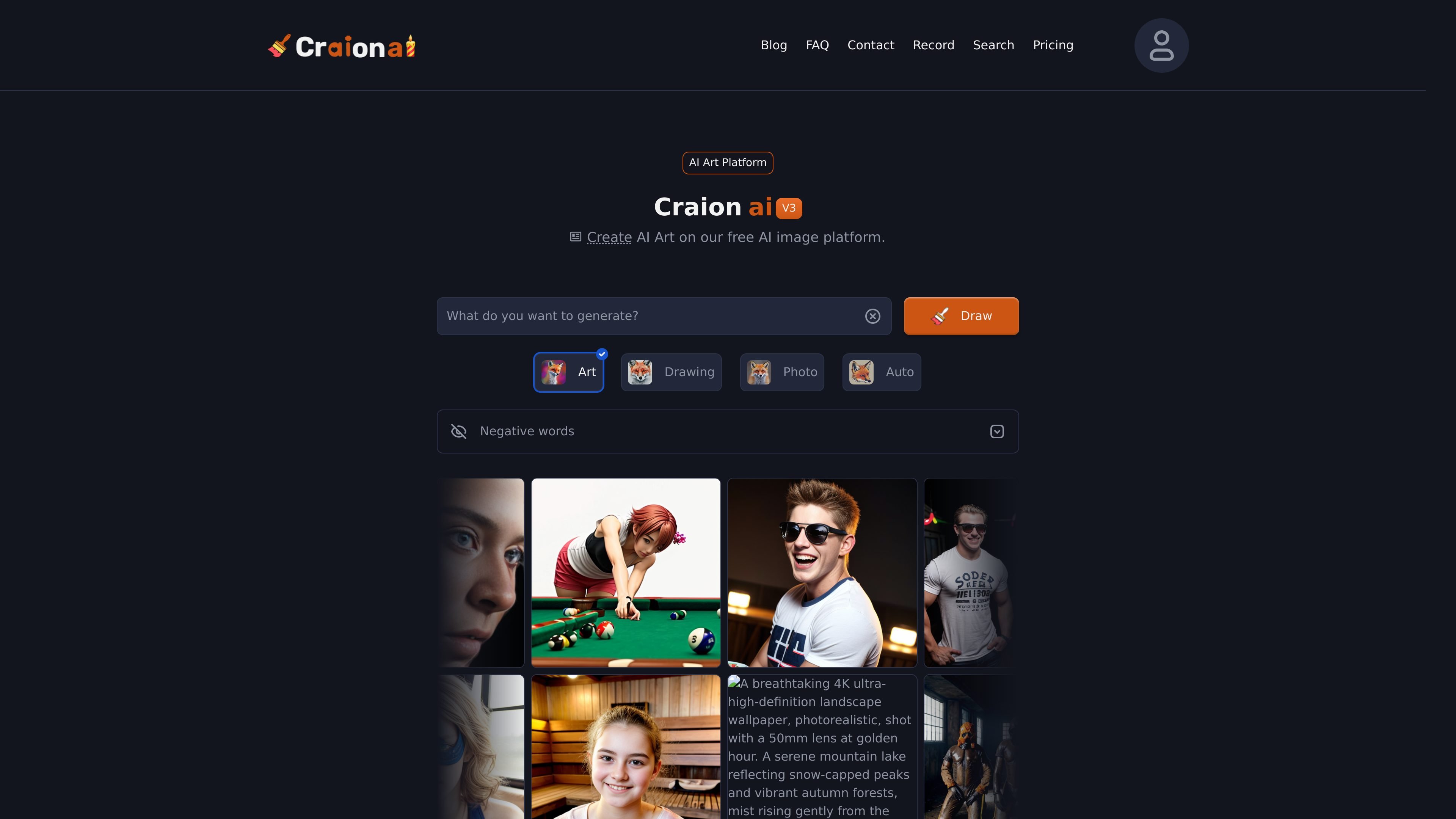
Text-to-image generation
Generate images from a text prompt, with the site describing the workflow as turning typed ideas into AI artwork in seconds.

Craion AI turns text prompts into artwork with editing, prompt controls, and free or paid plans.
Craion AI is a web-based AI image generator that creates artwork from text prompts. The site presents it as a free AI art platform for turning ideas into images, with support for prompt editing, negative words, upscaling, and downloading finished results.
The homepage and FAQ frame the product as a simple text-to-image workflow for casual creators and more experienced users alike. Pricing information shows a free plan, a paid Supporter plan, and an Enterprise option for teams that need custom models, custom integrations, dedicated support, and private servers.
Generate images from a text prompt, with the site describing the workflow as turning typed ideas into AI artwork in seconds.
Use negative words to steer the result away from unwanted objects, styles, or colors.
Edit the text prompt after generation and try new variations without starting from scratch.
Upscale an image to a higher resolution when you want a version that is easier to reuse or inspect.
Save or download generated images, and share them after creation.
The pricing page lists faster generation, higher priority, no ads, no watermark, and private images on the paid Supporter plan; the Enterprise option adds custom models, custom integrations, dedicated support, and private servers.
Turn a short idea into an image without using a separate design tool. The site is built around typing a prompt, generating art, and downloading the result.
Refine an image by adding or removing concepts through negative words, then re-run the prompt until the output is closer to what you want.
Create images for personal, academic, or commercial projects, with the site stating that usage is allowed under the Terms of Use.
Generate multiple visual styles, including abstract art, wallpapers, and landscape-style images, as described in the site FAQ and homepage examples.
Use the paid Supporter or Enterprise plans when you want fewer ads, faster generation, private images, or custom integrations.
Craion AI is a free AI image generator that turns text prompts into generated artwork. The site describes it as a text-to-image tool and says you can create, edit, upscale, save, and download images from prompts.
The homepage describes a simple workflow: open the generator, type an idea, click Draw, then edit the prompt if needed and save or download the result.
The site says free users can create AI art, and the pricing page shows a free plan plus a paid Supporter plan and an Enterprise option with custom contact-based pricing.
Yes. The FAQ on the site says generated images may be used for personal, academic, or commercial use as long as you respect the Terms of Use. Free subscribers are asked to credit craionai.com.
No. The site states that Craion AI does not have a mobile app, and warns that app listings on Google Play or the App Store are not official.
Traffic data is for reference only.

oc-maker.org
OC Maker is an AI original character creator that turns text prompts and optional reference images into original character artwork, with free and paid plans.

image-generator.com
AI Image Generator turns text prompts into images with style and aspect-ratio controls, prompt suggestions, and free access without sign-up.

airbrush.ai
Airbrush is an AI image generator for creating stock photos, artwork, NFTs, and other visuals from text prompts. It also offers upscaling, blog covers, image variants, image-to-text tools, free and premium plans, and commercial usage rights detailed in the FAQ.

gencolor.ai
Turn photos or text prompts into printable coloring pages with free trials and paid plans.

ipic.ai
AI image generator for custom images from text prompts, with free and paid plans

janusproai.org
GenImg AI is a web-based AI image generator for creating images from text or other images with FLUX.1 models. It offers free credits for registered users, paid credit plans, and model-specific pages for generation and editing workflows.