
AI caption generation
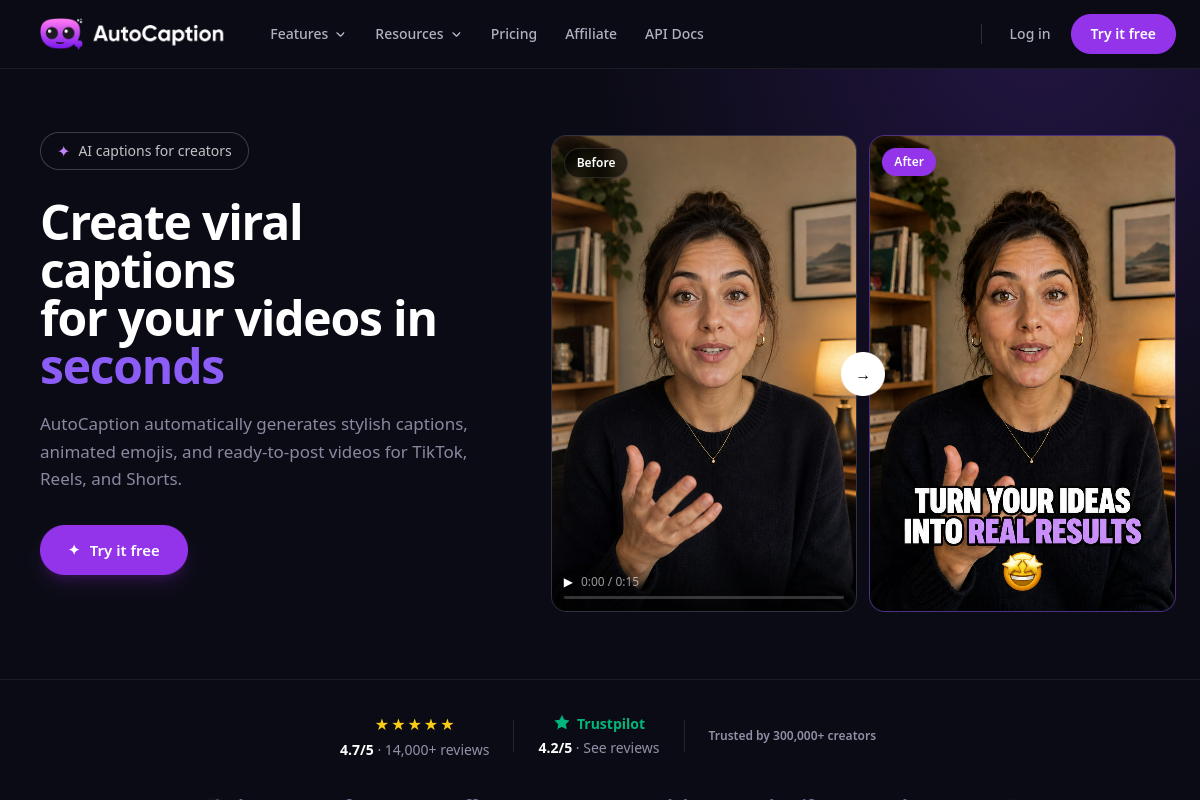
Upload a video and AutoCaption transcribes the audio, generates timed captions, and applies a styled overlay so the output is ready to publish.

AI captions and subtitles for social videos
AutoCaption is an AI caption generator for short-form and social video. It takes an uploaded video, transcribes the audio, and turns it into styled captions or subtitles that can be exported as a finished video or a separate SRT file.
The product is aimed at creators and teams that want to add captions quickly without manual timing work. The site emphasizes support for TikTok, Instagram Reels, YouTube Shorts, and LinkedIn, plus multilingual transcription and translation in more than 100 languages.
Upload a video and AutoCaption transcribes the audio, generates timed captions, and applies a styled overlay so the output is ready to publish.
Use presets or build your own caption look with fonts, colors, size, position, animations, and word emphasis, then save the result as a reusable template.
Edit individual words and adjust timing in a simple editor when the transcription needs correction or cleanup.
Auto-resize a captioned video for formats used on TikTok, Instagram Reels, YouTube Shorts, and LinkedIn, with captions repositioned automatically.
Export burned-in captions as a finished video, and generate an SRT file when a separate subtitle file is needed.
Use team collaboration and API access on supported plans to fit the tool into larger workflows.
Publishers can upload a clip, let the tool generate captions, and export a ready-to-post video instead of handling transcription and timing manually.
Teams can keep text, color, and animation settings consistent by saving caption templates and reusing them across recurring content.
Creators posting to multiple networks can generate and resize one upload for vertical and horizontal formats used by different platforms.
Editors who need accuracy control can fix individual words and adjust timing before exporting the final video.
Channels that need a separate subtitle file can export an SRT alongside the burned-in video for platform-specific workflows.
AutoCaption is an AI-powered caption and subtitle generator. You upload a video, choose or adjust a style, and export a captioned file for platforms such as TikTok, Reels, Shorts, LinkedIn, or other players.
It supports major video formats including MP4, MOV, AVI, MKV, and WebM, and the source pages say uploads can go up to 4K resolution.
AutoCaption supports transcription and translation in over 100 languages, with examples including English, Spanish, French, Portuguese, Arabic, Hindi, and Japanese.
Yes. The product pages say you can customize fonts, colors, animations, size, position, and word emphasis, and save those settings as reusable templates.
Yes. The site says there is a free tier with no credit card required, while paid plans unlock higher export quality, more videos per month, and advanced features such as team collaboration and API access.
Traffic data is for reference only.

podfy.ai
Podfy.ai is an AI video creation tool that turns text and audio into finished videos for short-form social platforms. Create faceless, narrated content with subtitles, captions, and effects in a few clicks.

short.ai
AI short-video generator for faceless videos, subtitles, and social clips

vizard.ai
AI video editing and clipping platform for turning long videos into social-ready content.

wisecut.ai
Wisecut is an AI video editor that turns long-form videos into short clips, with tools for captions, silence removal, and storyboard-based editing. Built for creators repurposing content for Reels, YouTube Shorts, TikTok, and similar formats.

wisecut.video
AI video editor that turns long videos into social clips

app.hiclip.ai
HiClip is an AI video clipping tool that turns long videos into Shorts, Reels, and TikTok clips with automated captions and reframing.