
AI Summary and Reader
Summarizes articles, PDFs, emails, and discussion threads into numbered key points, answers follow-up questions about the same screen, and can read displayed content aloud with automatic language detection.

Arc is an on-screen AI assistant for Android and Mac that can summarize, read aloud, rewrite, extract information, answer questions, and run custom actions without switching apps. It helps with articles, messages, documents, calls, and other text on your device.
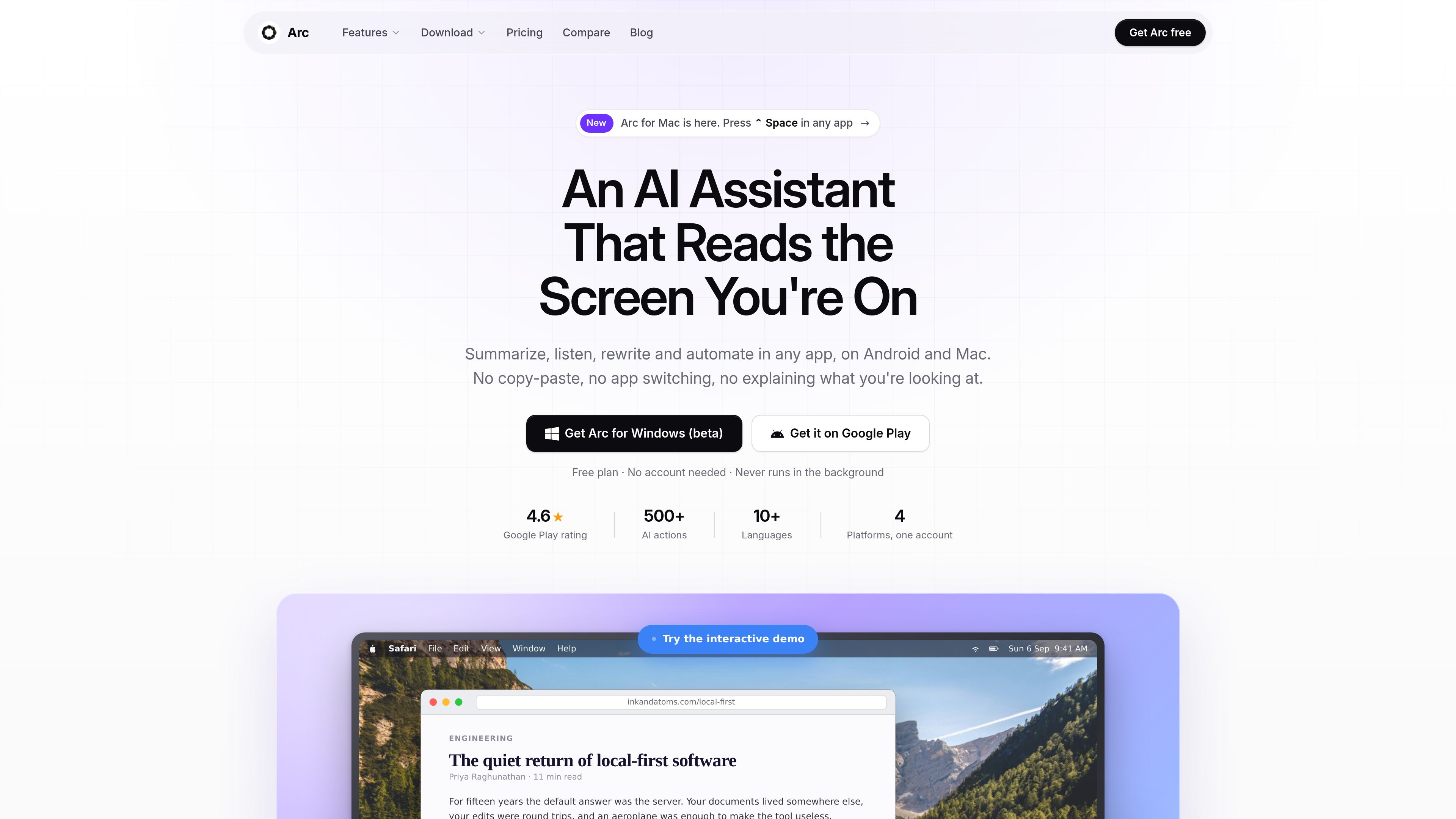
Arc is an AI assistant that works over the app or document currently on screen. On Android, it appears as a floating sidebar; on Mac, it opens as a panel with Control+Space. Users can choose an action such as summarizing, reading aloud, rewriting text, extracting structured information, or chatting about the current screen, rather than copying content into a separate chatbot.
The product is intended for reading, writing, accessibility, study, and repetitive workflows. It can return numbered summaries, insert rewritten text into a focused text field, turn extracted details into usable items, save content or results, and run custom prompt-based actions. Arc is free on Android and Mac with seven requests per week; Windows is in beta and iPhone is in development. The site also states that Arc does not require an account and never runs in the background.
Summarizes articles, PDFs, emails, and discussion threads into numbered key points, answers follow-up questions about the same screen, and can read displayed content aloud with automatic language detection.
Rewrites text, fixes grammar, drafts replies, changes tone, or turns notes into posts. Results can be inserted into the focused text field in apps such as Gmail, WhatsApp, and Slack, as well as other apps with text fields.
Identifies dates, contacts, links, addresses, phone numbers, and codes on screen without requiring the user to select or highlight them. Extracted items can be copied or acted on.
Converts a saved prompt into a one-tap action that can run on any screen. Actions can be assigned a global shortcut, and users can install actions shared by the Arc community.
Generates question-and-answer flashcard decks from pages, lecture notes, or papers, and lets users save content or results to a library for later review.
On Android, Arc can transcribe phone calls, provide a summary after the call, identify speakers, extract action items, and turn dates, addresses, and numbers into follow-up actions.
Summarize a long article, paper, PDF, or email thread and ask follow-up questions while the source remains on screen.
Draft or rewrite a response directly in the current text field, adjust its tone, and insert the result without moving between applications.
Have articles, documents, and messages read aloud with automatic language detection while commuting, cooking, exercising, or resting your eyes.
Convert lecture notes, textbooks, or research material into flashcards, then review the generated question-and-answer deck in Arc.
Capture a phone conversation, review the transcript and summary, and use extracted dates, numbers, or action items to handle what was agreed.
Arc is available on Android and Mac. Windows is listed as a beta release, while iPhone is described as in development.
On Mac, press Control+Space to open the panel over the current window. On Android, tap the floating Arc bubble to open the sidebar.
It can summarize or discuss the content, read it aloud, rewrite text, extract structured details, save content, and run a prompt-based custom action.
The summary and AI text-to-speech pages state that an internet connection is required to generate summaries and AI voices. Saved summaries can be accessed offline.
The home page states that Arc’s free plan does not require an account. The site does not provide further account or team-workflow details.
Traffic data is for reference only.

edyt.app
Edyt is a desktop AI text assistant for Mac and Windows that works inside editable text fields across apps. Select text, use a keyboard shortcut, and rewrite, proofread, explain, translate, or apply a custom prompt without switching windows.

www.attyn.com
Attyn is a macOS personal AI app that brings writing, dictation, screen questions, and visual explanations to the cursor. It helps people work across existing apps without copying text into a separate chat tab.

www.theloqua.ai
Loqua is a voice-first desktop productivity app for macOS and Windows that turns natural speech into polished text, edits selected content, translates dictation, and answers questions about user-selected screen content. It is designed for hands-free writing and supported voice workflows across desktop apps.

spinrewriter.com
Rewrite articles with word, sentence, and paragraph controls, then review and export alternative text.

boringreport.org
AI news app that rewrites articles in a calmer, less sensational format, with web and Android apps in testing.

wordtune.com
Wordtune is an AI writing assistant for rewriting, paraphrasing, proofreading, summarizing, and translating text into English.