
AI app design generation
Enter an app idea in plain language and let App Alchemy generate a UI design instantly with a real-time preview.

AI mobile app design from prompts, with refinement and export
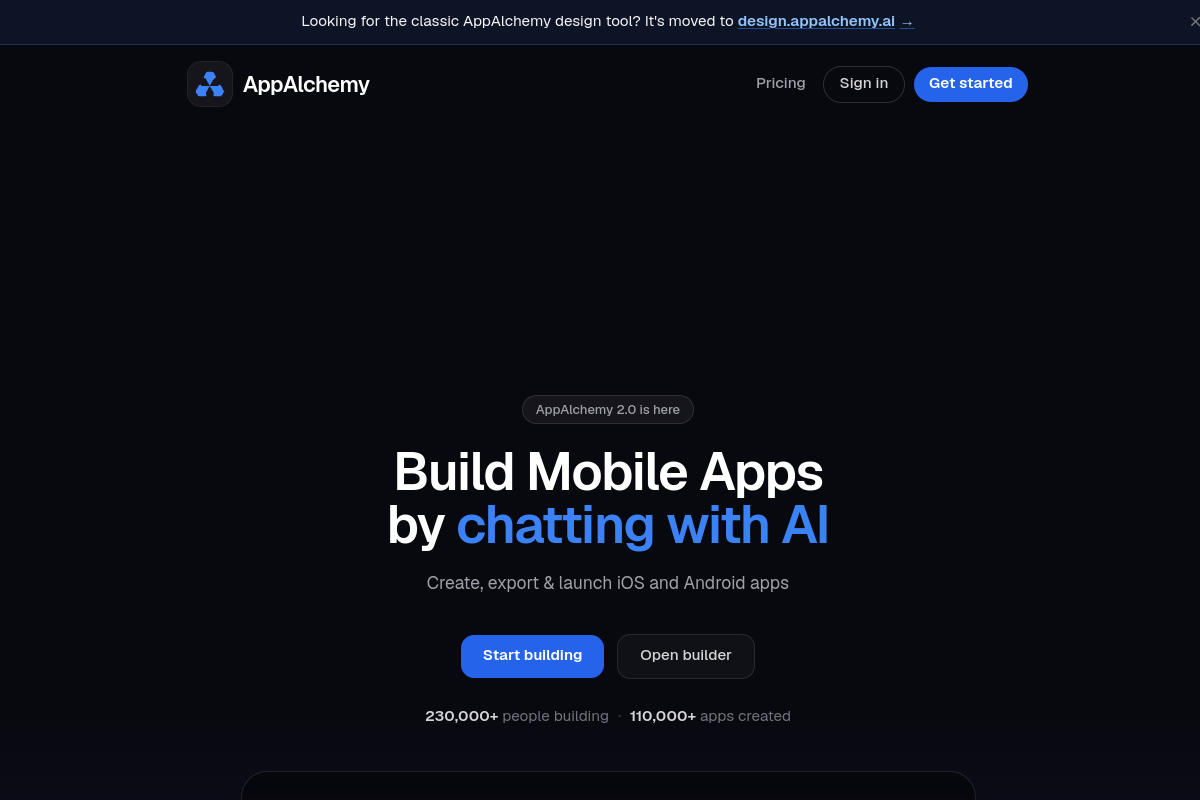
App Alchemy is an AI-powered mobile app design tool that turns a written app idea into a UI mockup. The homepage positions it as a way to generate beautiful app interfaces in seconds and iterate on them without starting from scratch in a design tool.
The product flow shown on the site is simple: describe the app, generate a design with AI, refine the result in a chat editor, and export the design. The pricing page adds that users can start from templates or images, and that higher tiers include more apps, more AI credits, and enterprise support options.
Enter an app idea in plain language and let App Alchemy generate a UI design instantly with a real-time preview.
Use the chat editor to refine the generated layout and add visual elements during iteration.
Start from different inputs shown on the site, including a blank app idea, app screenshots, or a template-based clone workflow.
Review designs as they are generated so you can assess the output before exporting it.
Export the finished app design after iterating on the result.
Choose a plan that fits the number of apps and AI credits you need, from starter usage to unlimited-app and enterprise tiers.
Sketch a new mobile app concept from a short prompt and get an initial UI draft quickly.
Turn a screenshot into a new app design direction when you want to model or adapt an existing interface.
Start from a template and modify it into a custom app layout instead of building the screen structure manually.
Iterate on a generated design with the chat editor when you want to refine visuals before exporting.
Use the higher-tier plans when you need more apps, more AI credits, or enterprise support for a larger team.
App Alchemy is an AI tool for generating mobile app UI designs from a written description, with the option to refine the result in a chat editor and export the final design.
The source shows a workflow that starts with describing an app idea, then generating a design, refining it, and exporting the result. It also shows examples such as designing from scratch, using app screenshots, and cloning from a template.
The pricing page lists Starter, Pro, Ultimate, and Enterprise plans, including an Enterprise option with priority support and custom integrations.
The public pages show mobile app design generation and export, but they do not specify supported export formats or destination tools.
The source does not describe a free plan or trial; it does show paid monthly plans and a yearly billing option with five months free.
Traffic data is for reference only.

uxpilot.ai
UX Pilot is an AI design tool for creating wireframes, UI concepts, and website templates from prompts or references, with iterative editing and Figma or code export.

sleek.design
Sleek is an AI mobile app designer that turns prompts or reference images into iOS and Android screens, helping teams create, edit, and export designs to Figma or code.

stitch.withgoogle.com
Stitch is an AI design tool that generates UI concepts for mobile and web applications, helping teams move quickly from product ideas to early interface exploration.

animaapp.com
Design-aware AI platform for turning Figma, URLs, prompts, and website clones into production-ready apps and code, with API and SDK integrations.

superdesign.dev
Superdesign is an AI-powered platform for creating interfaces and experiences with prompts, imports, and an IDE-based design agent workflow.

flowstep.ai
Flowstep is an AI design assistant that turns prompts into editable UI, exports code, copies to Figma, and connects to IDEs via MCP.