
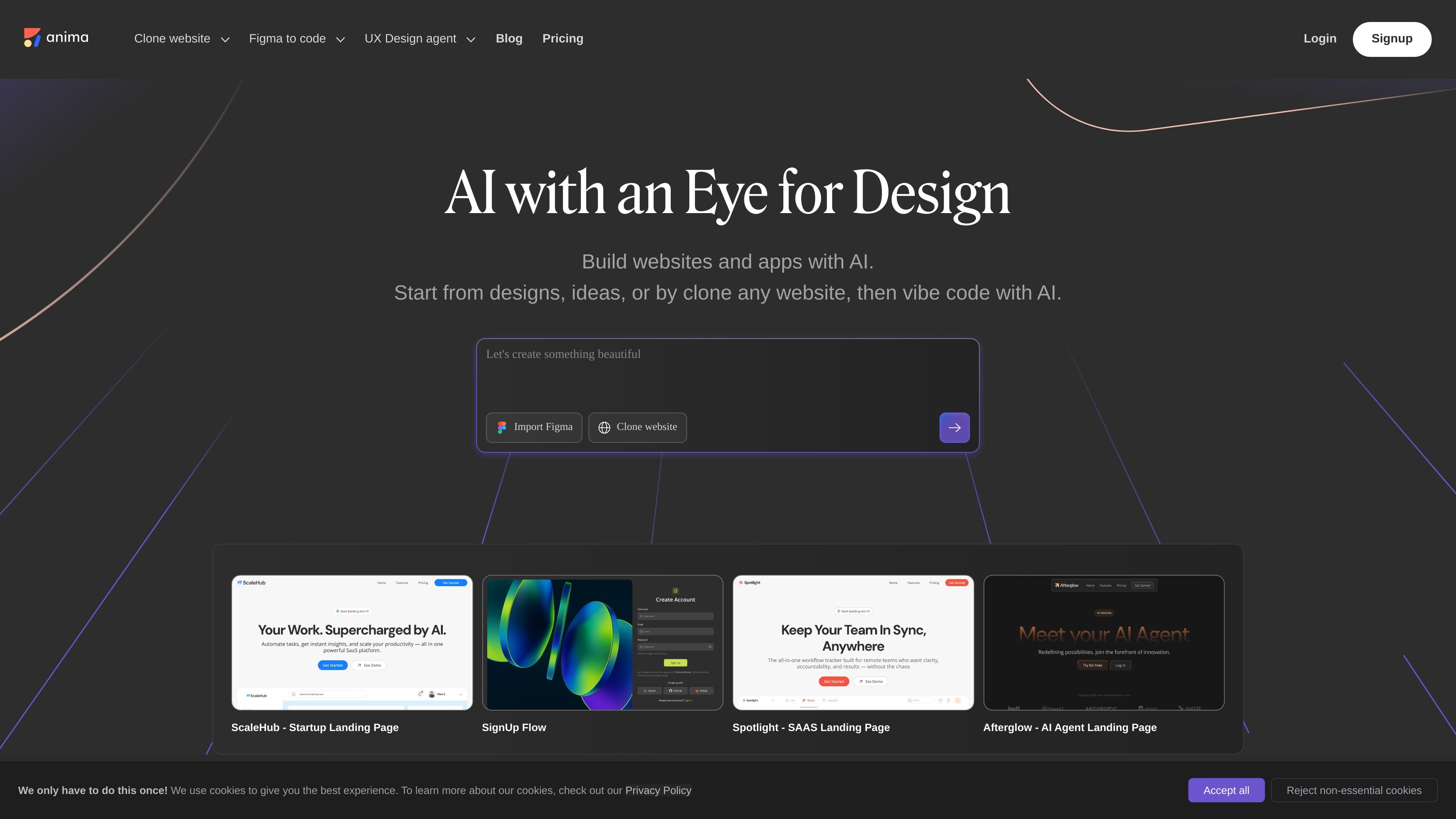
Design-aware AI generation
Generate apps from Figma files, URLs, prompts, or images, then iterate on the result in the product.

Design-aware AI platform for turning Figma, URLs, prompts, and website clones into production-ready apps and code, with API and SDK integrations.
Anima is a design-aware AI agent that turns Figma files, URLs, prompts, and website sources into production-ready apps and code. The product is positioned for product teams building directly as well as coding platforms that want to integrate Figma-to-code workflows through an API.
Across the site, Anima is presented as a way to move from design to working output with less manual handoff. It supports website cloning, prompt-based iteration, live sharing, and publishing, and the API page frames it as infrastructure for vibe coding platforms and AI agents.
Generate apps from Figma files, URLs, prompts, or images, then iterate on the result in the product.
Clone existing websites, tweak the layout, and use brand assets as a starting point for new pages.
Use built-in databases when the app needs persistent data, without separate backend setup or SQL.
Modify designs, add features, and connect backend services through a chat-based workflow.
Connect Anima through API and SDK workflows for coding platforms and AI agents that want Figma-to-code generation inside their own system.
Export or publish the result for websites, web apps, prototypes, and design handoff workflows, including HTML, React, or Vue on the XD page.
Start from a Figma file and turn the design into working code for a prototype or app without rebuilding the layout by hand.
Clone an existing website, then adapt the page for a new brand or a faster first draft.
Use prompts to refine the interface, add features, and connect data while iterating in the Playground.
Embed Anima into a coding platform or AI agent so users can generate code from Figma without leaving the host product.
Publish a website, web app, or prototype with one click and share a live link with teammates or stakeholders.
Anima offers a Free plan and paid plans. The pricing page says the Free plan includes limited daily usage in the AI Playground and Figma plugin, while the Pro plan adds higher limits and the Enterprise plan adds SSO, MFA, enterprise SLAs, and additional security controls.
Yes. The pricing page says Anima’s API and SDK can automate code generation from Figma designs, website clones, or prompts, and the API page describes Anima as a design API for vibe coding platforms and AI agents.
The source pages describe workflows from Figma files, URLs, prompts, image inputs, and website cloning. The home page also says Anima can publish websites, web apps, or prototypes with one click.
The API page says no Figma plugin is required when using the API, so users can keep the workflow inside their own platform. The home page also highlights direct use in the product and the ability to share live links.
Traffic data is for reference only.

uxpilot.ai
UX Pilot is an AI design tool for creating wireframes, UI concepts, and website templates from prompts or references, with iterative editing and Figma or code export.

flowstep.ai
Flowstep is an AI design assistant that turns prompts into editable UI, exports code, copies to Figma, and connects to IDEs via MCP.

kombai.com
Kombai is an AI design engineer for websites and product UIs, turning designs into production-ready frontend in one workflow for individuals and teams.

codia.ai
AI platform converting screenshots, PDFs, slides, images, and Figma files into editable designs, data, and production-ready code

genpire.com
AI tech pack platform turning prompts, sketches, or references into factory-ready product specs.

nordcraft.com
AI-powered visual website builder with code-aware editing, version control, and flexible deployment.