
Paged SSD KV caching
Stores KV cache blocks in safetensors format, keeping hot blocks in RAM and moving colder blocks to SSD with an LRU policy. Cached prefixes can be restored across requests and server restarts.

oMLX — нативный сервер инференса LLM для macOS на базе MLX, запускающий совместимые языковые, визуально-языковые, embedding- и reranker-модели локально на Apple Silicon. Предназначен для рабочих процессов с кодовыми агентами и совместим с Claude Code, OpenClaw, Cursor и клиентами, поддерживающими OpenAI.
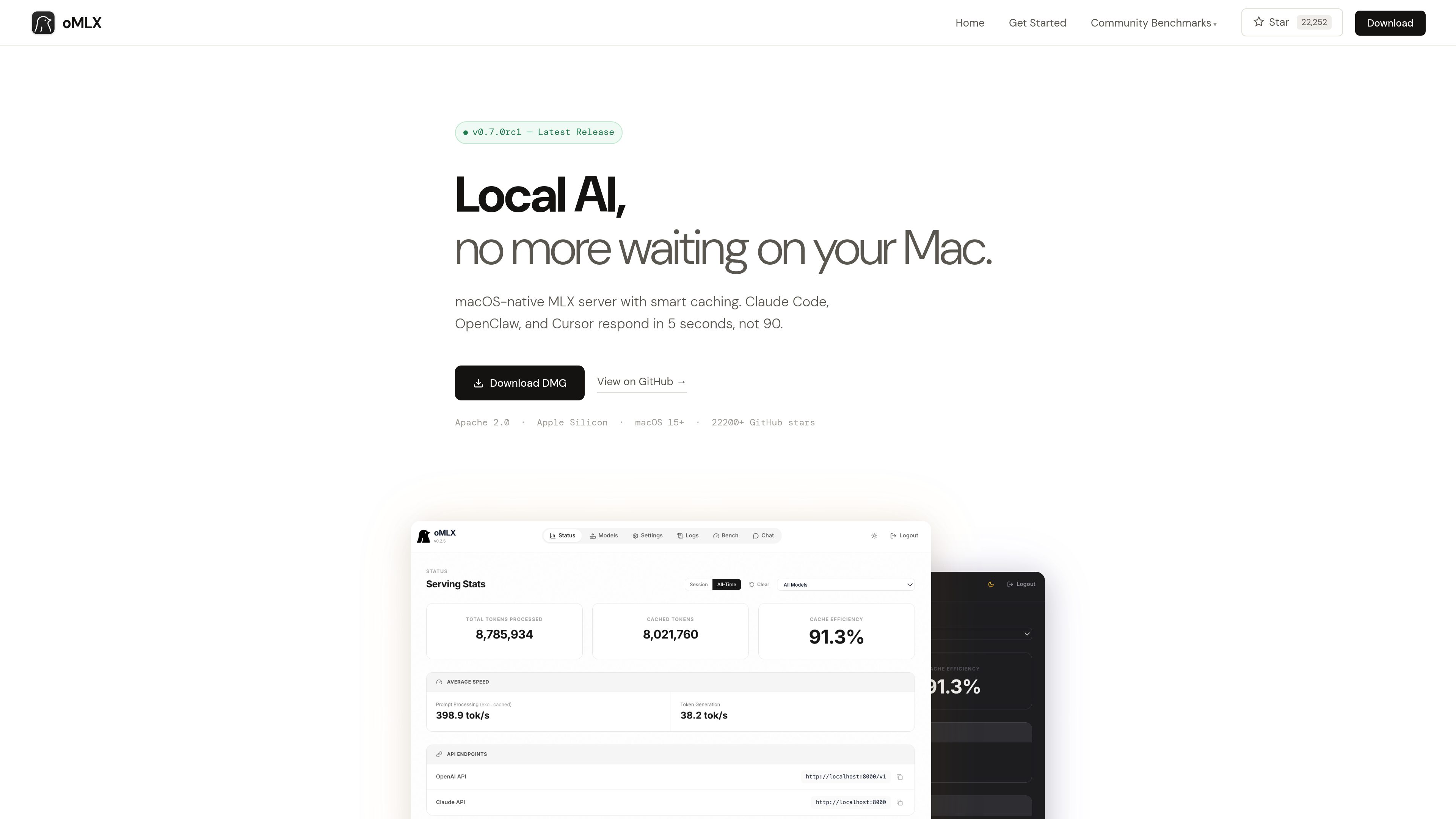
oMLX is a native macOS inference server built on MLX for running MLX-format AI models locally on Apple Silicon. It provides a dashboard for managing models, chatting with them, and monitoring server metrics, while supporting LLM, vision-language, embedding, and reranker models.
The product is designed especially for coding-agent sessions in which the conversation context changes repeatedly. Its paged SSD KV cache can preserve cache blocks across requests and server restarts, reducing the need to recompute previously seen prefixes.
Stores KV cache blocks in safetensors format, keeping hot blocks in RAM and moving colder blocks to SSD with an LRU policy. Cached prefixes can be restored across requests and server restarts.
Uses mlx-lm’s BatchGenerator to handle concurrent requests instead of processing every request strictly one at a time. The site reports up to a 4.14× generation speedup at eight-way concurrency in its published benchmark.
Loads LLM, vision-language, embedding, and reranker models simultaneously, with LRU eviction available when memory runs low. Models can be browsed and downloaded from the administration dashboard.
Provides `/v1/chat/completions` and `/v1/messages` endpoints for compatible clients, including Claude Code, OpenClaw, Cursor, and other OpenAI-compatible applications.
The native menu bar app can start, stop, and monitor the server. Its web dashboard includes model management, chat, and real-time metrics; the app is signed, notarized, and includes in-app auto-update.
Supports JSON, Qwen, Gemma, GLM, and MiniMax tool-calling formats, plus MCP tool integration and configurable trimming of oversized tool results on a per-model basis.
Use oMLX as a local backend for Claude Code, OpenClaw, or Cursor when an agent repeatedly revisits or changes context during a coding session.
Serve multiple requests through continuous batching when several local clients or workflows need model generation at the same time.
Manage and test MLX-format models from Hugging Face through the dashboard, including language, vision-language, embedding, and reranker models.
Connect models to applications that use tool calling or MCP, with support for several model-specific tool formats and optional tool-result trimming.
oMLX requires an Apple Silicon Mac, from M1 onward, running macOS 15 or later. The site lists 16GB of RAM as the minimum and recommends 64GB or more for comfortable use with larger models.
Yes. It provides OpenAI-compatible `/v1/chat/completions` and Anthropic-compatible `/v1/messages` endpoints. Its dashboard can generate configuration commands for the supported tools.
Not necessarily. oMLX can read the standard Hugging Face cache, an LM Studio folder, and custom directories. The dashboard also includes a Hugging Face downloader for new models.
The site states that oMLX supports MLX-format models from Hugging Face, including Qwen, LLaMA, Mistral, Gemma, DeepSeek, MiniMax, and GLM. Vision-language models are supported, and reasoning-model handling includes automatic `<think>` tag support.
Users can download the macOS DMG or install from source. The source workflow requires Python 3.10 or later and Apple Silicon; the documented server example connects to compatible clients on localhost:8000.
Данные о трафике приведены только для справки.

tablo-cat.netlify.app
tablo — это настольный виджет-кот, который следит за сессиями Claude Code и OpenAI Codex в углу экрана. Он показывает использование контекста в реальном времени, запросы разрешений, уведомления и активность каждой сессии.

www.tryport22.com
port22 — приложение для iOS и агент macOS для мониторинга и управления сессиями coding-агентов, запущенными в терминале. Он передаёт расшифровки на iPhone, уведомляет о необходимости ввода и поддерживает Claude Code, Codex и OpenCode.

blackflare.dev
BlackFlare — приложение для строки меню macOS, предназначенное для Claude Code и Codex. Оно не даёт активным сессиям переходить в спящий режим, уведомляет о завершении или необходимости ввода и показывает статистику использования. Оповещения можно пересылать в Telegram или Slack, а настройки по умолчанию менять без ручного редактирования конфигурационных файлов.

agentmgr.app
AgentManager — приложение для macOS, которое позволяет отслеживать сеансы Claude Code в плавающем окне. Оно помогает понять, какой сеанс требует внимания, и вернуться к нужному терминалу или контексту IDE.

evlat.kalaomer.com
Evlat is a quiet macOS status strip for monitoring Claude Code, Codex, and Antigravity sessions, plus long-running commands. It highlights sessions that need your response and shows activity from local or SSH-connected machines.