
Underlord AI co-editor
Use prompts to request edits, draft scripts, create layouts, and prepare supporting text such as show notes or video descriptions.

A text-based AI video and audio editor for creators, podcasters, and teams.
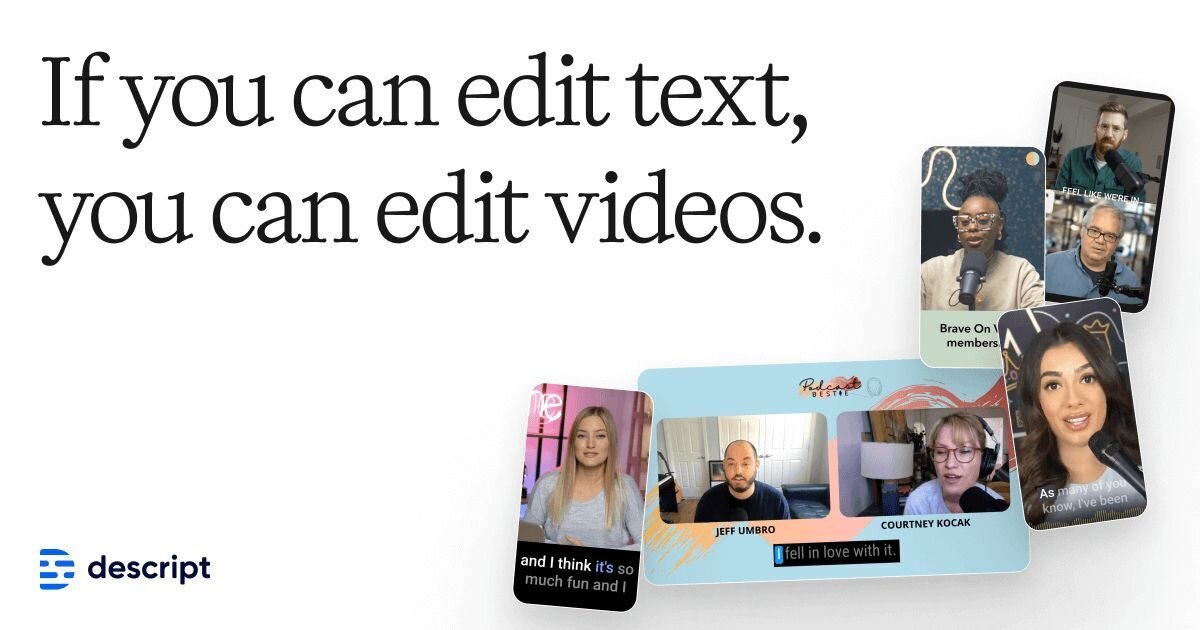
Descript combines recording, transcription, video and audio editing, and publishing in one tool. Its core workflow links a transcript to the recording: deleting words removes the corresponding footage, and moving sentences rearranges it. A timeline provides additional control when needed.
Creators and teams can start with imported media, remote recordings, or screen recordings. Descript supports the process from assembling an initial cut to polishing speech, adding captions, and preparing versions for different channels. Its built-in AI co-editor, Underlord, can carry out editing tasks from prompts. Access to AI tools, media processing allowances, and export options varies by plan.
Use prompts to request edits, draft scripts, create layouts, and prepare supporting text such as show notes or video descriptions.
Studio Sound reduces background noise and enhances speech. Other tools remove filler words, shorten pauses, and cut repeated takes to tighten recordings.
Transcribe recordings in 25 languages. Speaker detection helps label participants, while multitrack transcription supports synchronized recordings with speakers on separate tracks.
Adjust apparent eye contact, remove video backgrounds, and add scenes or layouts. Animated captions support custom fonts, colors, word highlighting, and positioning.
Generate video, images, music, and voice audio to supplement footage. AI Speech supports stock voices and custom voice clones; Regenerate repairs speech and smooths awkward cuts.
Share a video link for comments. Business includes team access to Brand Studio; Enterprise adds shared templates, company-wide controls, SSO, SCIM, and audit logs.
Record remote conversations, work with separate speaker tracks, and prepare edited audio or video episodes with accompanying show notes.
Turn a webinar, interview, or podcast into shorter highlights, then reformat the clips for YouTube, TikTok, or LinkedIn.
Use screen recordings and narration for demonstrations, support walkthroughs, or academy lessons, with captions to help viewers follow along.
Adapt existing videos for audiences in other languages. The Business plan includes translation and dubbing in more than 30 languages with proofreading.
The Free plan costs $0 and requires no credit card. It includes 60 minutes of media processing per month, 100 one-time AI credits, unlimited projects, and limited access to AI tools.
With annual billing, Hobbyist costs $16, Creator $24, and Business $50 per person per month. Monthly billing costs $24, $35, and $65 respectively. Enterprise has custom pricing.
Hobbyist includes 10 media hours and 400 AI credits monthly, with watermark-free 1080p exports. Creator includes 30 hours and 800 credits, with watermark-free 4K exports. Business includes 40 hours and 1,500 credits. Media and AI allowances are per editor; Creator and Business offer top-ups.
You can import video, audio, or a recording from a Zoom call. Descript transcribes the recording so you can begin editing through its text. You can also record directly in Descript.
Данные о трафике приведены только для справки.

podcast.adobe.com
Enhance Speech is Adobe Podcast’s web-based AI audio filter for reducing noise and echo in spoken recordings. It helps podcasters and video creators improve recorded dialogue without needing a perfect microphone or recording environment.

audioenhancer.ai
AI audio cleanup for creators, with noise reduction, speech repair, and video support.

xound.io
Xound.io reduces noise, adjusts vocal pitch and balances levels in audio or video recordings. Use the browser enhancement tool or request early access to its API.

auphonic.com
Auphonic is an automatic audio post-production web service for analyzing, improving, encoding, and publishing audio and video content. It supports browser-based productions as well as API, CLI, and workflow automation for podcast and other media processes.

www.waves.com
Clarity Vx is an AI-powered audio plugin for removing background noise from vocals and voice recordings. It is designed for music, podcast, production, and video workflows where clean speech or singing is needed before mixing.

www.nvidia.com
NVIDIA Broadcast is a Windows app that uses AI to enhance microphone audio and webcam video for livestreams, voice chats, video conferences, and remote work. It provides selectable audio and video effects, with NVIDIA Broadcast chosen as the camera and microphone in a supported app.