
Speech cleanup
Reduces mouth clicks, plosives, and sibilance to address common distractions in spoken recordings.

AI audio cleanup for creators, with noise reduction, speech repair, and video support.
Audio Enhancer is an online AI tool for improving recorded sound. It processes uploaded audio or browser recordings to reduce unwanted noise, clarify speech, and balance volume. Premium users can also enhance a video's audio track while keeping the picture unchanged.
The workflow moves from upload to enhancement, playback comparison, and download. Users can select a specific cleanup mode or apply several fixes in sequence. The service offers daily free audio processing, paid plans for larger files and batch uploads, and an API for integrating enhancement into other applications.
Reduces mouth clicks, plosives, and sibilance to address common distractions in spoken recordings.
Offers modes for suppressing static background noise and removing unwanted sounds or room echo. An all-in-one option runs four cleanup modes sequentially.
Balances loudness and levels in recordings with uneven volume. Premium controls also let users adjust the balance of speech, music, and background sound.
Compare original and enhanced audio before downloading. Free downloads retain the upload format; Premium adds MP3 at 320 kbps and lossless WAV or FLAC exports.
Paid plans support multiple uploads at once. Monthly access allows five files per batch, up to 2 GB per file and three hours per recording.
Submit media with a selected enhancement mode, poll the job status, and retrieve the processed file. The documentation includes JavaScript, Python, and cURL examples.
Prepare recorded conversations for publication by treating room noise and speech artifacts, then comparing the processed result with the original.
Improve the sound of an uploaded video without changing its picture. Video processing requires Premium access.
Process spoken lessons with varying recording levels to make the voice more consistent across a long recording.
Use the authenticated API to add asynchronous audio enhancement to an application that submits recordings and retrieves completed downloads.
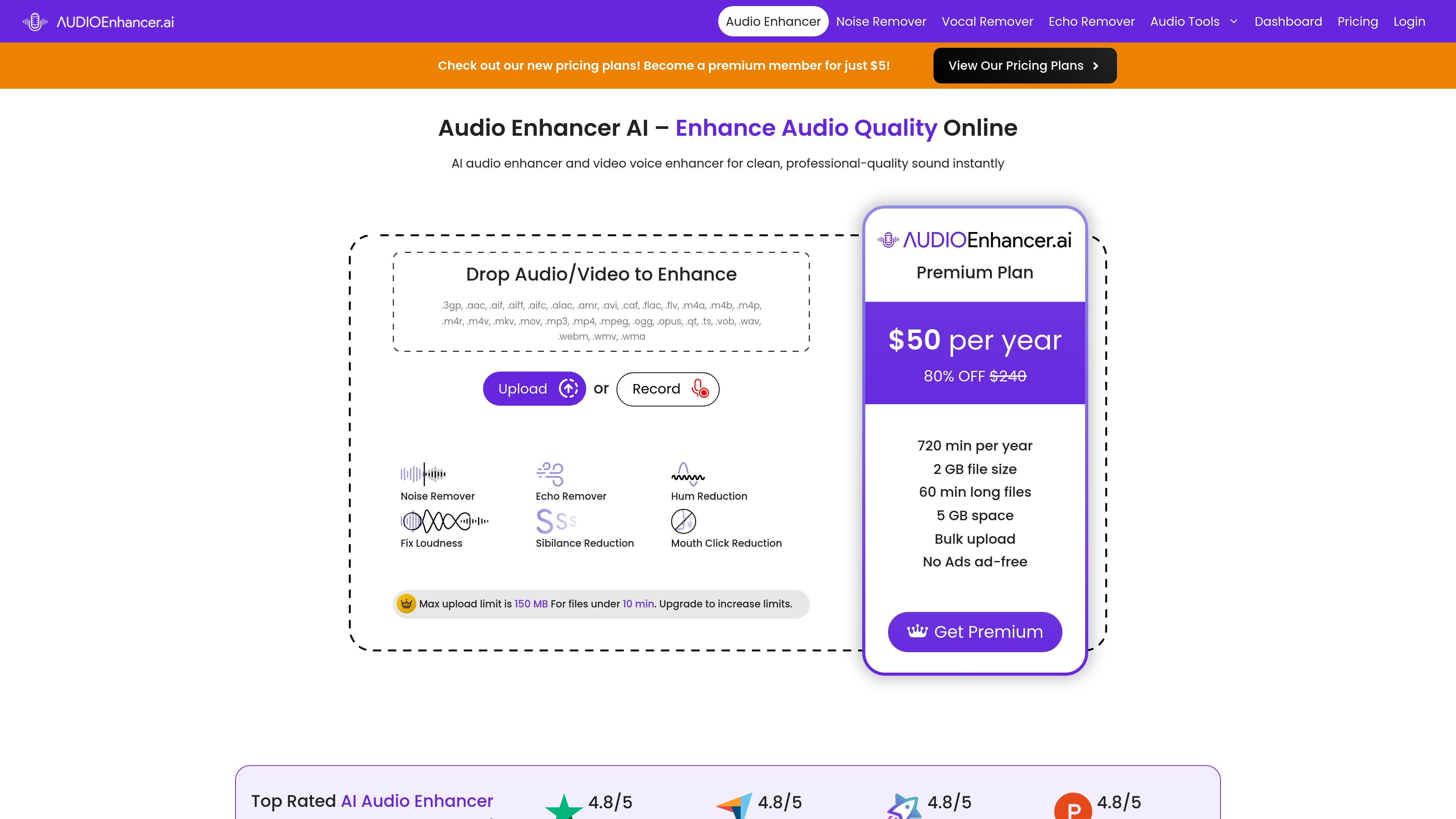
The ongoing free tier provides three credits each day, with a maximum of five minutes per audio file. A separate seven-day trial includes 60 minutes across all tools, requires a credit card, and renews at $14.99 per month unless canceled before day seven.
Audio formats include MP3, WAV, M4A, FLAC, AAC, OGG, AIFF, and others. Premium video support includes MP4, MOV, MKV, WEBM, and AVI. You can also record audio directly in the browser after allowing microphone access.
Weekly access costs $6.99 and Monthly costs $14.99. Annual plans are Basic at $40, Pro at $69, and Studio at $99, billed once a year. Paid plans list unlimited processing minutes, with file size, duration, batch, and storage limits varying by plan.
You can cancel from the dashboard without cancellation fees and retain access until the end of the billing period. Upgrades or downgrades take effect immediately, with the price difference prorated.
Данные о трафике приведены только для справки.

podcast.adobe.com
Enhance Speech is Adobe Podcast’s web-based AI audio filter for reducing noise and echo in spoken recordings. It helps podcasters and video creators improve recorded dialogue without needing a perfect microphone or recording environment.

www.waves.com
Clarity Vx is an AI-powered audio plugin for removing background noise from vocals and voice recordings. It is designed for music, podcast, production, and video workflows where clean speech or singing is needed before mixing.

xound.io
Xound.io reduces noise, adjusts vocal pitch and balances levels in audio or video recordings. Use the browser enhancement tool or request early access to its API.

descript.com
A text-based AI video and audio editor for creators, podcasters, and teams.

auphonic.com
Auphonic is an automatic audio post-production web service for analyzing, improving, encoding, and publishing audio and video content. It supports browser-based productions as well as API, CLI, and workflow automation for podcast and other media processes.

www.kugelaudio.com
Clarity 1 is a real-time speech enhancement model for voice agents and call centers. It removes background noise and extracts the primary speaker so downstream speech-to-text, turn detection, and language models receive a cleaner caller or agent voice.