
Intelligent Short Video Generation
Automatically builds a video framework based on copy or creation needs, and connects music, subtitles, and video templates to reduce manual splitting and assembly work.

一起剪 is an AI video editing tool for online creation, text-to-video, subtitles, voiceover, cloud rendering, and one-click publishing.
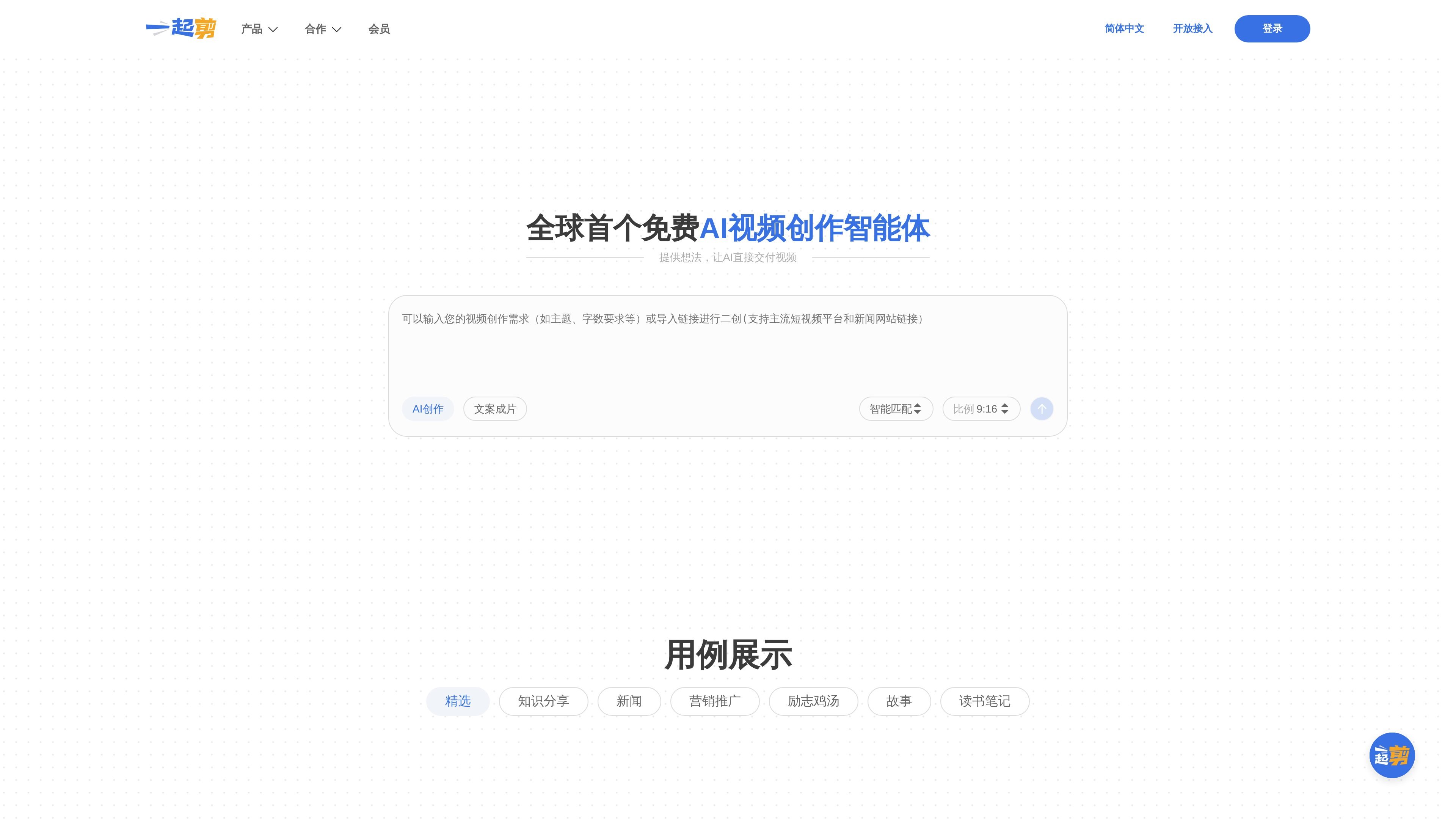
Yiqijian is an online video editing and AI video creation tool for individuals and teams that need to quickly produce, render, and distribute short videos. The page information shows that it integrates asset search, video templates, text recognition, subtitle processing, intelligent voiceover, and cloud rendering into one workflow.
From the official website content, its core purpose is not just editing, but converting copy, link content, or creation requirements into publishable finished videos. The product also provides open access, MCP protocol compatibility, and private deployment options, indicating that it can be used directly online or embedded into enterprise or developer workflows.
Automatically builds a video framework based on copy or creation needs, and connects music, subtitles, and video templates to reduce manual splitting and assembly work.
Connects to a library of millions of high-quality assets, covering cinematic editing materials and multi-scenario creation needs for fast theme-based search and combination.
Supports one-click link parsing and automatically generates stylized video copy, making it suitable for content rewriting and repurposing.
Based on text understanding, sentence segmentation, text-to-subtitle, and speech-to-subtitle capabilities, it automatically handles script and subtitle-related steps.
Provides intelligent voiceover, AI digital human, BGM recommendations, and multimodal alignment capabilities to help keep voiceover, lip sync, subtitles, and visuals consistent.
Supports cloud video rendering and one-click publishing to major video platforms, making it easy to move directly into distribution.
Suitable for self-media creators or content teams that want to quickly turn copy, trending information, or existing links into publishable videos, reducing manual steps from topic selection to final output.
Suitable for knowledge sharing, news, marketing, inspirational stories, and reading notes, using templates, subtitles, and voiceover to produce content in batches quickly.
Suitable for developers or product teams that want to embed video creation capabilities into their own systems through API or MCP interfaces and connect to existing workflows.
Suitable for organizations or corporate media that need higher standards for data security and system adaptation, using private deployment to build internal video production, management, and distribution platforms.
Suitable for teams that need collaboration, asset management, and a unified publishing workflow, working together around the same asset library and production pipeline.
Yiqijian offers video creation, editing, rendering, and publishing on the web; the membership page also shows support for web and app.
The open access page shows that it supports API integration and is compatible with the MCP protocol; the page also mentions integration with major AI open platforms.
The product page shows that it can automatically generate a video framework based on copy or creation needs, and complete music matching, subtitles, template matching, and cloud rendering.
The membership page shows a free version and a membership version: the free version is ¥0/month, and the membership version is ¥59/month. Please refer to the membership page for the specific benefits and limitations.
The private deployment page states that it supports public cloud, private cloud, and on-premises deployment, and can integrate with existing enterprise systems through API or internal/external network data exchange.