
All-in-one office suite
Use Writer, Spreadsheet, Presentation, PDF, and Photo tools in a single app instead of switching between separate programs.

WPS Office is a free office suite for writing, spreadsheets, presentations, PDFs, and collaboration, with built-in AI, cloud sync, and file conversion.
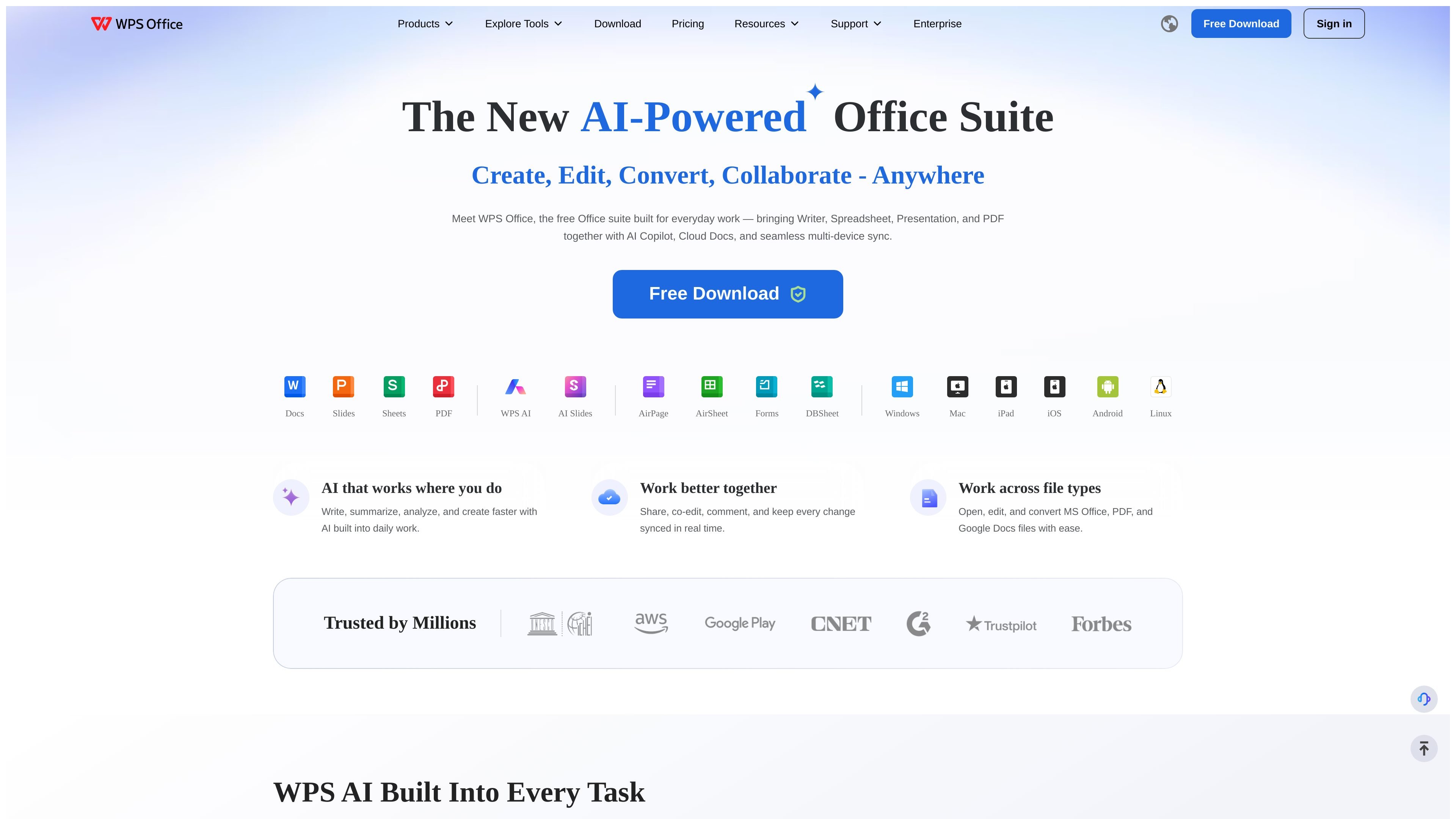
WPS Office is a free office suite from Kingsoft that combines Writer, Spreadsheet, Presentation, PDF, and Photo tools in one application. The site positions it as a lightweight workspace for creating, editing, converting, and collaborating on everyday documents.
The product is built around AI-assisted workflows and cloud documents. The home page highlights WPS AI Copilot, real-time multi-device sync, shared cloud workspaces, and the ability to open, edit, and convert Microsoft Office, PDF, and Google Docs files.
Use Writer, Spreadsheet, Presentation, PDF, and Photo tools in a single app instead of switching between separate programs.
Open, edit, and convert Microsoft Office, PDF, and Google Docs files, with pricing-page support for 47 file formats and Microsoft file compatibility.
Write, summarize, analyze, and create content with AI across document, spreadsheet, slide, and PDF workflows.
Store files in Cloud Documents, access them across devices, and keep changes synced in one shared workspace.
Work together with real-time co-editing, comments, reactions, version tracking, and sharing permissions.
Handle PDFs with editing, conversion, signing, and AI chat capabilities, including conversion to and from Word, Excel, and PowerPoint.
Draft documents, refine text, and collaborate in Writer without moving to a separate word processor.
Build spreadsheets, write formulas, analyze data, create charts, and summarize findings with AI assistance.
Create presentations from a short prompt or existing files, then continue editing the slides manually.
Read, edit, convert, sign, and query PDFs when a separate PDF tool is not needed.
Share files in a cloud workspace, co-edit in real time, and control who can view, comment, or edit.
WPS Office is a free all-in-one office suite that brings Writer, Spreadsheet, Presentation, PDF, and Photo tools into one app. The pricing page shows a free Standard plan and paid Pro and Sharing plans for users who need more PDF editing, AI, cloud storage, or team features.
Yes. The site says WPS Office works across Windows, Mac, iPad, iOS, Android, and Linux, with multi-device sync through its cloud workspace.
The home page says WPS Office can open, edit, and convert MS Office, PDF, and Google Docs files. The pricing page also lists support for 47 file formats and Microsoft file compatibility.
Yes. The home page describes real-time co-editing, comments, emojis, version tracking, and permission controls in its cloud workspace.
The site says WPS AI is built into writing, spreadsheet, presentation, and PDF workflows. Examples include drafting text, generating slides, analyzing spreadsheets, summarizing PDFs, and asking questions about documents.