
Short- and long-form output
Generate faceless videos for short-form platforms and for YouTube videos up to 10 minutes, based on the site’s product positioning and pricing descriptions.

VidAI is an AI video generator for faceless shorts and long-form videos on YouTube Shorts, TikTok, Instagram Reels, and YouTube up to 10 minutes.
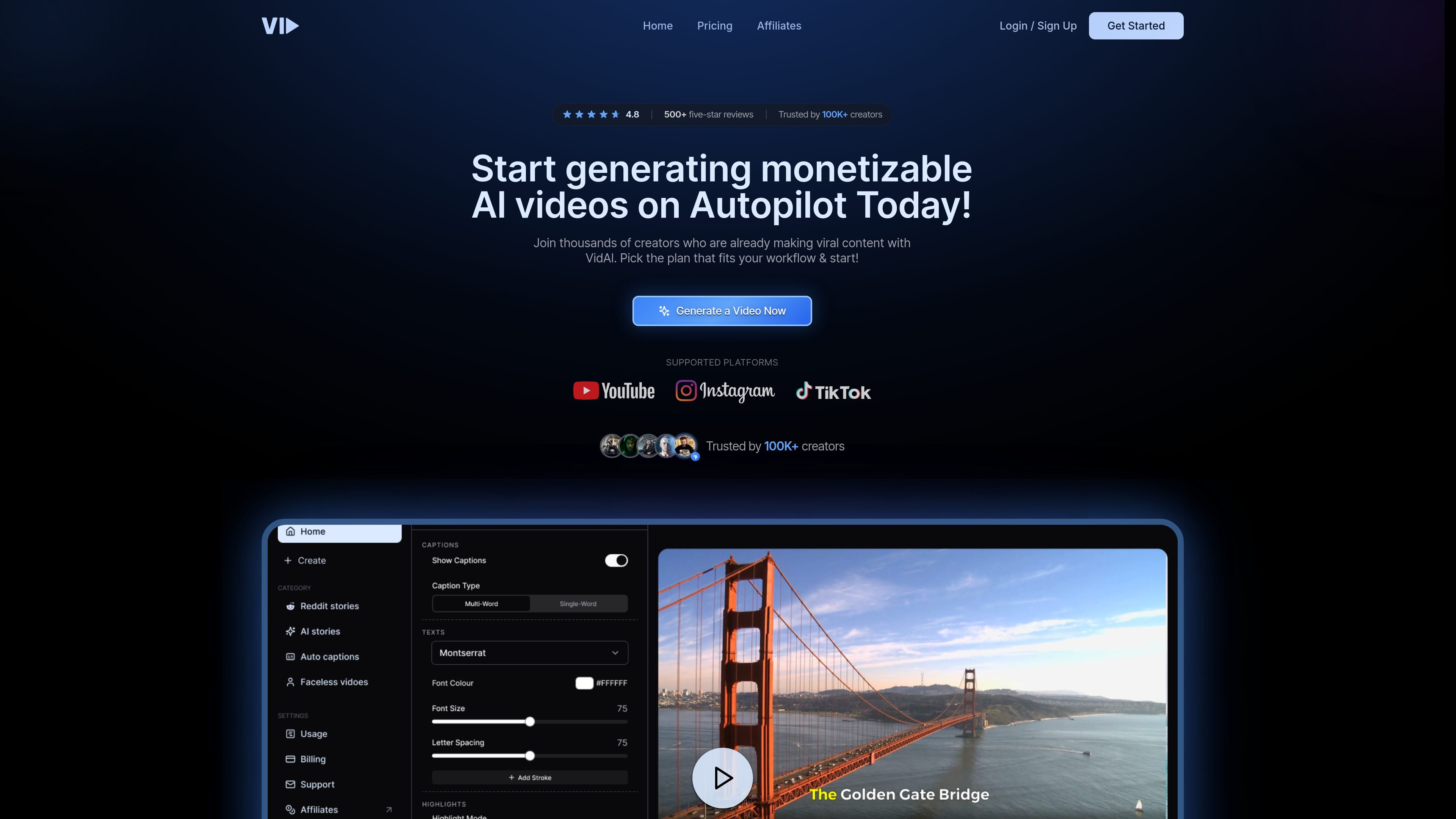
VidAI is an AI video generation product for creating faceless short-form and long-form videos. The site positions it for YouTube Shorts, TikTok, Instagram Reels, and YouTube videos up to 10 minutes, with a focus on helping creators publish more consistently without manual editing.
The homepage describes a workflow that brings together topic research, scripting, voiceovers, visual assembly, and timeline edits in one process. The pricing page shows monthly credit-based plans and indicates users can cancel anytime, which makes the product look suited to recurring creator production rather than one-off editing.
Generate faceless videos for short-form platforms and for YouTube videos up to 10 minutes, based on the site’s product positioning and pricing descriptions.
The homepage describes a workflow that combines topic research, narrative-first scripting, human-sounding voiceovers, visual assembly, and timeline edits into one process.
The site says videos can be produced in just a few clicks and positioned for daily publishing, which suggests a streamlined creation flow for recurring output.
The homepage states that each video is uniquely generated with AI, with no templates or duplicates mentioned in the rendered copy.
Pricing tiers are organized around monthly credits, with separate allowance summaries for one-minute short-form videos and 10-minute long-form videos.
The homepage and pricing pages position the product around faceless content production for creators and YouTube automation workflows.
Creators who publish shorts can use VidAI to generate faceless vertical videos for platforms like YouTube Shorts, TikTok, and Instagram Reels without building each video from scratch.
YouTube operators can use the product to produce full-length videos up to 10 minutes when they want a repeatable content workflow for channel growth.
Faceless channel builders can use the end-to-end workflow to move from topic ideas to scripts, voiceovers, visuals, and final edits in one place.
Teams or individual creators working at higher volume can choose a plan with a larger monthly credit allowance to support more frequent output.
Creators who want to avoid manual editing can use the product’s guided workflow to reduce the number of separate tools involved in production.
VidAI’s pricing page shows paid plans rather than a free tier. The site also surfaces common account and billing questions such as credit overages, free trials, payment security, refunds, and support.
The pricing page describes plans with monthly credit allowances and says users can cancel anytime. If you use up your credits, the site indicates there is an option to get more, but no specific overage mechanism is described in the source.
The login page offers email magic links and Google sign-in, which suggests account creation and access are handled through a standard sign-in flow.
VidAI is presented as a short- and long-form AI video generator for faceless videos, including YouTube Shorts, TikTok videos, Instagram Reels, and YouTube videos up to 10 minutes.
The site mentions support in its FAQ list, but the collected source text does not provide details about support channels or response times.