
List extraction
Select structured items from lists, tables, and paginated content with a point-and-click workflow.

Ultimate Web Scraper is a Chrome extension for extracting structured website data, including lists, tables, emails, images, links, and page text.
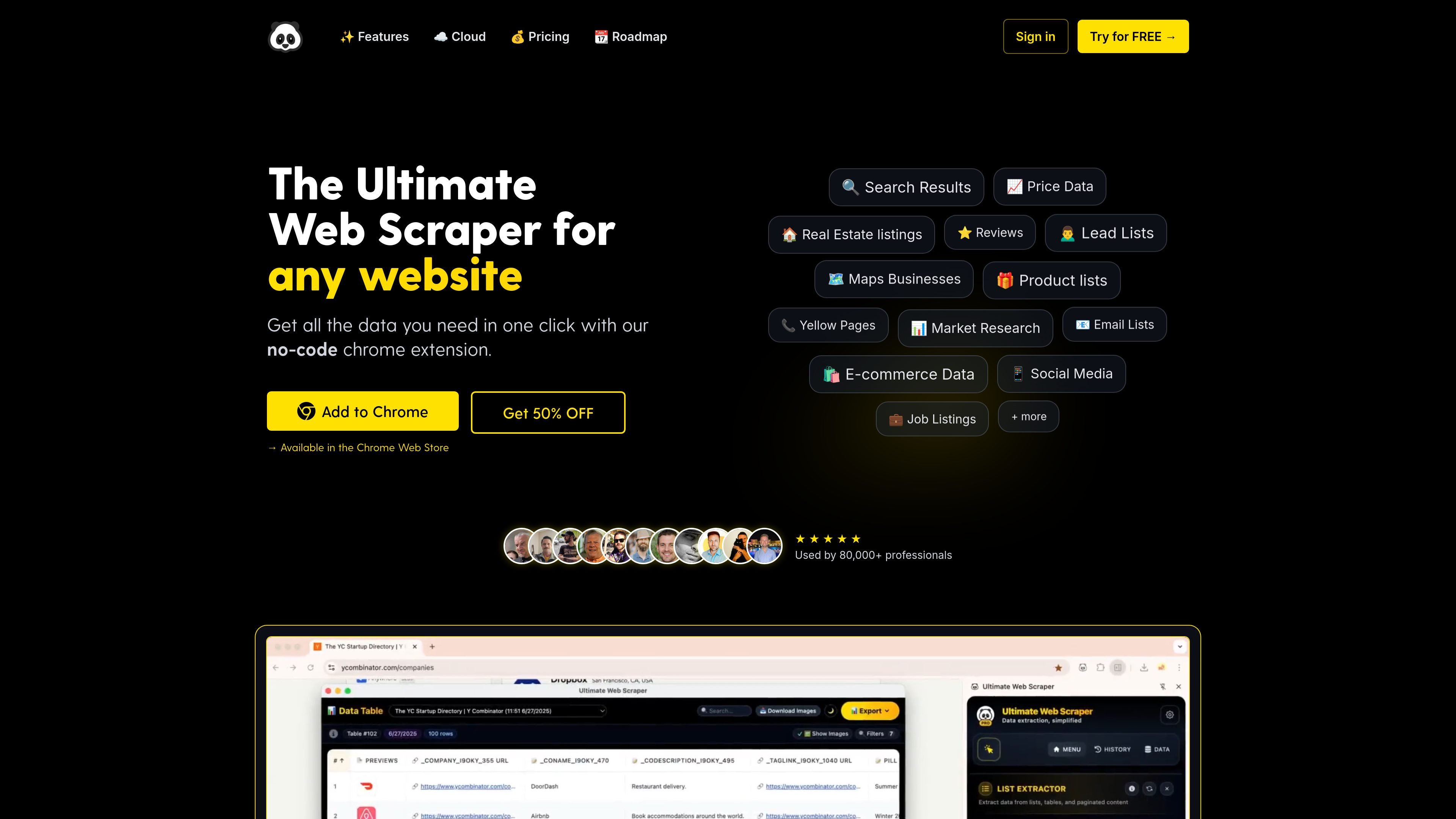
Ultimate Web Scraper is a Chrome extension for extracting structured data from websites without code. It is built to capture lists, tables, page details, emails, images, links, and page text through a point-and-click workflow.
The product has two modes: a local browser extension for unlimited private extraction on your own computer, and a cloud platform for scheduled runs, shared workspaces, and integrations. The pricing page says every plan unlocks the full PRO extension, while cloud usage draws from annual credit allowances.
Select structured items from lists, tables, and paginated content with a point-and-click workflow.
Add a set of similar URLs and extract the same fields from each page in bulk, including text, images, and links.
Scan websites for email addresses, including linked sub-pages, and export the results in bulk.
Detect images on a page and download selected files alongside the extracted data.
Extract clean page text and website metadata from URL lists for content collection and analysis.
Store, edit, filter, and export extracted results in a spreadsheet-style table.
Use the list extractor to pull structured rows from product listings, search results, directories, or tables when the source page already presents repeated items.
Add multiple similar URLs and capture the same fields from each page for price tracking, catalog research, or page-to-page content collection.
Collect email addresses from a list of websites, including sub-pages, when building prospect lists or researching contact information.
Download images together with page data when you need visuals for product catalogs, media research, or asset collection.
Extract clean page text and metadata from URL lists when you need article content, descriptions, or source text for analysis.
Yes. The browser extension is designed for local use in your own browser, with unlimited local extractions and exports included in every plan. The pricing page also says the cloud platform can be used for scheduled runs, cloud browsers, AI Page Unblocker, Data Labeling, and integrations.
The site says exports are available to CSV, Excel, JSON, and copy to clipboard from the extension. The cloud platform also mentions exporting to CSV, JSON, and Excel, plus Google Sheets sync and webhook-based workflows.
Yes. The Team plan includes a shared workspace with 6 seats, and every member gets PRO extension access and the same dashboard and automations.
The main source pages describe extraction from lists and tables, multiple pages, emails, images, page text, links, and page details. The web page extractor page also mentions extracting from similar pages in bulk.
Plans are billed annually, and you can cancel anytime. The pricing page says upgrades take effect immediately and downgrades take effect at the next yearly renewal.