
Image to video
Convert a single still image into video using the image-to-video workflow, which is presented as a way to add motion to anime and manga artwork.

toona is a web-based AI toolset for manga and anime creation: color pages, animate still images, upscale artwork, and browse shared motion comics.
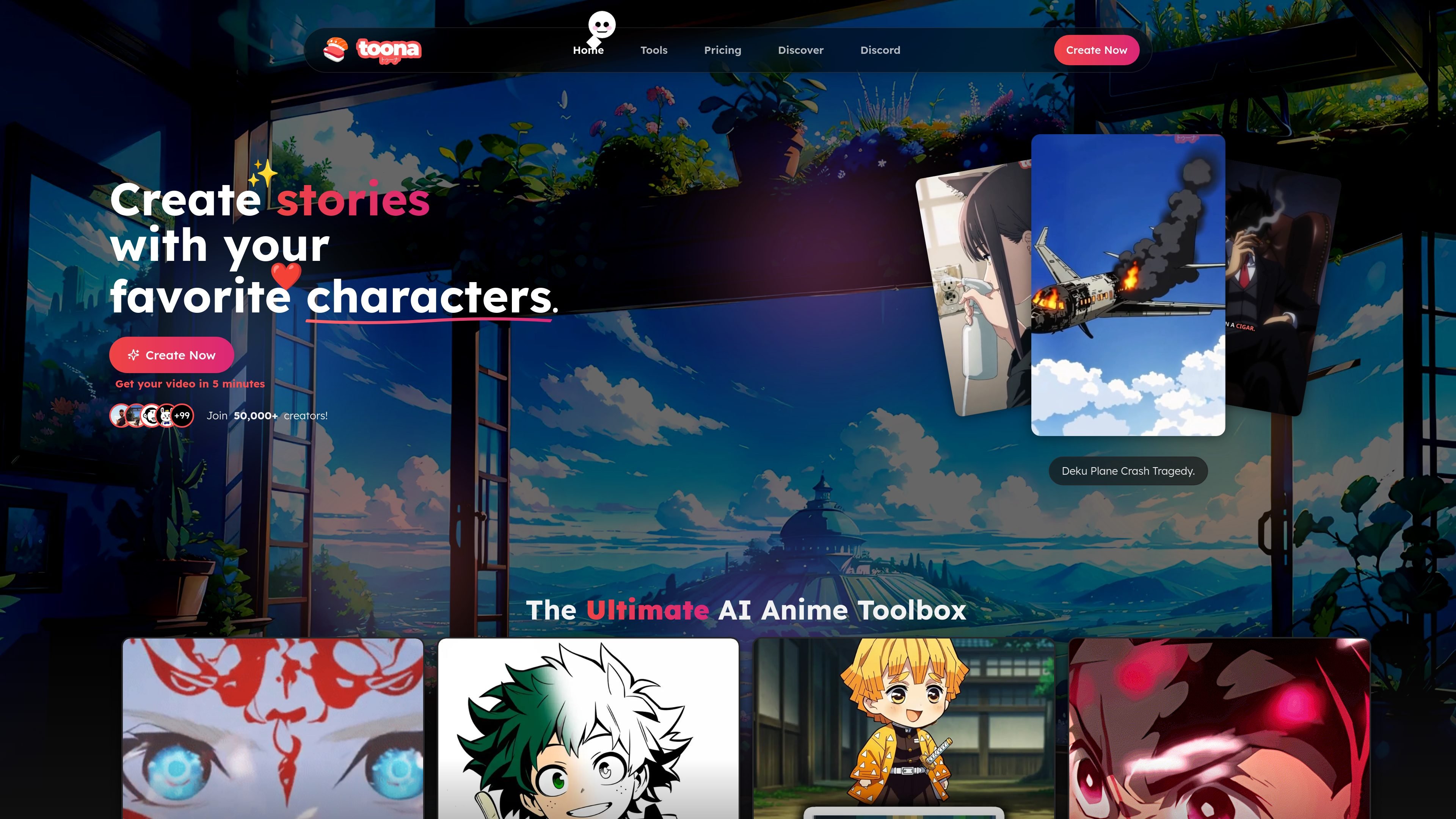
Toona is an AI toolset for manga, anime, and motion comic creation. The site presents it as a way to animate still artwork, color black-and-white manga, upscale images and videos, and create related motion effects from a browser-based workflow.
The public pages focus on small, task-specific tools rather than a single monolithic editor. Examples include image to video, manga colorizer, anime image and video upscalers, interpolation, inbetweening, cut-and-fill, and motion painter. The discovery page also shows a browse area for shared manga and motion comics, suggesting Toona supports both creation and viewing of published work.
Convert a single still image into video using the image-to-video workflow, which is presented as a way to add motion to anime and manga artwork.
Automatically colorize black-and-white manga pages, with optional color hints to guide the result.
Upscale anime or manga images and videos to 4K using dedicated image and video upscaler tools.
Increase motion or frame rate with interpolation, inbetweening, and motion painter tools for anime-focused editing.
Replace or redraw backgrounds with the cut-and-fill workflow, which is positioned for manga and anime images.
Browse and upvote motion comics and manga on the public discovery page.
Use the colorizer when you want to turn scanned or digitally drawn black-and-white manga pages into color without manually painting each panel.
Use image to video or motion painter when you want to add subtle movement to still anime art, backgrounds, hair, clothing, or other selected areas.
Use the upscalers when you need to enlarge manga or anime images and videos to 4K for sharper presentation or later editing.
Use interpolation or inbetweening when you want smoother motion or extra frames for an animation sequence or edit.
Use the discovery area when you want to browse shared motion comics and manga, or see how other creators present their work on the platform.
Toona provides AI tools for manga and anime workflows, including image-to-video, colorization, image upscaling, video upscaling, interpolation, inbetweening, cut-and-fill, and motion painting.
The site shows a free plan and paid tiers. The Free plan includes 200 coins, 8 story scenes, 8 colorings, 4 image upscales, and 2 video upscales. Paid plans add larger usage limits and features such as unlimited video previews on higher tiers.
The source does not list formal integrations or API connections. The public pages point to Discord, email, and guides for support and navigation.
The colorizer page says supported upload formats include JPG, PNG, PDF, and CBZ for manga or image uploads. The image-to-video page says JPG, PNG, and WebP are supported for image animation.
The pricing page includes an FAQ area with questions about credits, refresh timing, cancellation, upgrades, and refunds, but the rendered text does not show the answers.