
Structured essay drafting
Textero generates structured academic drafts that can include an introduction, body paragraphs, citations, and references, giving users a starting point they can revise.

Textero is an AI essay writing assistant for structured drafts with citations, plus editing, summarizing, plagiarism checking, and AI detection tools.
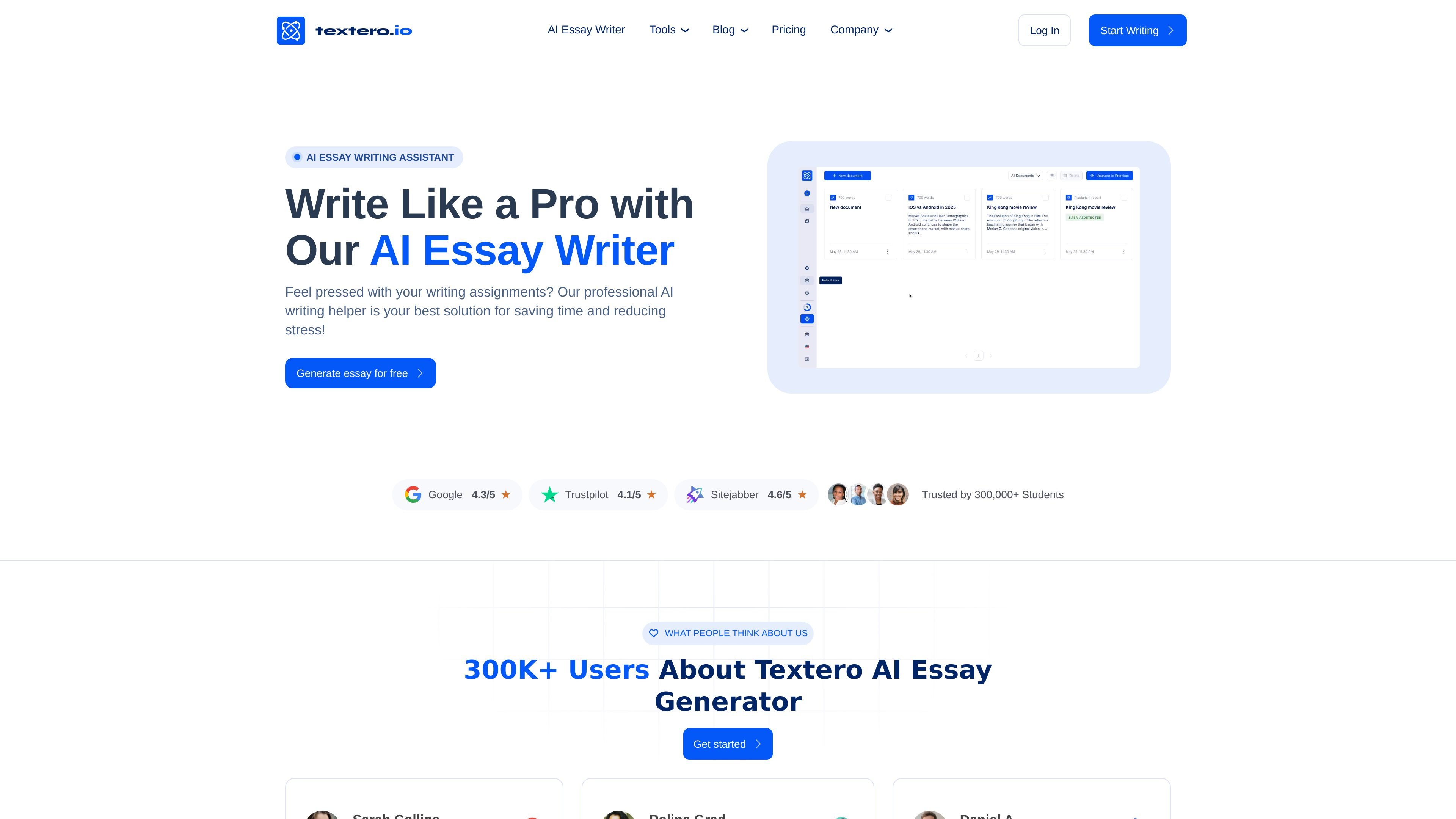
Textero is an AI essay writing assistant built for students, researchers, educators, and other people working with academic text. Its core job is to help users turn a topic or instructions into a structured draft with citations, while still leaving the final review and responsibility with the user.
The product emphasizes source-based writing rather than open-ended chat. According to the site, users can define the assignment, set the length and citation style, choose whether to use academic sources, and then review an AI-generated draft that may include an introduction, body paragraphs, and references. Textero also offers supporting tools for editing, summarizing, plagiarism checking, and AI detection, plus a Chrome extension for writing help across the browser.
Pricing information shows both a free tier and premium plans. The paid plans add unlimited AI credits, unlimited AI commands, and unlimited PDF uploads, while the free tier includes daily limits on credits and commands.
Textero generates structured academic drafts that can include an introduction, body paragraphs, citations, and references, giving users a starting point they can revise.
Users can set the paper length, citation style, and whether to use academic sources before generation, so the output better matches assignment requirements.
The product retrieves and analyzes research papers through Semantic Scholar to support arguments with academic context and formatted citations.
The website says users can upload files with instructions, and the pricing page lists unlimited PDF uploads for premium users.
Textero’s Chrome extension adds grammar checking, summarizing, AI detection, plagiarism checking, paraphrasing, citation help, and topic-finding features in the browser.
The pricing and extension pages describe additional AI tools such as rewriting, paraphrasing, extending text, and essay-grading-related workflows.
A student can enter an essay topic, choose the paper length and citation style, and get a structured draft to revise instead of starting from a blank page.
A researcher can use the source-based workflow to organize arguments, summarize relevant literature, and build a draft that includes citations and references.
An educator can use Textero as a way to prepare examples, outlines, or learning materials that demonstrate structure and academic writing patterns.
A writer can use the browser extension to check grammar, summarize long documents, paraphrase text, and identify AI or plagiarism issues while working online.
A premium user can upload documents to My Library and work from existing files, making it easier to bring instructions or source material into the drafting process.
Textero is designed as an AI writing assistant for academic work. The source describes it as helping users draft essays, refine arguments, review sources, and use supporting tools such as plagiarism and AI checks.
Textero’s workflow starts with a topic and instructions, then lets users set length, citation style, and whether to use academic sources. It generates a structured draft that users can review, edit, and finalize themselves.
The source says Textero uses real academic sources through Semantic Scholar and can generate properly formatted citations. It also states that users should verify sources and citations before submission.
Textero’s pricing page shows a free tier with daily AI credits and AI commands, plus premium plans with unlimited credits, unlimited AI commands, and unlimited PDF uploads.
The source presents Textero as a support tool rather than a replacement for independent writing. It is intended to help with structure, clarity, and research-backed drafting, while the final responsibility for accuracy and submission remains with the user.