
AI song generation
Generate complete songs from text prompts, with options for vocals, lyrics, and instrumental arrangements.

TemPolor is an AI music generator for royalty-free songs, instrumentals, and prompt-based music from video or reference audio, with licensing for creators.
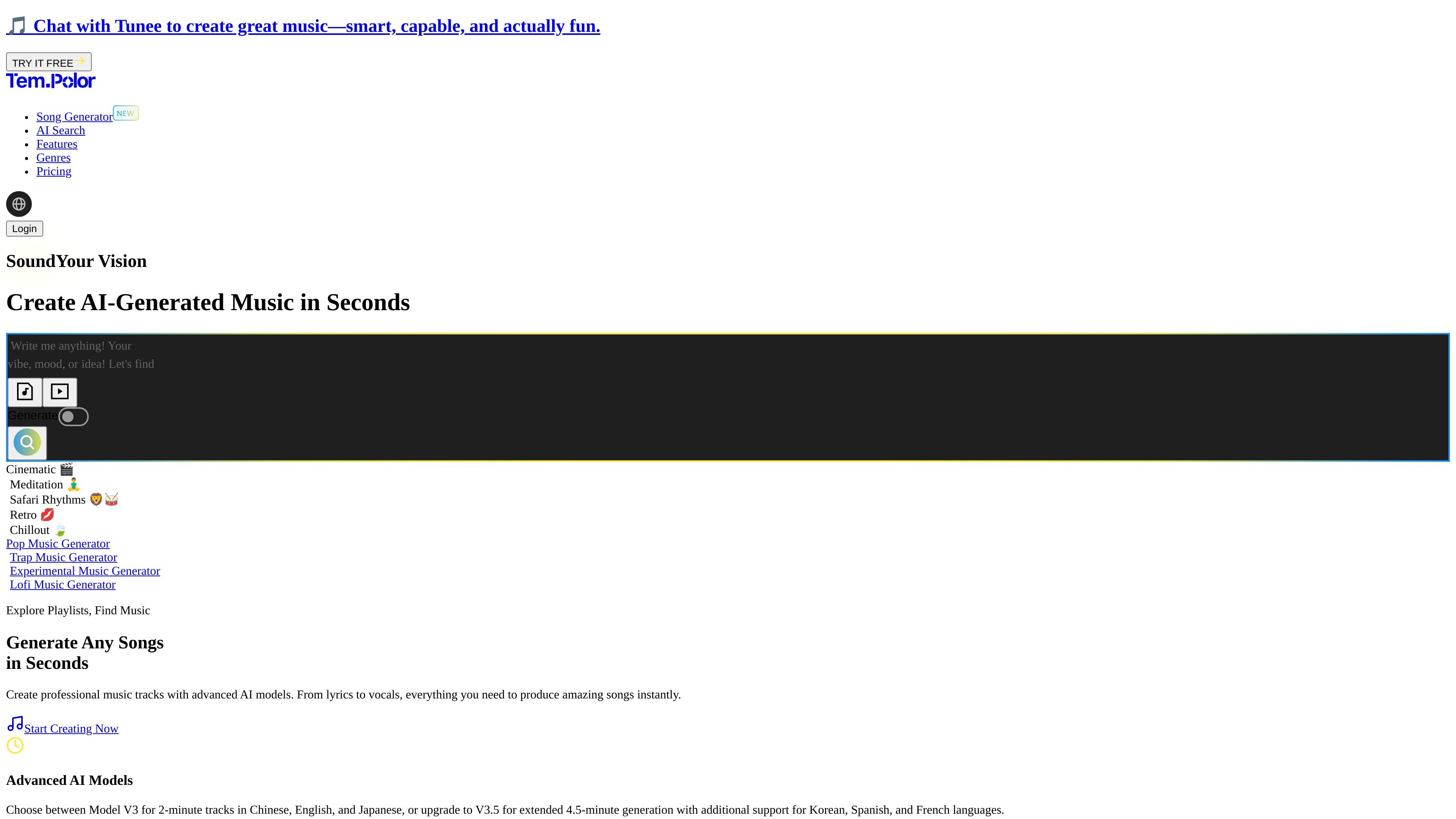
TemPolor is an AI music generator that creates royalty-free music, full songs with vocals, and instrumental tracks from prompts, video uploads, or reference audio. The site positions it as a tool for creators who want to produce music quickly without traditional music production steps.
The product combines generation and editing workflows in one place: users can write or generate lyrics, choose vocal styles, extend tracks, split stems, work from MIDI, and browse a library of AI-generated music. Pricing information shows subscription plans aimed at freelancers, professional creators, and agencies, with licensing and usage-rights materials provided for subscribers.
Generate complete songs from text prompts, with options for vocals, lyrics, and instrumental arrangements.
Create tracks in different language and model combinations, including Model V3 for 2-minute tracks and V3.5 for extended 4.5-minute generation.
Write lyrics automatically or supply your own, then refine the song around the chosen structure and style.
Generate music from uploaded video, then analyze mood, rhythm, and atmosphere to create a matching soundtrack.
Upload reference audio and generate new versions with varying similarity levels while keeping the result original and copyright-free according to the site.
Work with adjacent tools such as music extension, voice cloning, stem splitting, MIDI input, and a prompt library for styles and genres.
Generate complete songs with vocals and lyrics for a piece that needs a finished musical result rather than a beat or background bed.
Build instrumental tracks for videos, presentations, or other content that needs music without vocals.
Upload a video and have the system analyze it to produce background music that matches the mood and pacing of the footage.
Use a reference track as a starting point when you want a new version with similar character but an original output.
Assemble a track from lyrics, voice styles, stem splitting, MIDI, and track extension tools when you need more control over arrangement and refinement.
TemPolor is an AI music generator for creating royalty-free tracks, songs with vocals, and instrumental music. It also includes music editing tools such as lyrics generation, music extension, voice cloning, stem splitting, MIDI-related workflows, and music scoring from video or reference audio.
The source presents TemPolor as useful for creators making music for videos, ads, podcasts, presentations, social posts, and YouTube content. It also highlights workflows for matching music to uploaded video or recreating a sound from reference audio.
The pricing page says the Lite Plan is suited to freelancers, individual creators, or small projects, the Pro Plan is designed for professional creators handling larger projects, and the Ultra Plan is intended for agencies or high-volume creators.
TemPolor says registered YouTube videos remain claim-free after cancellation, but future uploads are not automatically cleared unless membership is reactivated. Tracks downloaded during a subscription remain yours to keep, though the site says you cannot use them in new projects after expiry.
The site says subscribers can download a usage-rights certificate from the Downloads or Create pages. It also states that users should email support within 7 days of payment to request a refund, with additional refund rules depending on monthly or annual billing.