
Group-based bill splitting
Create a group, share a link, add expenses, and see who owes who without manual calculations.

SplitMyExpenses is a shared-expenses app for friends, roommates, couples, and trip groups. Split bills, track balances, import expenses, and settle up.
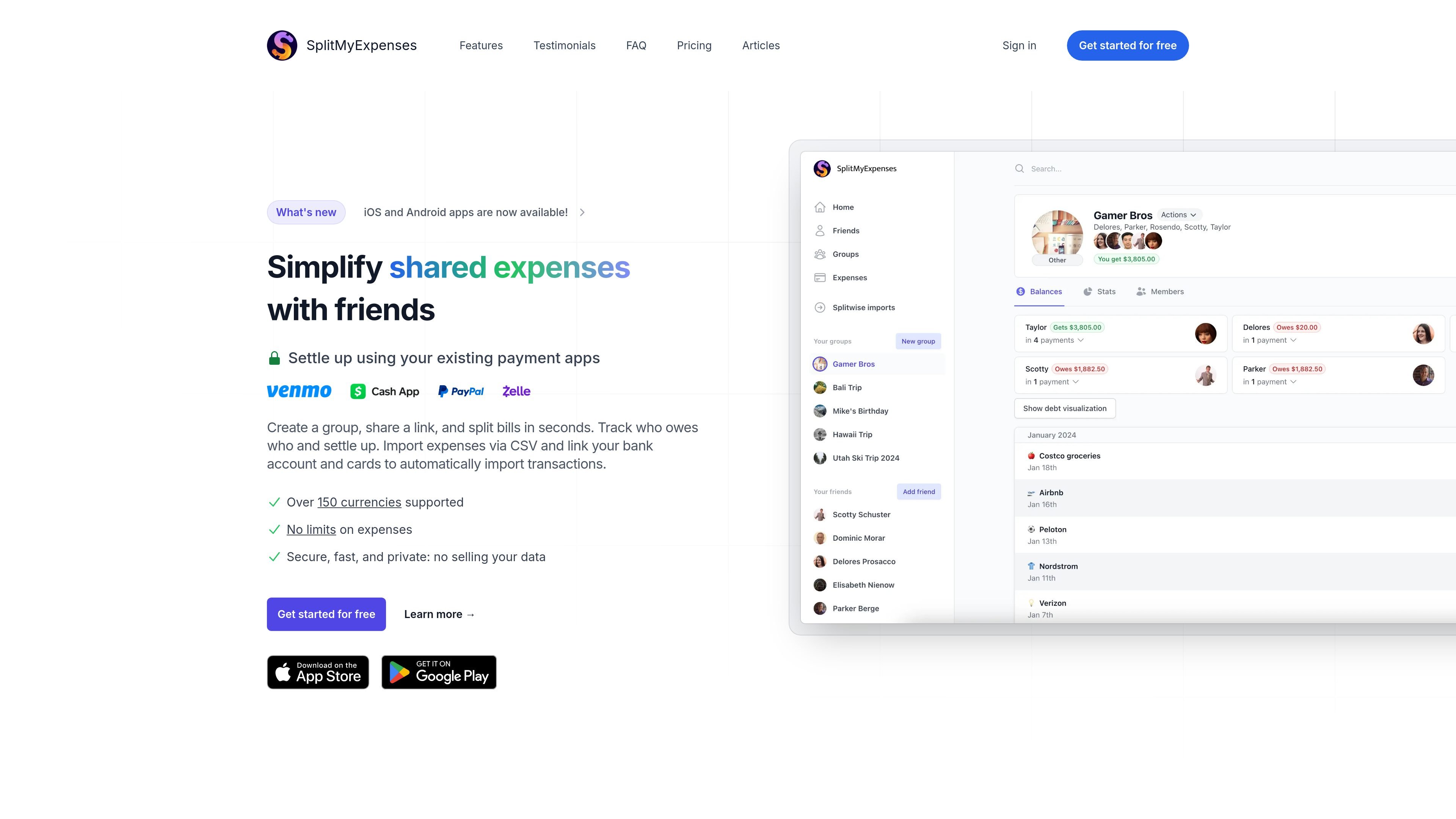
SplitMyExpenses is a shared-expenses app for friends, roommates, couples, and trip groups who need to split bills, track balances, and settle up. The product centers on a simple workflow: create a group, share an invite link, add expenses, and see who owes what.
The site describes support for receipt itemization, daily bank and card imports, multiple split types, payment-app settlement, and multi-currency handling. It also says the core bill-splitting workflow stays free, with paid premium features that speed up import and AI-assisted tasks.
Create a group, share a link, add expenses, and see who owes who without manual calculations.
Split expenses equally, by amount, percentage, shares, adjustments, manual input, or itemization depending on the bill.
Upload a receipt photo and let the app itemize line items automatically so you can split by item, including multi-currency receipts.
Link bank accounts and credit cards for daily auto-imports, or upload expenses from CSV, Excel, or TXT files.
Settle up through supported payment apps and use payment-app data to invite friends with profile photo and name.
Track balances with charts, filters, activity history, and debt minimization logic that reduces the number of payments needed to settle a group.
Create a shared group for a trip or household, add bills as they happen, and keep track of balances in one place.
Import transactions from a bank or card, then clean up, edit, and categorize them after import.
Scan a receipt, let the app extract line items, and split the bill by item when different people owe different amounts.
Settle balances through supported payment apps after the app minimizes the number of payments needed within the group.
Use the mobile apps when you want the same expense, group, and receipt workflows on iPhone, iPad, Android, or Mac via iPad app support.
You can create a group, share the unique invite link, and friends can register to start using it right away.
Yes. The FAQ says you can link your bank account and credit card securely, or import expenses through CSV, Excel, or TXT files.
The core bill-splitting and settling-up workflow is stated to stay free forever, while premium features are available on a paid plan.
Supported payment apps listed on the site include Venmo, PayPal, Cash App, and Zelle, and the mobile app announcement also mentions UPI support.
The site says you can delete your account at any time, and it emphasizes that users own their data.