
Dictation into any text field
SpeechPulse supports real-time speech recognition and can type into text inputs across editors, browsers, and office apps.

SpeechPulse is a speech recognition and translation app for Windows and macOS with live dictation, offline transcription, multilingual input, and subtitle generation.
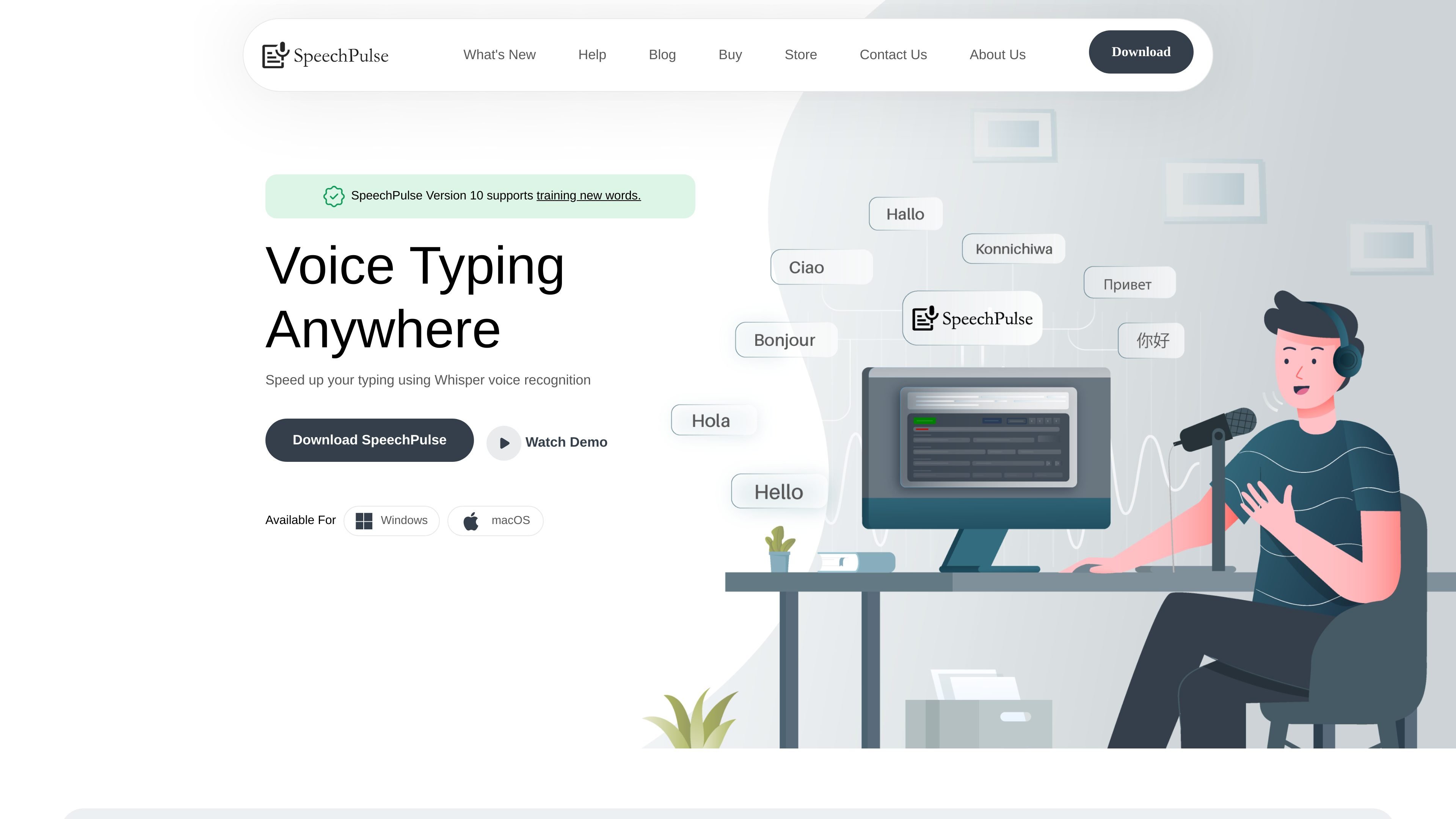
SpeechPulse is a speech recognition and translation app for dictation on Windows and macOS. It is designed to put speech into any text input area, including text editors, web browsers, and office applications, while also supporting file-based transcription and subtitle generation.
The product combines live dictation features such as real-time recognition, push-to-talk hotkeys, and automatic speech input with offline processing for privacy-sensitive use cases. It also adds multilingual support, English translation, and AI-assisted text cleanup for grammar, spelling, summarization, and formatting.
SpeechPulse supports real-time speech recognition and can type into text inputs across editors, browsers, and office apps.
The app supports offline speech recognition so voice data stays on the local machine, which is useful for privacy-sensitive work.
SpeechPulse supports transcription in 99 languages and includes English translation support.
Users can choose automatic punctuation or manually dictate punctuation marks in supported modes.
SpeechPulse can transcribe audio files, apply speaker diarization, and generate subtitles with accurate timestamps in SRT or VTT.
The app supports AI templates and LLM APIs for grammar correction, spelling, summarization, and formatting output for notes or email.
Use SpeechPulse to dictate directly into documents, emails, browser forms, or office apps when you want speech to replace manual typing.
Use the offline speech recognition mode when you need voice data to stay on the device for privacy-sensitive notes, drafts, or internal work.
Use the audio file mode to turn recordings into text, identify speakers with diarization, and export subtitle files for media workflows.
Use multilingual transcription and English translation when you work across languages or need a transcript you can revise in a single output language.
Use AI templates and LLM APIs to clean up dictated text by fixing punctuation, grammar, spelling, or formatting for emails and notes.
SpeechPulse can type into text editors, web browsers, office applications, and other text input areas. The site also notes support for real-time speech recognition, push-to-talk hotkeys, and automatic speech input.
The download page states that SpeechPulse offers a 30-day free trial. The site also references a one-time price in a testimonial, but no pricing page is currently available because the pricing URL returns 404.
SpeechPulse supports transcription in 99 languages and lists many supported languages on its languages page. The site also says it supports English translation.
Yes. SpeechPulse can transcribe audio files, supports speaker diarization, and can generate subtitles with timestamps in SRT and VTT formats.
The download page says SpeechPulse runs on Windows 10/11 64-bit and macOS on Apple silicon. It also notes that Intel Macs are not supported.