
Smart Inbox
Separates priority email from non-priority email so important messages are easier to spot.

Spark Mail is a cross-platform email client for prioritizing important mail, managing multiple accounts, and collaborating with teams with AI-assisted search, summaries, drafting, and translation.
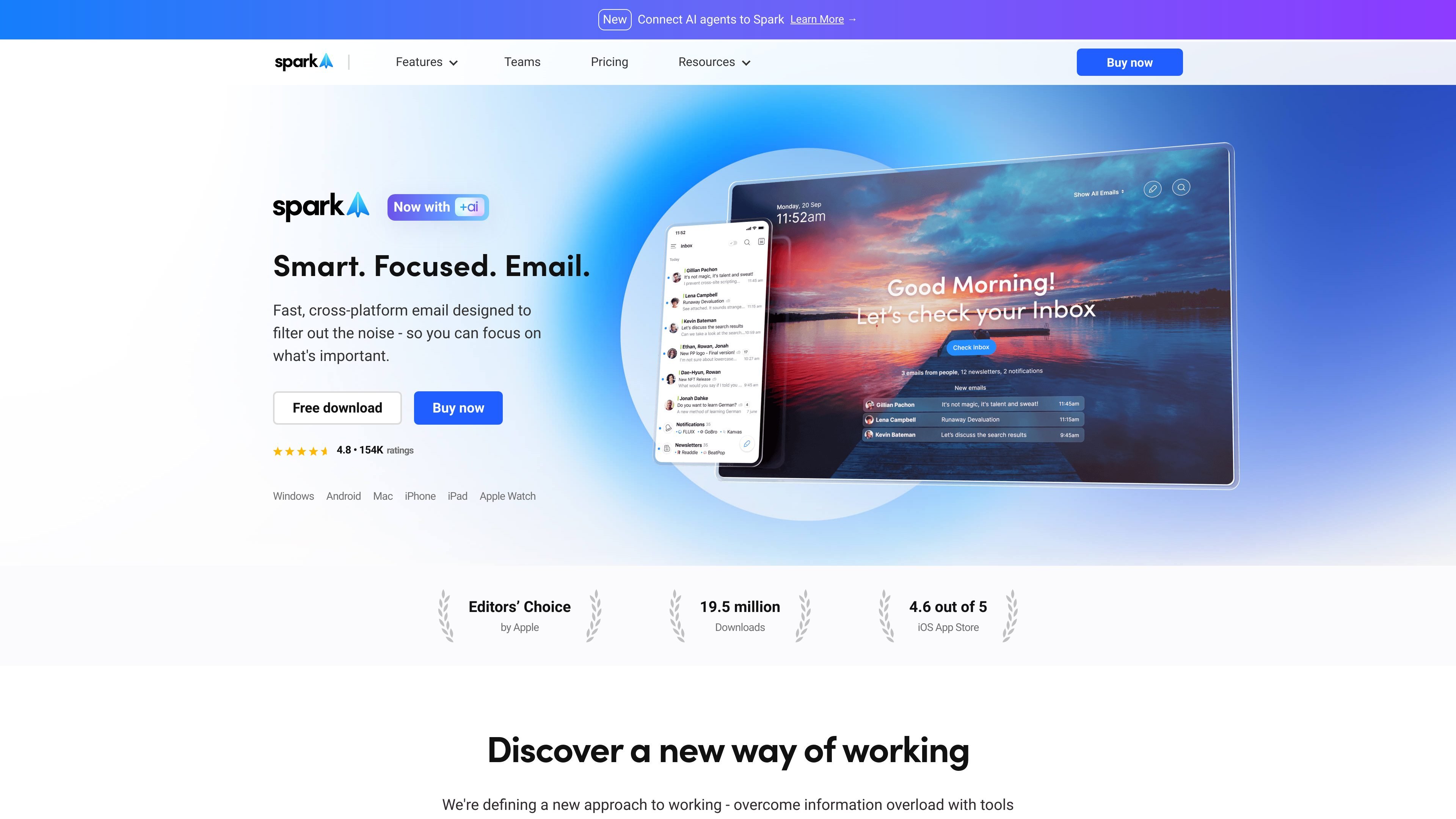
Spark is a cross-platform email client designed to help people sort important messages from routine mail and keep their inbox organized. The product centers on a Smart Inbox, unified multi-account access, and tools for delaying, grouping, or archiving messages so users can work through email with less distraction.
The site also positions Spark as a collaboration tool for teams. Shared inboxes, shared drafts, private comments, assignments, and templates help colleagues coordinate around email, while +AI features add search, summaries, translation, writing help, and action-taking across emails, attachments, calendar items, and meeting notes.
Separates priority email from non-priority email so important messages are easier to spot.
Combines multiple accounts into a single inbox for easier handling across providers.
Groups newsletters and notifications into separate folders to reduce inbox noise.
Lets you group, pin, block, mute, set aside, snooze, and send later to shape how email moves through your day.
Supports team workflows with shared inboxes, shared drafts, assignments, comments, and shared templates.
Adds AI tools for summarizing, drafting, translating, proofreading, and taking actions on inbox content.
Use Spark to separate priority mail from newsletters, notifications, and lower-value messages before you start responding.
Use shared inboxes, shared drafts, comments, and assignments when multiple people need to coordinate around the same email thread or address.
Use reminders, set aside, snooze, and send later to defer messages until the right time without losing track of them.
Use +AI to summarize long threads, find details in attachments or meeting notes, draft replies, or translate messages when speed matters.
Use the cross-device inbox and calendar integrations to manage email and meetings from the same workflow across devices.
Spark offers a seven-day free trial for Plus and Pro when you subscribe directly in the app. The pricing page also says subscriptions can be purchased on the pricing page or directly in the app.
Yes. The pricing page says a Spark subscription unlocks paid features on all devices where you use Spark, including Windows, Mac, Android, and iOS.
Spark supports individual subscriptions and team management from the app. The pricing page includes steps for managing both personal and team subscriptions.
The AI Assistant creates a private local index of your emails and meeting notes on your device. Spark says only the emails most related to your query are sent to its trusted AI provider to generate a response.