
Spaces to MP3
Download live or recorded Twitter/X Spaces as MP3 for offline listening.

SpacesDown lets you download, record, convert, and organize Twitter/X Spaces with search, library, and AI tools for live and recorded Spaces.
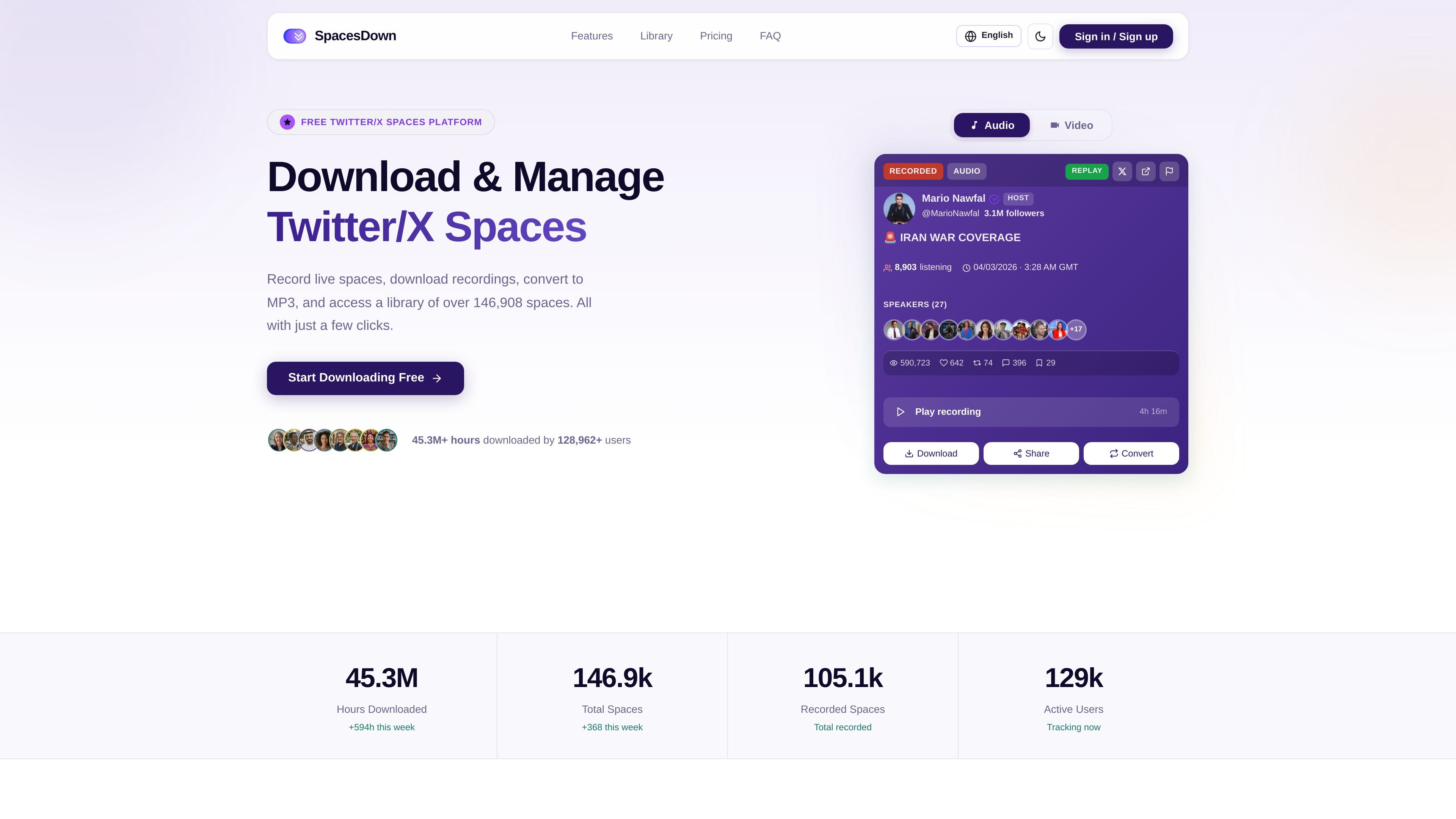
SpacesDown is a web platform for downloading, recording, converting, and organizing Twitter/X Spaces. It centers on a paste-a-URL workflow: users copy a Space link from X, submit it to the download bar, and get access to the recording in their library.
The site also positions the product as a broader Spaces management tool rather than a single-purpose downloader. Alongside MP3 downloads, it advertises live space recording, search and discovery, automatic downloads from followed hosts, AI transcription and summaries, and tools for handling audio and video Spaces.
Download live or recorded Twitter/X Spaces as MP3 for offline listening.
Record live spaces automatically so they can be saved after they end.
Browse, search, and filter a library of Spaces for later access and discovery.
Schedule downloads for followed hosts and capture recordings without manual steps.
Discover Spaces by topic, keyword, or host using the built-in search tools.
Create transcripts, summaries, highlights, and chat with Space content using AI tools.
A listener can paste a Space link and save the recording for offline listening without having to navigate a separate capture process.
A host or follower can automatically record live Spaces they care about, which reduces the chance of missing a session after it ends.
A user who follows specific speakers can schedule downloads and use the library and search tools to keep recordings organized.
A researcher or note-taker can generate transcripts, summaries, and key topics from Space content to review it faster.
A creator working with audio or video material can convert a Space into other audio formats or use the video tools when the source includes video.
Yes. The site says SpacesDown offers a free tier with up to 5 downloads per day, MP3 conversion, and basic search. It also offers paid plans for higher limits and additional features.
You paste a Twitter/X Spaces URL into the download bar and click Download. The site says the space is processed and added to your library within seconds.
Yes. The homepage says both live and recorded (replay) Spaces are supported, and the FAQ says live spaces can be recorded automatically on the Starter plan and above.
The site says SpacesDown supports MP3, WAV, and FLAC. The free tier includes MP3, while paid plans unlock additional formats.
The FAQ says AI features include transcription, summaries, key topic extraction, and an AI chatbot, and that they are available on Pro plans and above.